
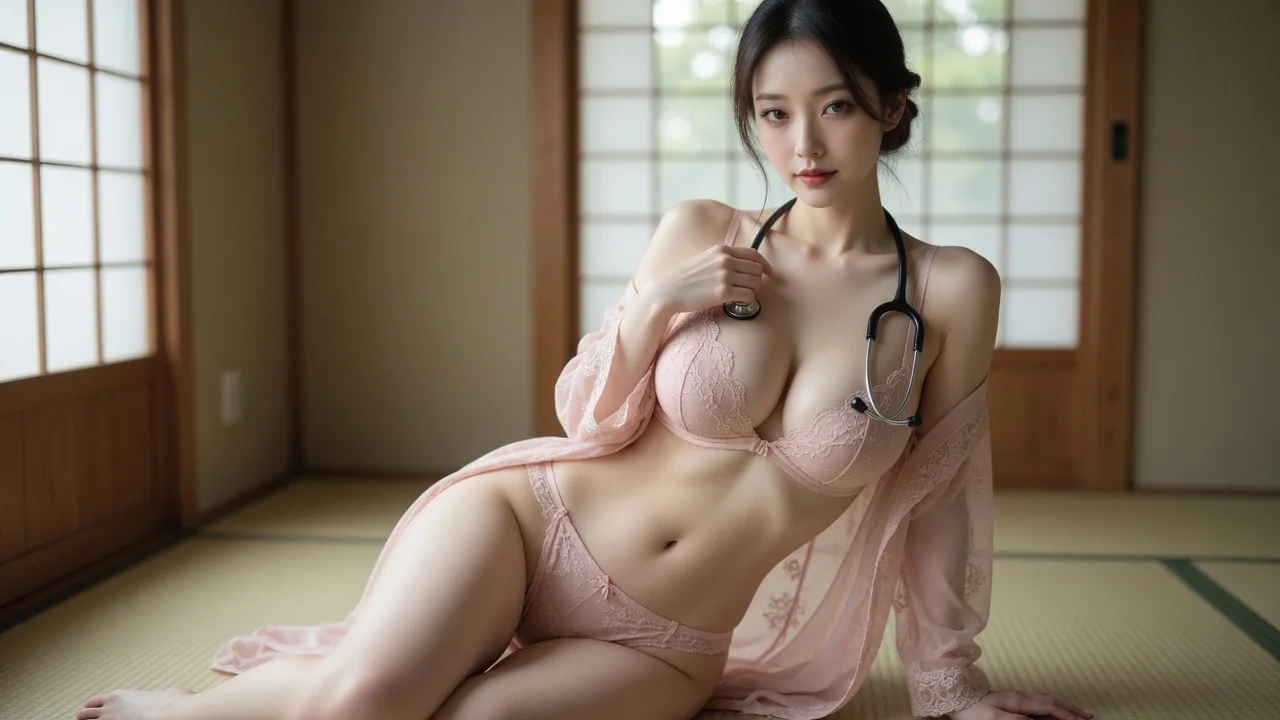
Identity stays the reference
Face, hairstyle, skin tone, proportions and pose guide the result while clothing is reduced. Generated details can vary, so review the preview before use.
Upload a photo or pick a LumiChat-owned original IP character, then peel one clothing layer, strip to underwear, or go fully nude — while face, hair and body stay the reference.
Pick your subjects, choose image or video, and generate.
Before / After
Pick your subjects on the left, then generate to see the before and after side by side.
Better photos, better results
What it is
An AI clothes remover reduces clothing on one adult subject by intensity while using the original face, hairstyle, body proportions and pose as reference constraints. On LumiChat you pick one subject — no outfit reference — and choose Partial, Lingerie, or Full.
Instead of starting from a new anonymous upload each time, choose a LumiChat-owned fictional character with a profile and generation-ready reference art, then reuse that identity across AI Studio. Generated content is licensed for personal use; commercial use can be separately authorized in writing.
Read IP and usage rights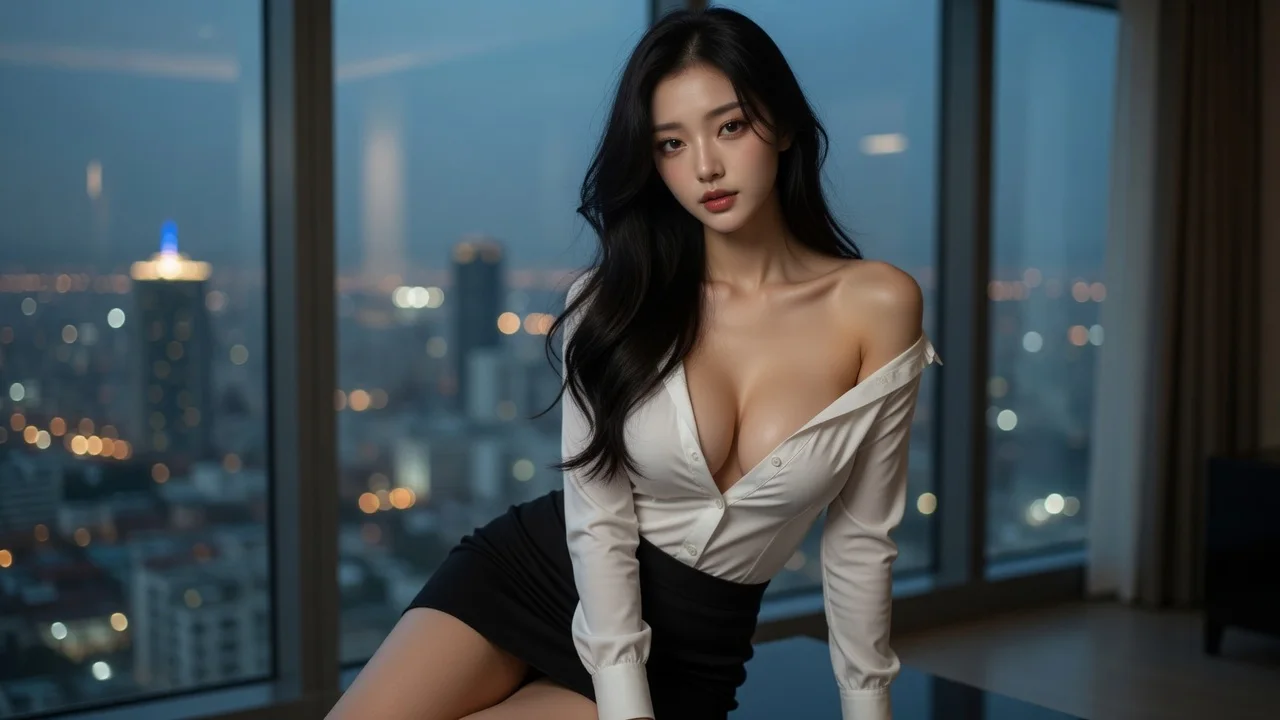
A LumiChat character or your own photo. Unlike hug and kiss, this template needs only one person — no outfit reference slot.
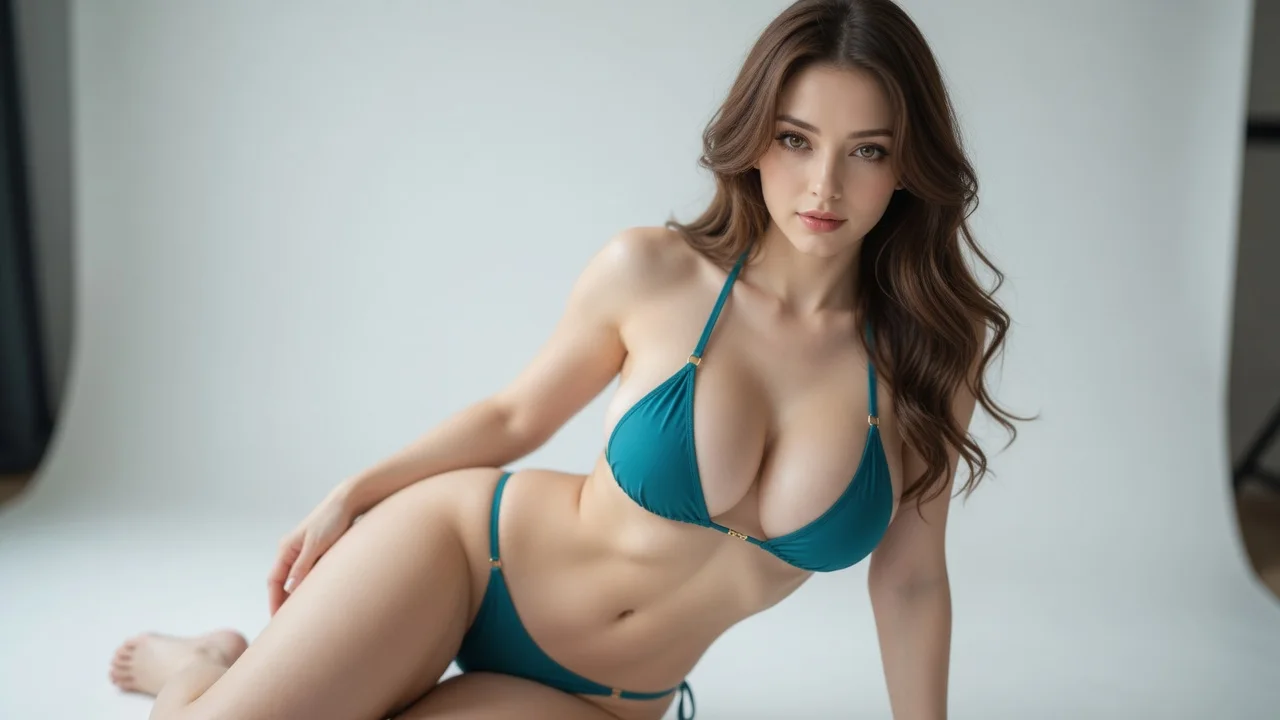
Partial peels exactly one layer from whatever they already wear (coat→inner clothes, tee→underwear, bikini or lingerie→keep the final covering layer). Lingerie keeps underwear only (default). Full is always fully nude. Public demos stay at swimwear-safe looks.
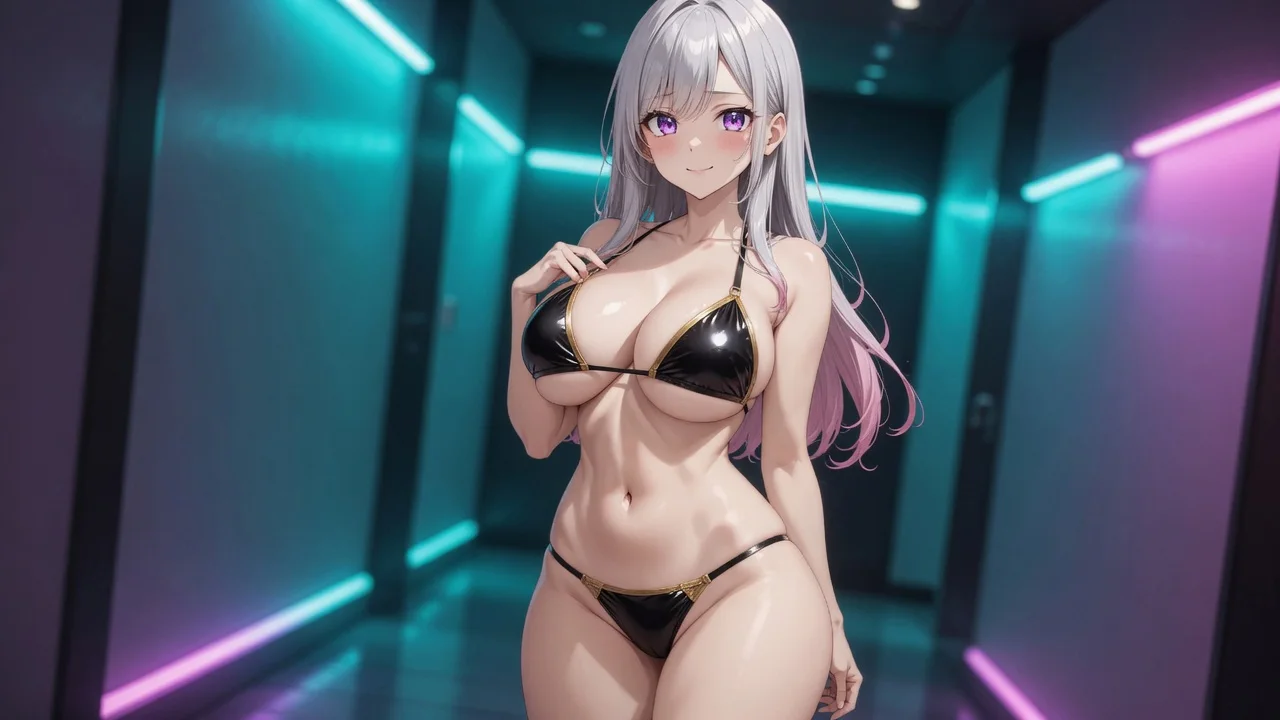
Image returns the target result. Video animates that result image with subtle breathing, a small pose shift, or gentle camera movement. Review the preview before downloading.
Choose one subject and an intensity setting to create an image; video continues from the generated result frame.
Face, hairstyle, skin tone, proportions and pose guide the result while clothing is reduced. Generated details can vary, so review the preview before use.
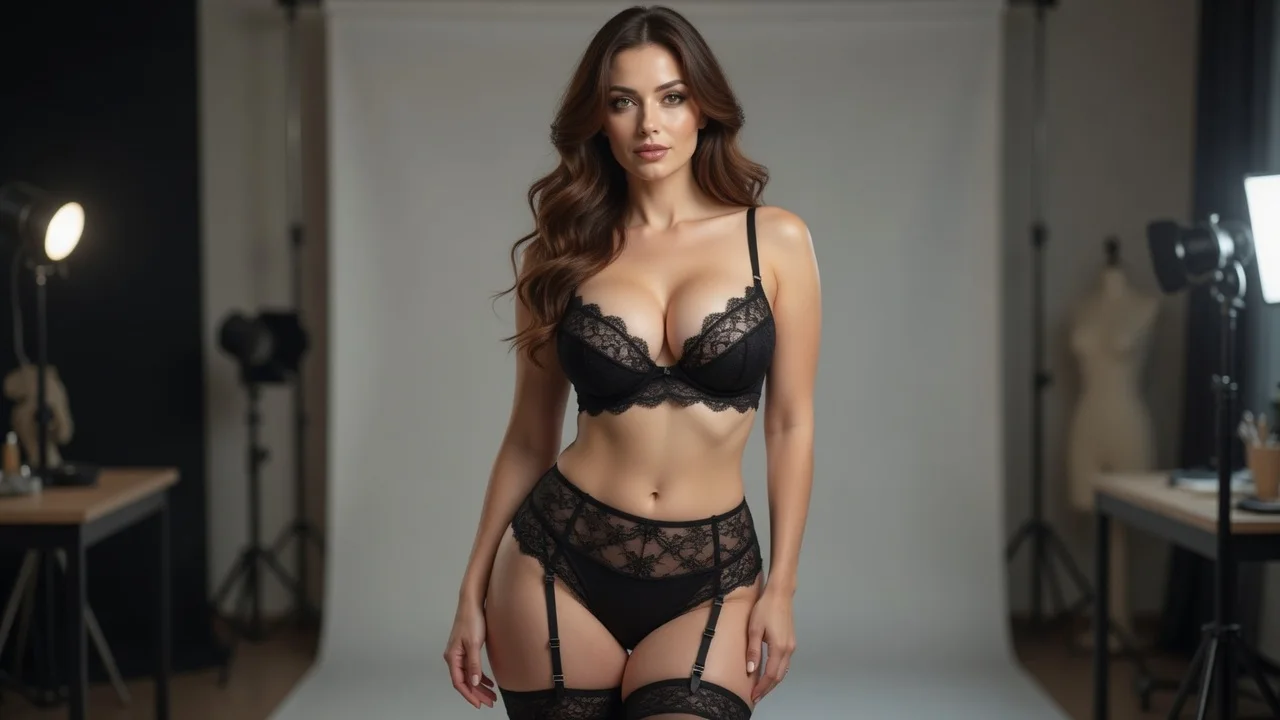
Partial peels one layer from the current outfit (outerwear→inner clothes, everyday clothes→underwear, bikini or lingerie→keep the final covering layer). Lingerie stops at underwear. Full is always nude. Default is the middle tier.
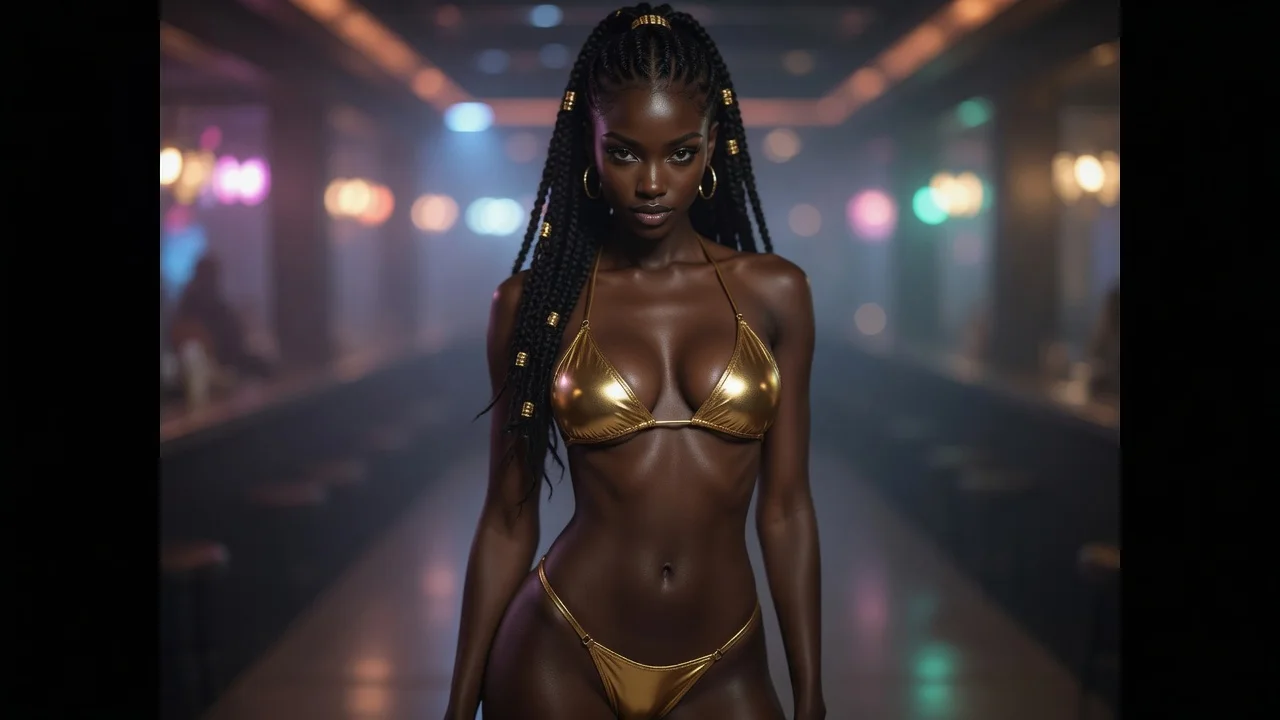
Still frames land on the target look. Video uses that generated result as its first frame and adds subtle natural motion without changing the clothing level.
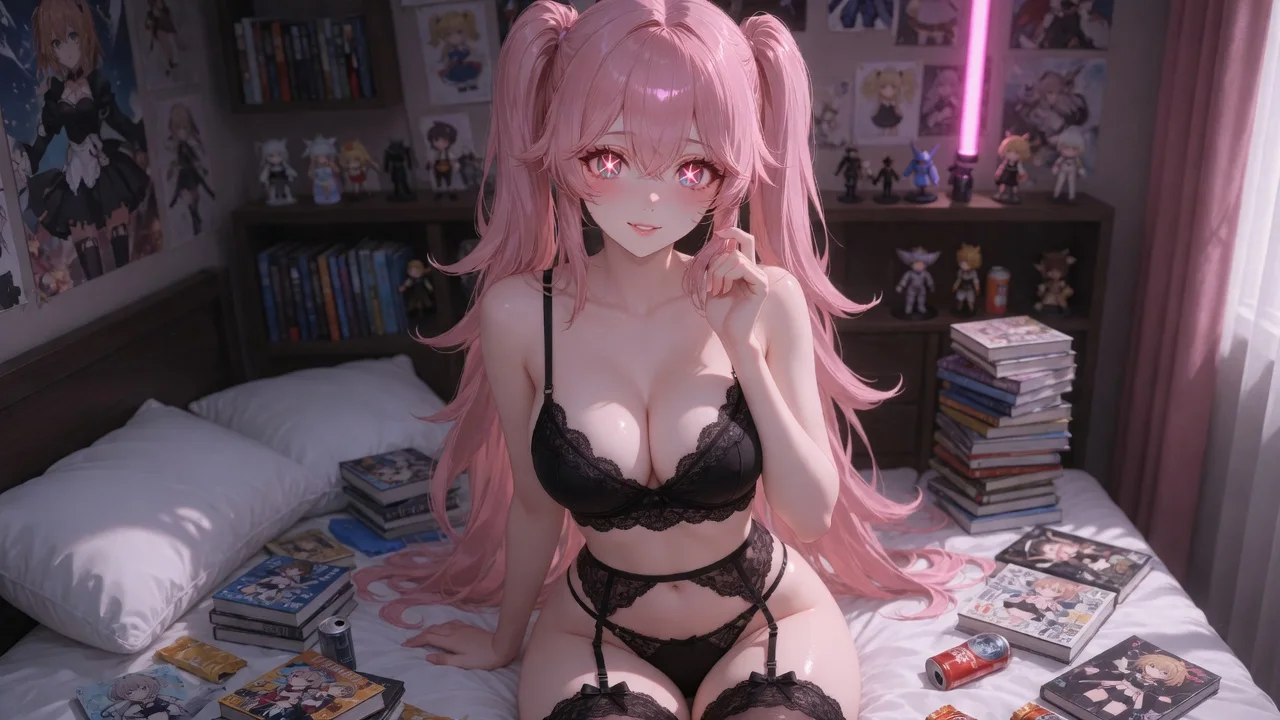
Character subjects and uploaded photos can both use every intensity tier. Credits are reserved on start and settled when the file is ready.
Use intensity to control how far clothing is removed. Public marketing examples stay at swimwear-safe looks; the Full tier is available inside the signed-in generator.
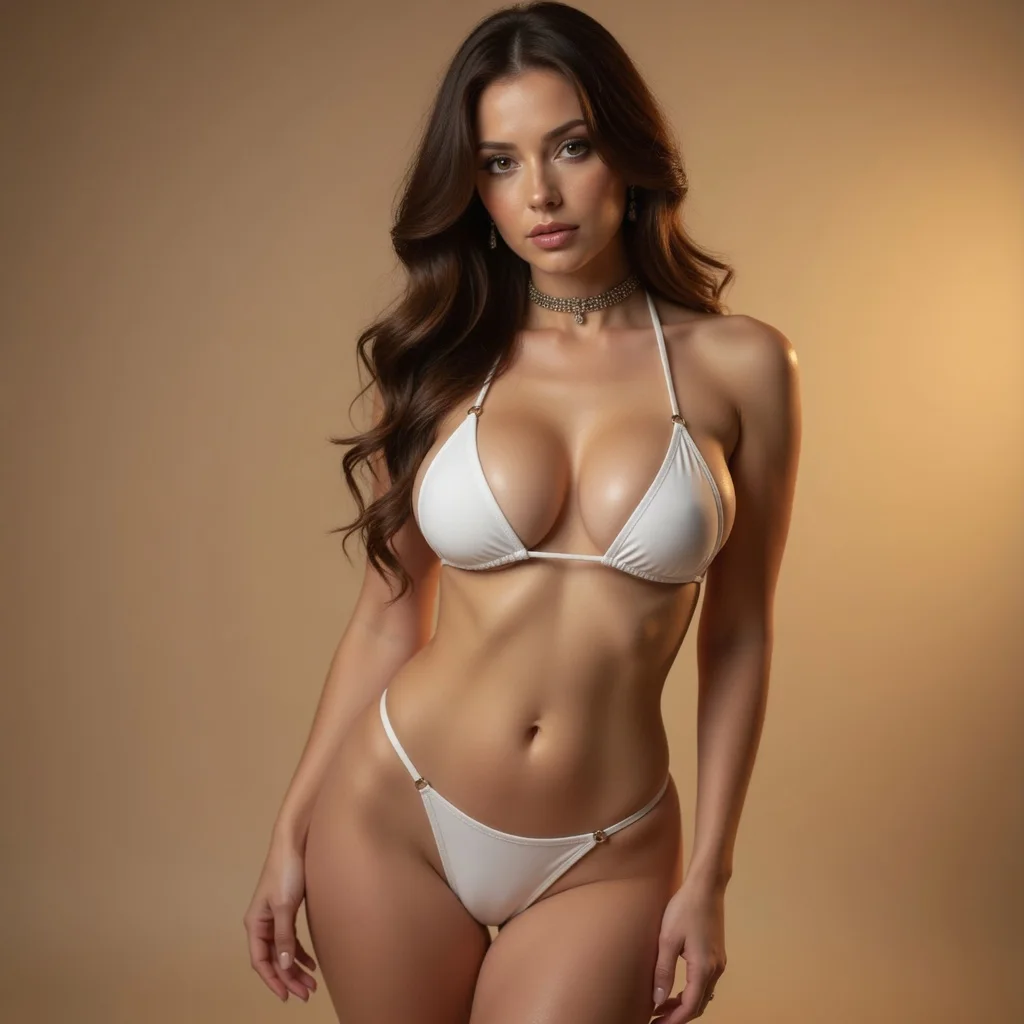
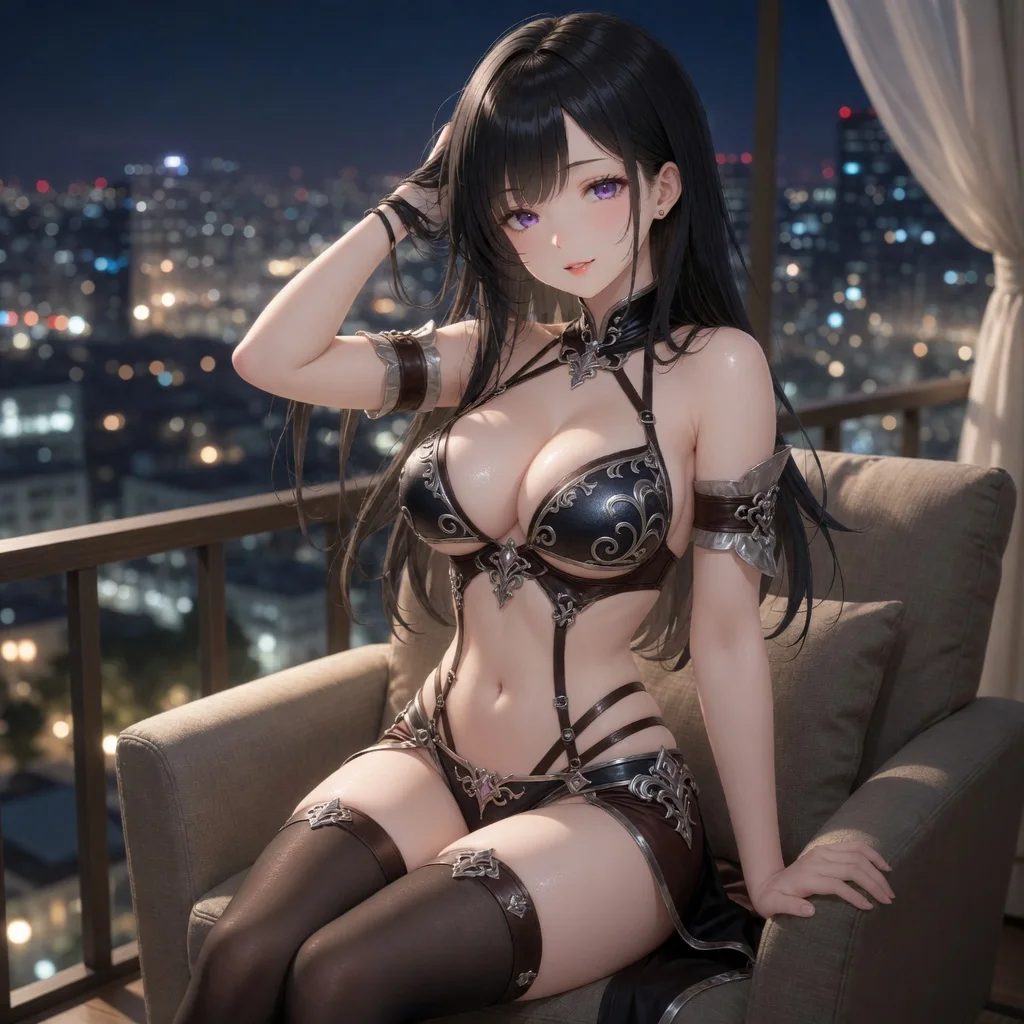
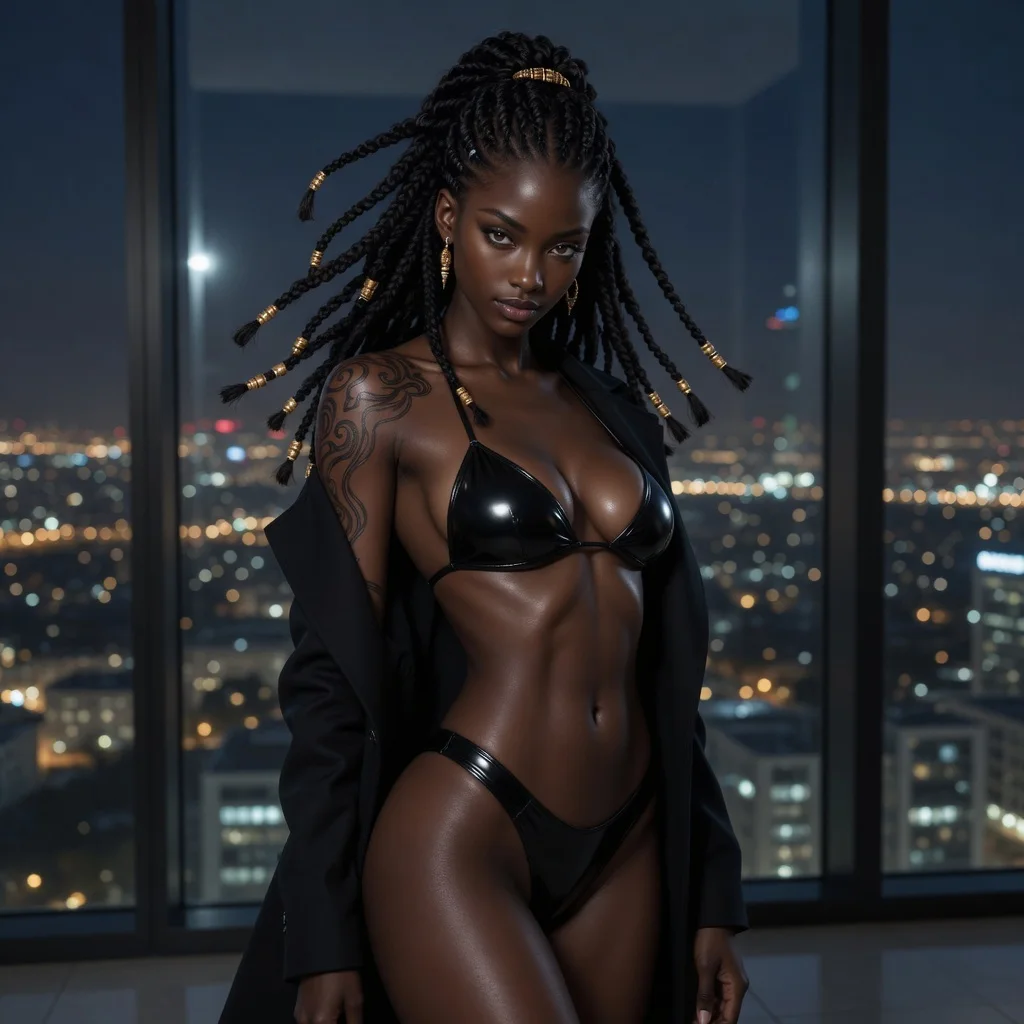
Turn two people into a hug image or short video
Create a couple, wedding, or anniversary kiss scene
Replace facial identity while using the target scene as reference
Design a new look or virtually try on a reference outfit
Adjust clothing on one subject with the selected setting
| AI tool | Best for | Materials needed | Output | Action |
|---|---|---|---|---|
| AI Hug Generator | Turn two people into a hug image or short video | 2 subject photos or characters | Image · Video | Make a hug video |
| AI Kiss Generator | Create a couple, wedding, or anniversary kiss scene | 2 subject photos or characters | Image · Video | Generate a kiss video |
| AI Face Swap | Replace facial identity while using the target scene as reference | Target photo + source face | Image · Video | Start AI face swap |
| AI Clothes Changer | Design a new look or virtually try on a reference outfit | 1 subject + optional outfit image | Image · Video | Start AI clothes changer |
| AI Clothes Remover | Adjust clothing on one subject with the selected setting | 1 subject photo or character | Image · Video | Start clothes remover |
Clothes changer swaps or restyles outfits and can take an outfit reference image. Clothes remover has no outfit slot — it reduces clothing by intensity: Partial (peel one layer from the current outfit — coat to inner clothes, tee to underwear, bikini or lingerie keeps the final covering layer), Lingerie (underwear only, default), or Full (always fully nude).
Partial peels exactly one clothing layer from whatever they already wear: outerwear over clothes ends in the inner everyday look; everyday clothes over underwear ends in lingerie; bikini or lingerie alone keeps the final covering layer. Lingerie always stops at underwear only. Full always removes everything. The generator defaults to Lingerie.
Yes. Uploaded photos and LumiChat characters can both use every intensity tier. Generation requires a signed-in account so results stay tied to your credits.
Yes, generation requires a signed-in account so results can be tied to your credit balance and retrieved later.
The displayed fixed price is reserved when generation starts and charged in full when the result is delivered. Failed generations release the reservation.
You can use the whole tool without signing in — pick characters, upload a photo, choose output and intensity. Sign-in is only asked for at the final step, when the generation actually runs, and new accounts start with credits so the first few results cost you nothing out of pocket.
There is no per-day cap on the number of generations. The only limit is your credit balance, and failed generations release their hold automatically so a failure never costs you credits.
You can use every intensity tier — including explicit — with LumiChat characters, uploaded photos, or a mix of both. Intensity is your choice for the scene, not a lock that depends on whether a slot is a character or a photo.
Upload a photo or pick a LumiChat-owned original IP character, then peel one clothing layer, strip to underwear, or go fully nude — while face, hair and body stay the reference.
Start generating