
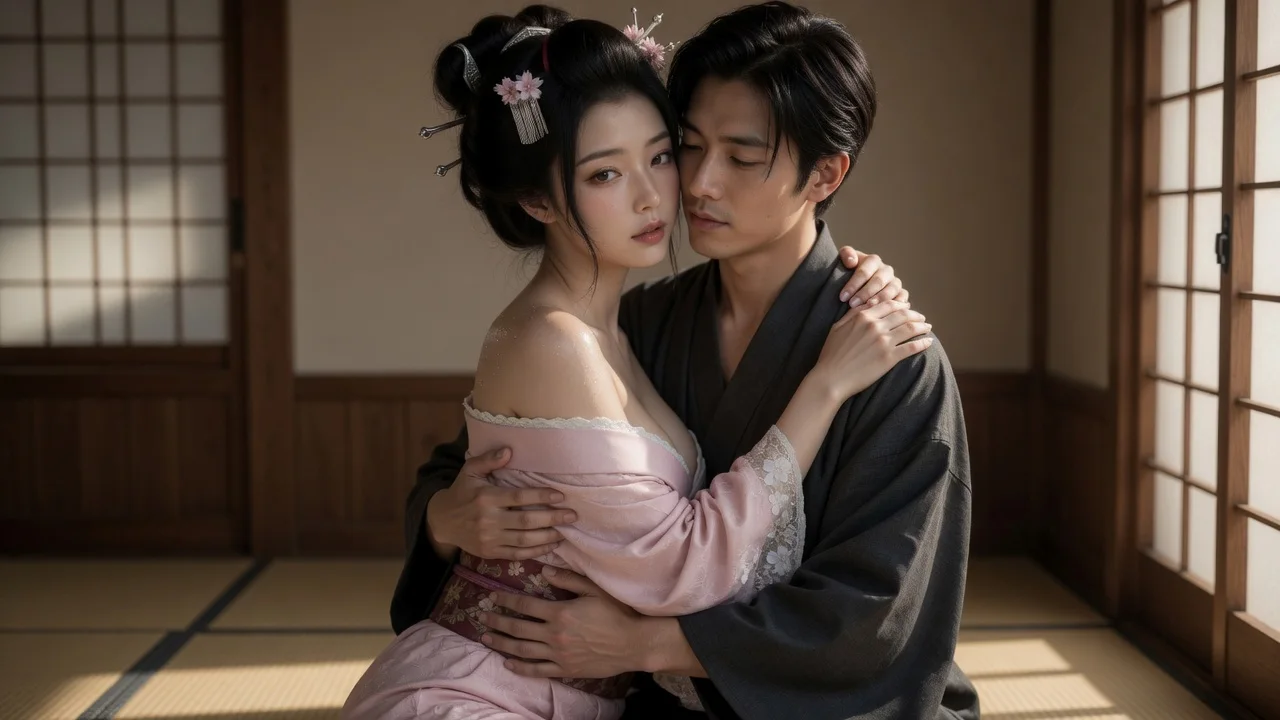
Two bodies that actually connect
Arms wrap, chests meet, one head rests on the other shoulder. The template fixes the contact points so you do not get two people standing near each other pretending to hug.
Use two photos or LumiChat-owned original IP characters to compose one embrace frame, then animate it into a 5-second AI hug video.
Pick your subjects, choose image or video, and generate.
First subject
Second subject
Before / After
Pick your subjects on the left, then generate to see the before and after side by side.
Better photos, better results
What it is
An AI hug generator turns two reference photos into a single embrace image, then can animate that approved frame into a one-shot, five-second hug video. LumiChat requires two subject slots: upload photos you own or have permission to use, or select original characters. The first frame uses each subject’s face, hair, skin tone, and body as guidance; the motion pass asks for a slow approach, arm wrap, breathing, and one gentle sway. Clear, front-facing photos with even lighting and visible shoulders and arms give the model better contact-point cues.
Instead of starting from a new anonymous upload each time, choose a LumiChat-owned fictional character with a profile and generation-ready reference art, then reuse that identity across AI Studio. Generated content is licensed for personal use; commercial use can be separately authorized in writing.
Read IP and usage rights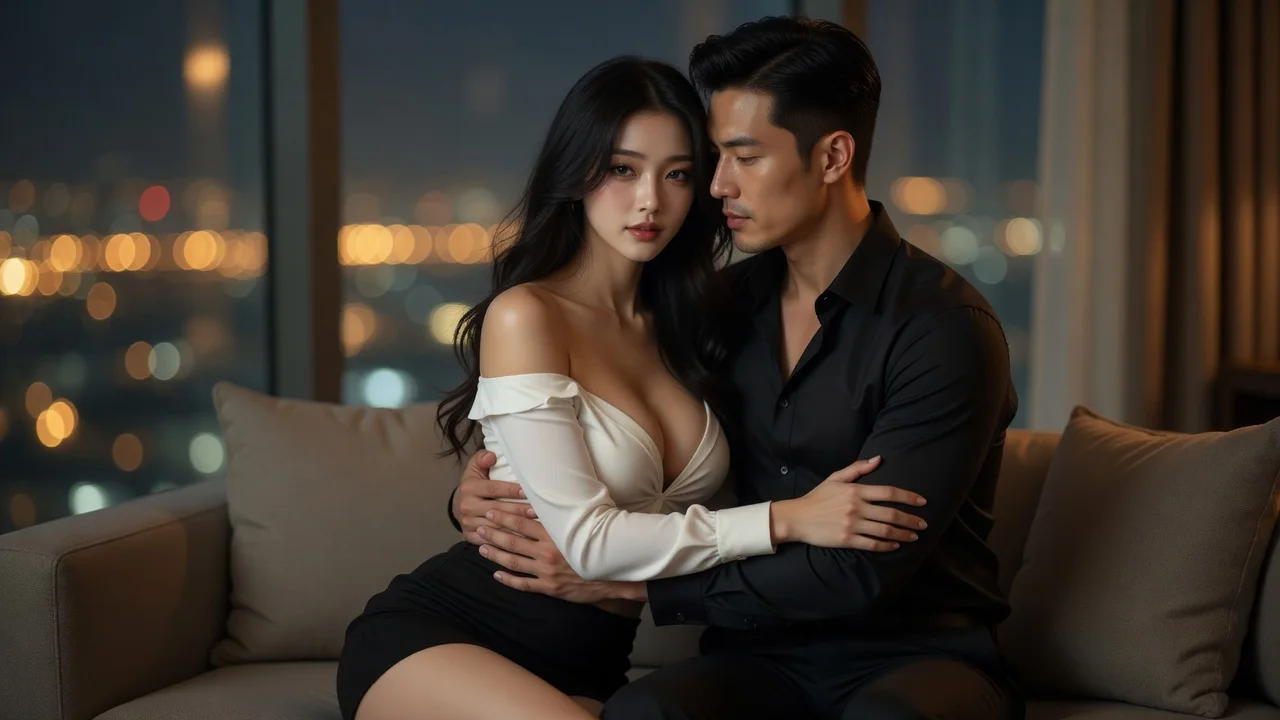
Choose a free LumiChat character or upload a photo in each slot. Both slots are required because an AI hug needs two subjects.
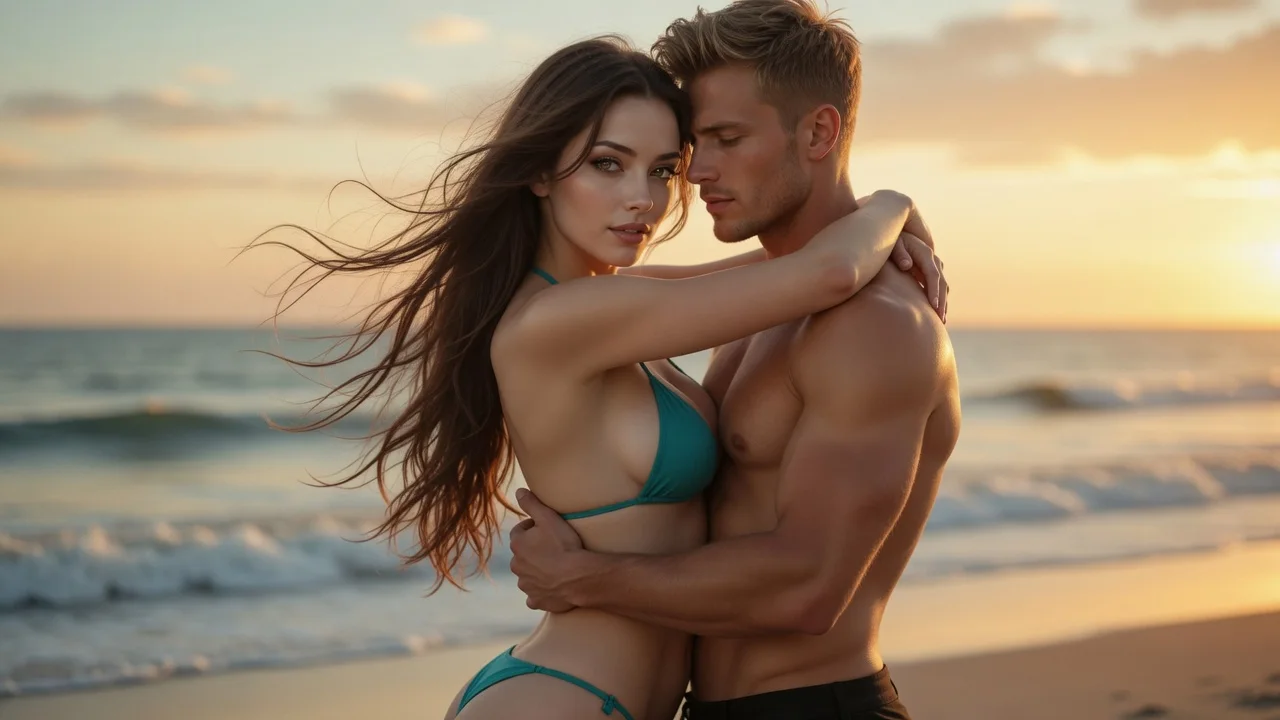
Image gives you the embrace frame. Video uses that image as its starting frame, so the approved composition guides the motion pass.
The embrace image is composed first. If you choose video, a separate motion pass follows; the generator shows the current status until the file is ready.
It composes both people into one embrace frame first, then turns that frame into a short hug video.
Arms wrap, chests meet, one head rests on the other shoulder. The template fixes the contact points so you do not get two people standing near each other pretending to hug.
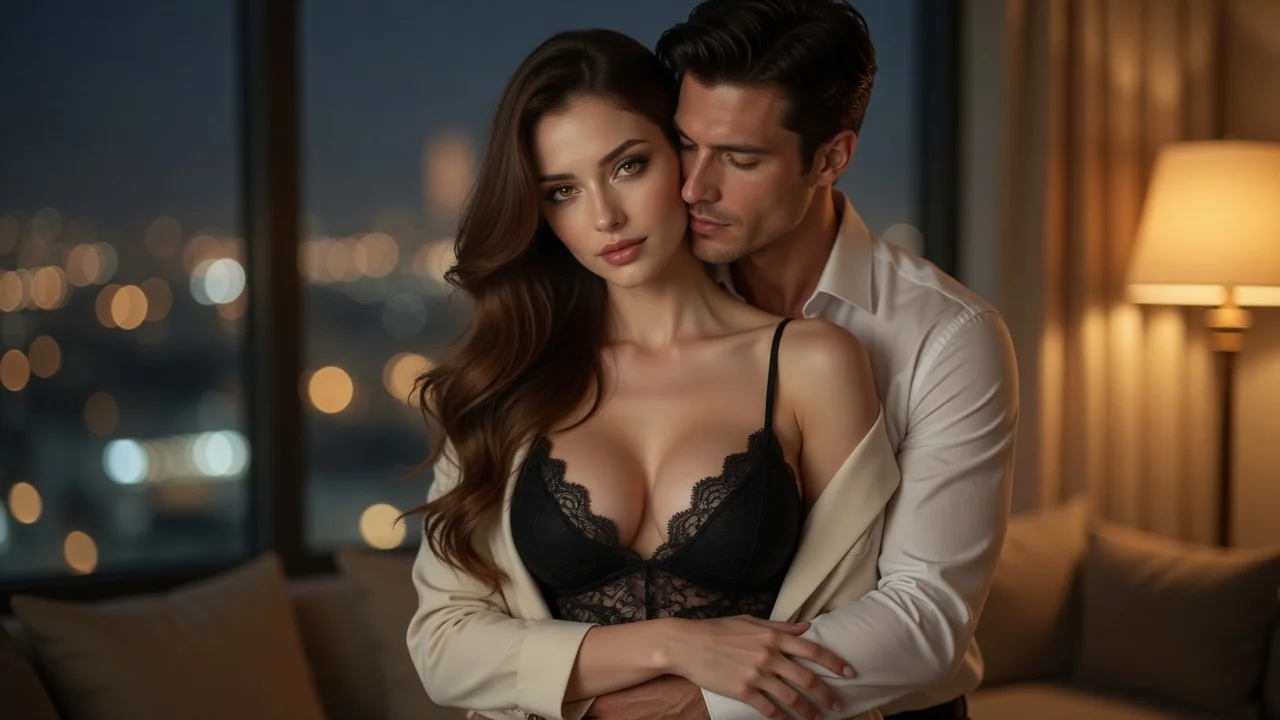
Soft rim light and a golden ambience are built into the prompt; this gives the composed subjects shared lighting instead of two visibly separate treatments.
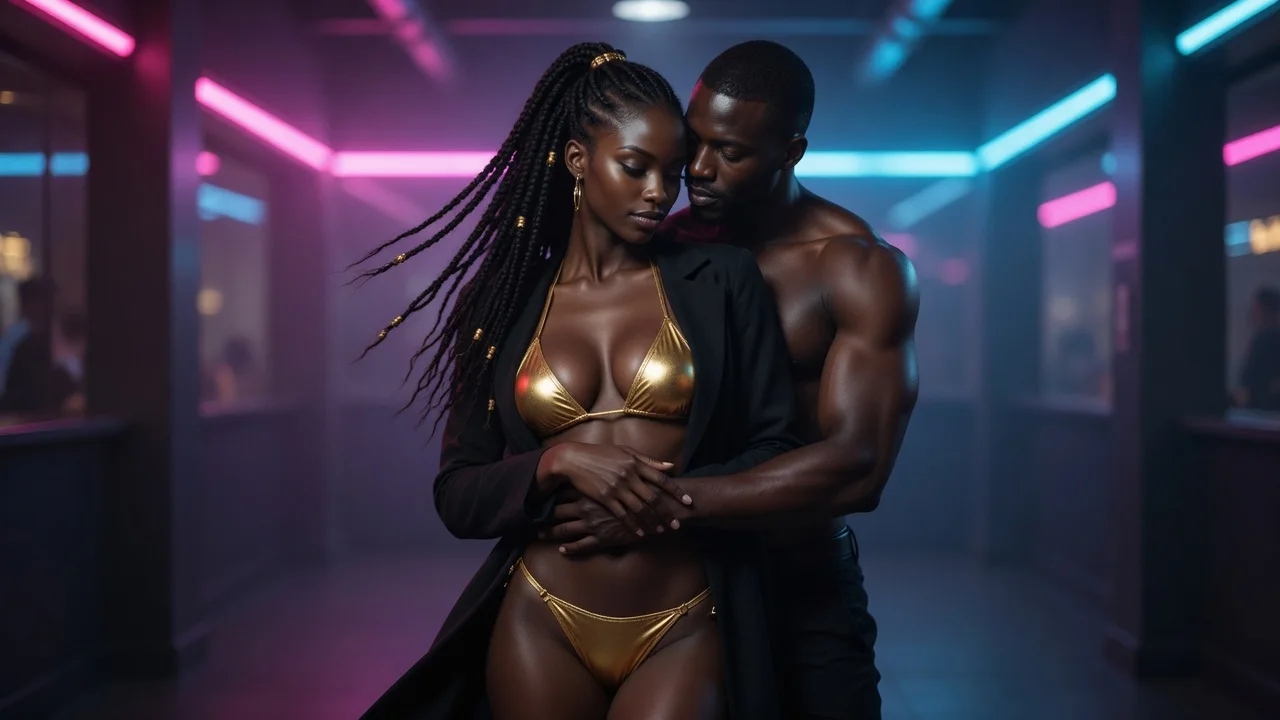
The clip draws both subjects in, adds a slow sway and a hand sliding across the back, then settles — instead of looping a jitter for five seconds.
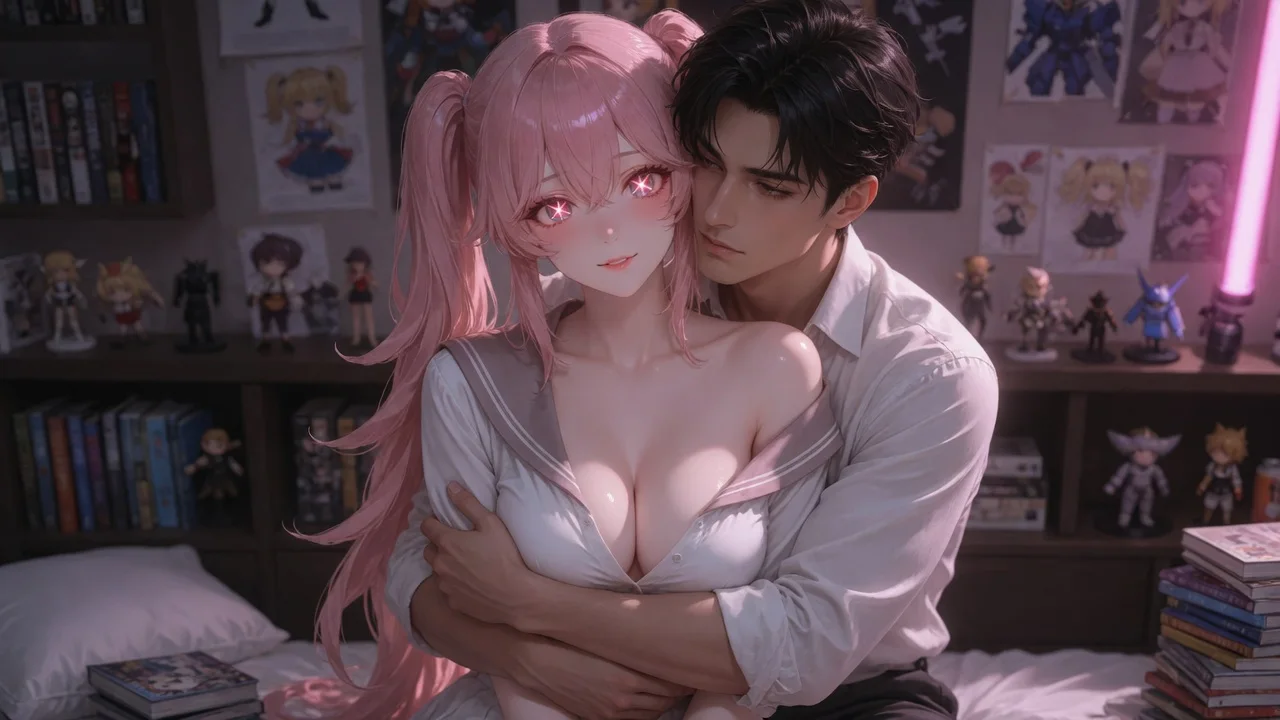
The motion prompt carries each subject reference into the video pass. Close faces are a difficult generation case, so review the preview before downloading.
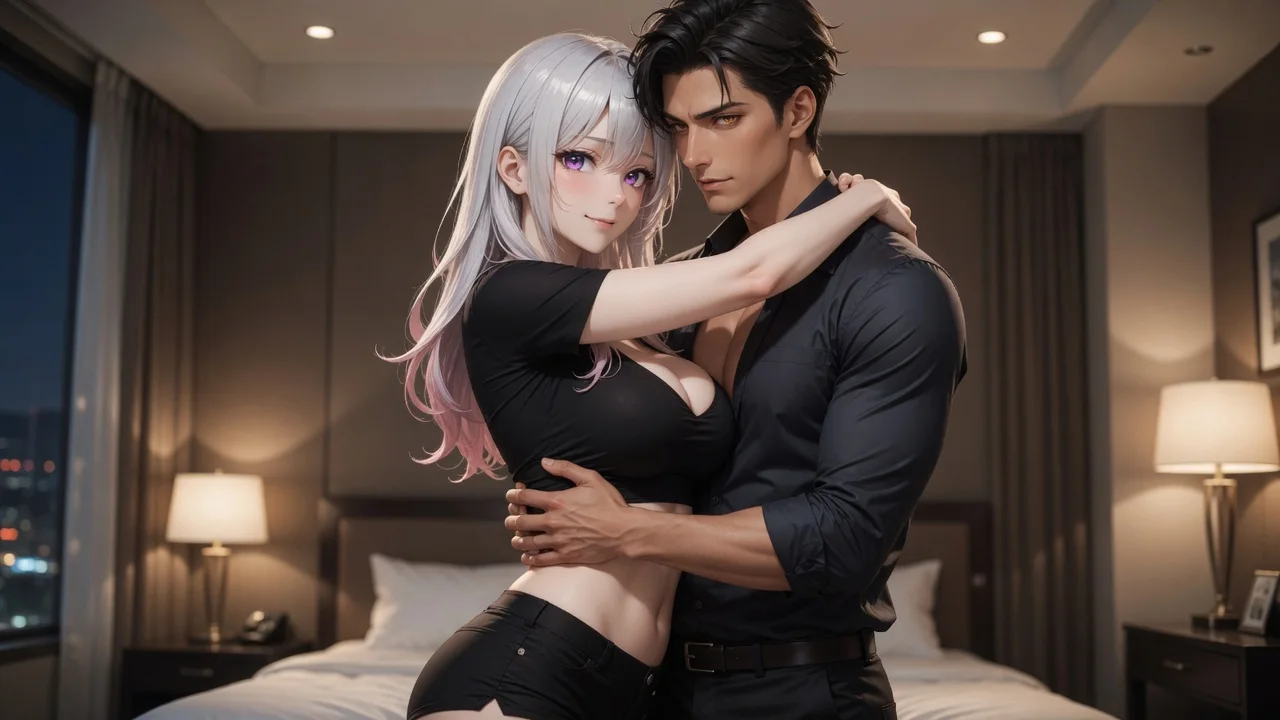
Each example uses two reference photos plus the built-in template prompt, so you do not need to write a prompt yourself.
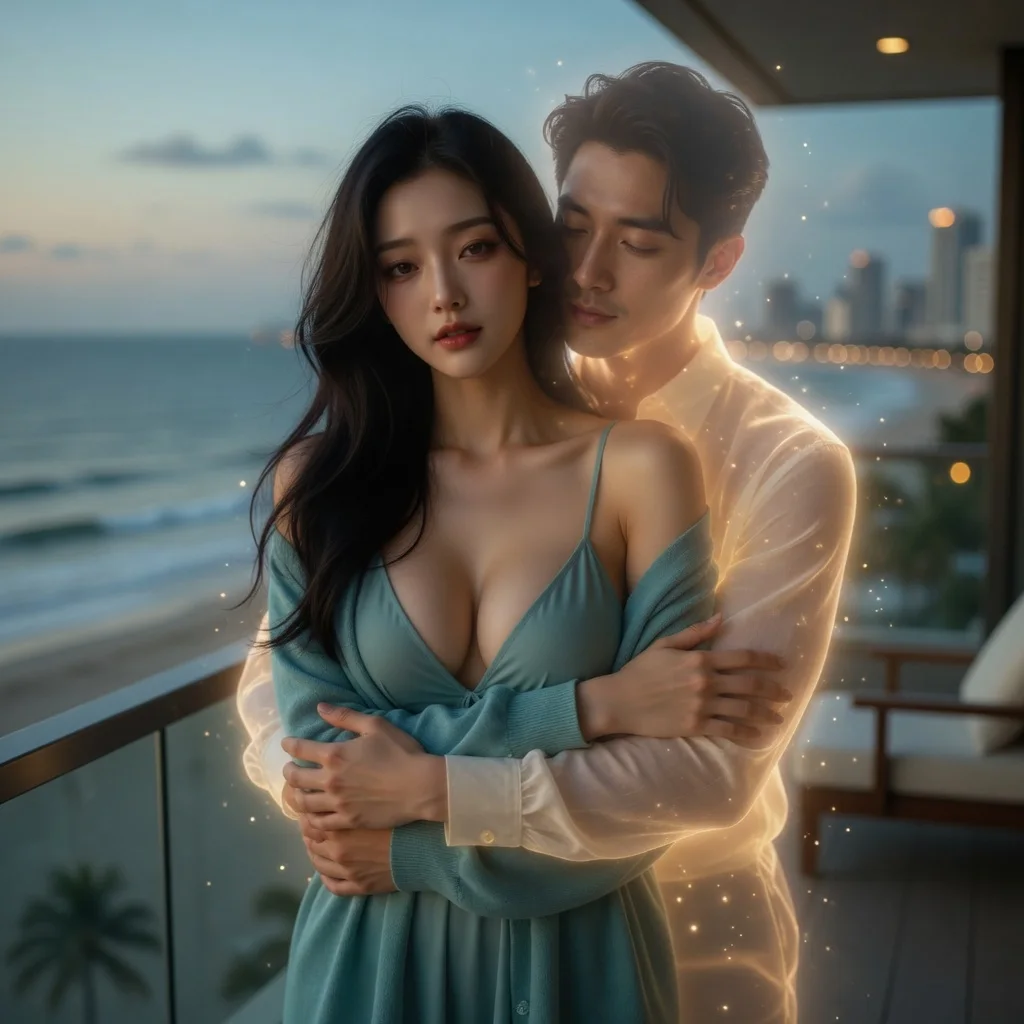
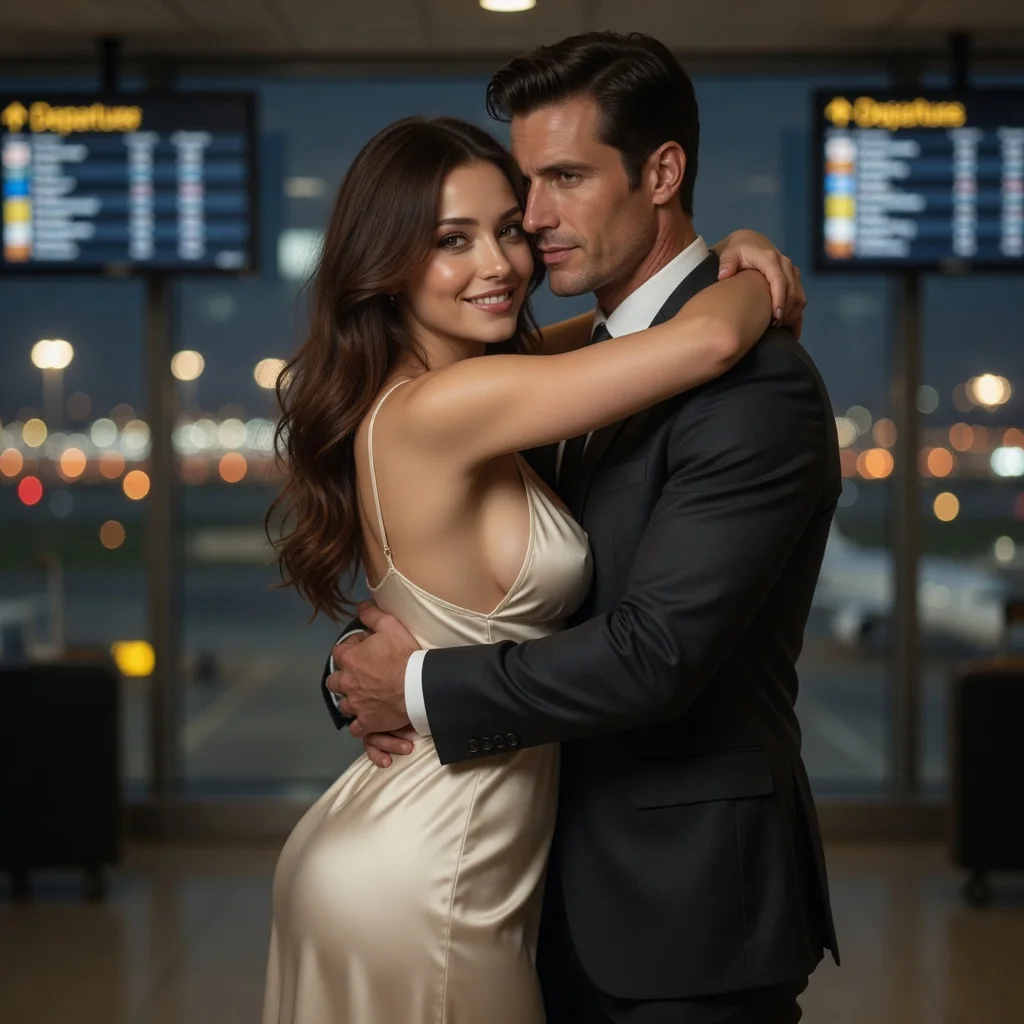
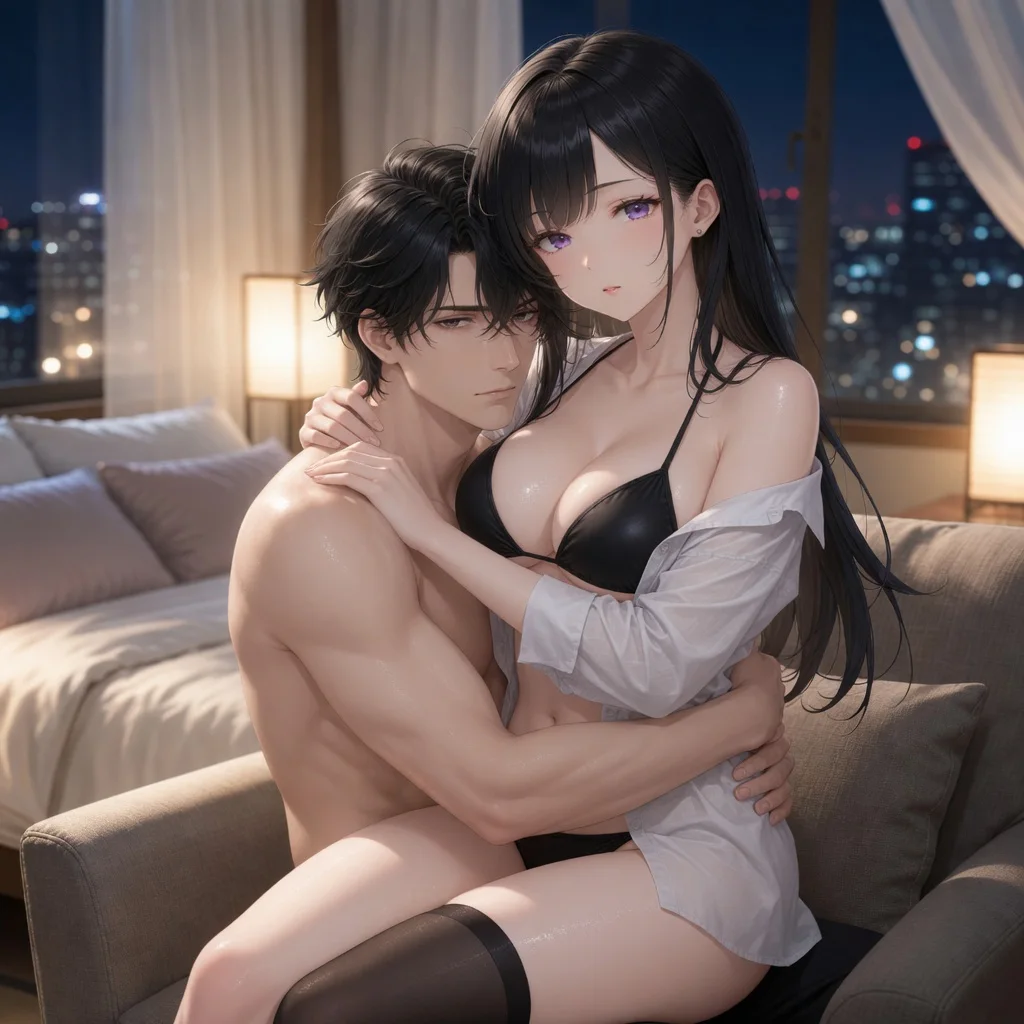
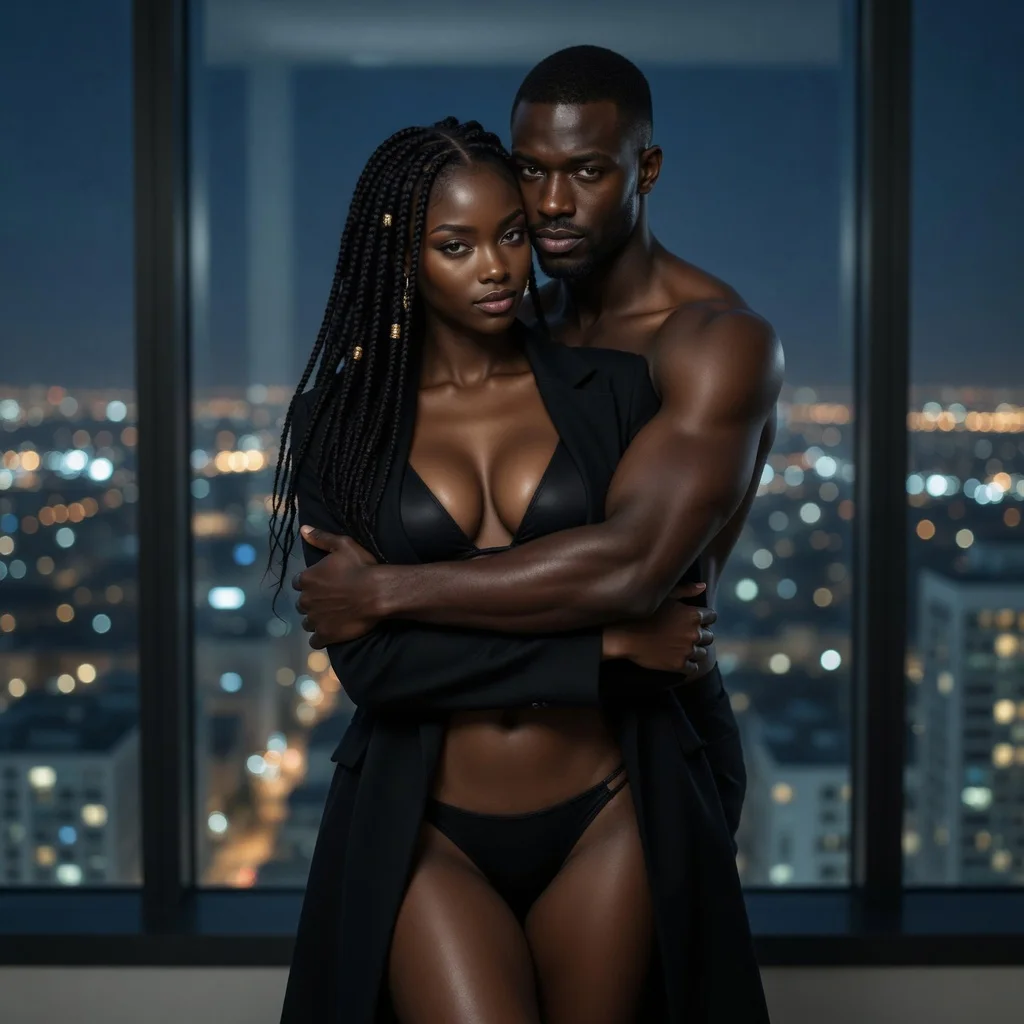
Turn two people into a hug image or short video
Create a couple, wedding, or anniversary kiss scene
Replace facial identity while using the target scene as reference
Design a new look or virtually try on a reference outfit
Adjust clothing on one subject with the selected setting
| AI tool | Best for | Materials needed | Output | Action |
|---|---|---|---|---|
| AI Hug Generator | Turn two people into a hug image or short video | 2 subject photos or characters | Image · Video | Make a hug video |
| AI Kiss Generator | Create a couple, wedding, or anniversary kiss scene | 2 subject photos or characters | Image · Video | Generate a kiss video |
| AI Face Swap | Replace facial identity while using the target scene as reference | Target photo + source face | Image · Video | Start AI face swap |
| AI Clothes Changer | Design a new look or virtually try on a reference outfit | 1 subject + optional outfit image | Image · Video | Start AI clothes changer |
| AI Clothes Remover | Adjust clothing on one subject with the selected setting | 1 subject photo or character | Image · Video | Start clothes remover |
Yes. Upload a photo for either subject and pair it with a LumiChat character, or use two photos. Uploaded photos can use every intensity tier, same as character pairs.
Both. The image is generated first as a single embrace frame; choosing video uses that image as the starting frame for a separate motion pass.
There is no fixed ETA because processing time varies with queue demand and output type. The generator keeps the current status visible; video adds a separate motion pass after the image is composed.
The template produces one continuous five-second clip. Its motion prompt asks for a slow approach, an arm wrap, breathing and a gentle sway with stable anatomy and no camera cuts; review the preview because generated details can still vary.
At the current template pricing, an image costs 8 credits in the default Safe tier and a 5-second 720p video costs 90 credits. The other tiers are 10/110 and 12/130 credits for image/video. The studio displays the active estimate before generation, and failed jobs release their reservation.
Upload only photos you own or have permission to use. LumiChat’s Privacy Policy explains that media generation requests are collected to deliver media and operate the service, that personal data is not sold, and that account holders can request export or deletion. It does not promise an automatic photo-retention period, so review the policy before uploading sensitive images.
Yes, generation requires a signed-in account so results can be tied to your credit balance and retrieved later.
The displayed fixed price is reserved when generation starts and charged in full when the result is delivered. Failed generations release the reservation.
You can use the whole tool without signing in — pick characters, upload a photo, choose output and intensity. Sign-in is only asked for at the final step, when the generation actually runs, and new accounts start with credits so the first few results cost you nothing out of pocket.
There is no per-day cap on the number of generations. The only limit is your credit balance, and failed generations release their hold automatically so a failure never costs you credits.
You can use every intensity tier — including explicit — with LumiChat characters, uploaded photos, or a mix of both. Intensity is your choice for the scene, not a lock that depends on whether a slot is a character or a photo.
Use two photos or LumiChat-owned original IP characters to compose one embrace frame, then animate it into a 5-second AI hug video.
Start generating