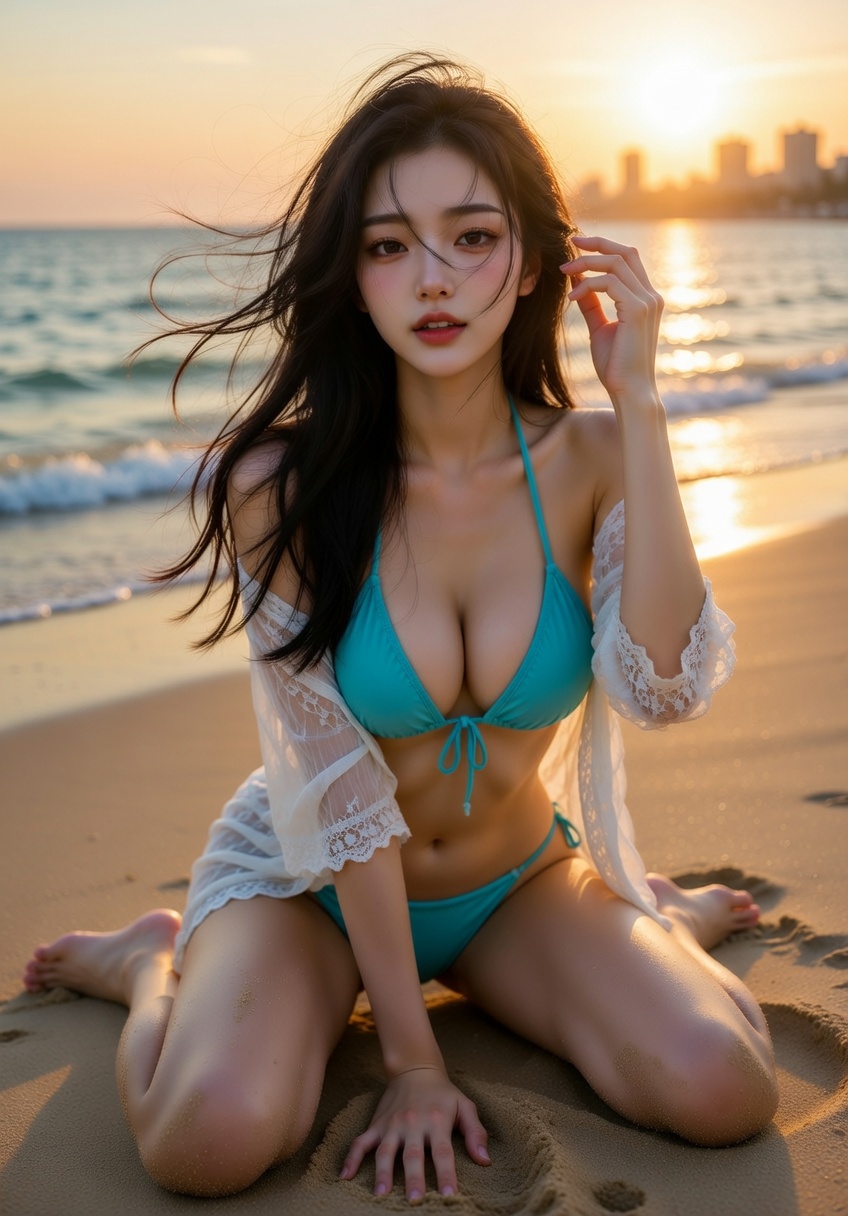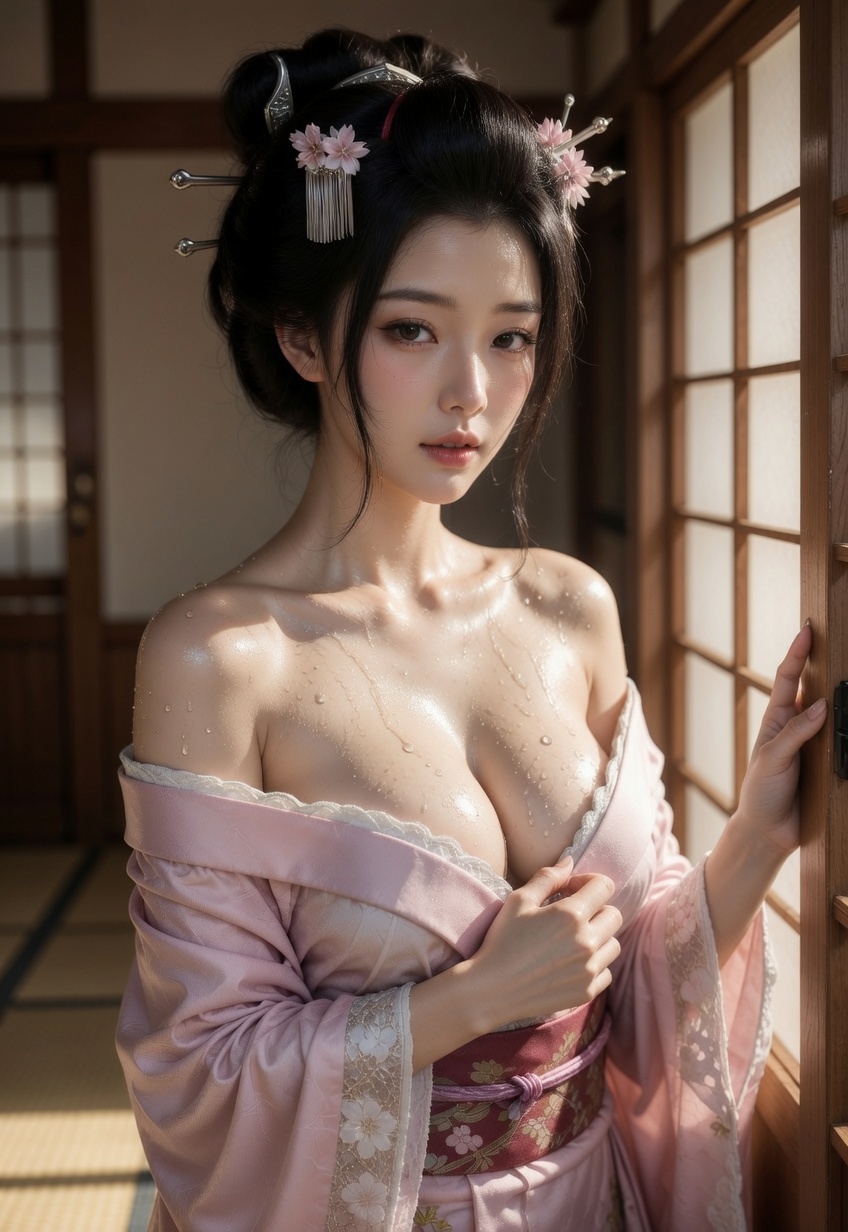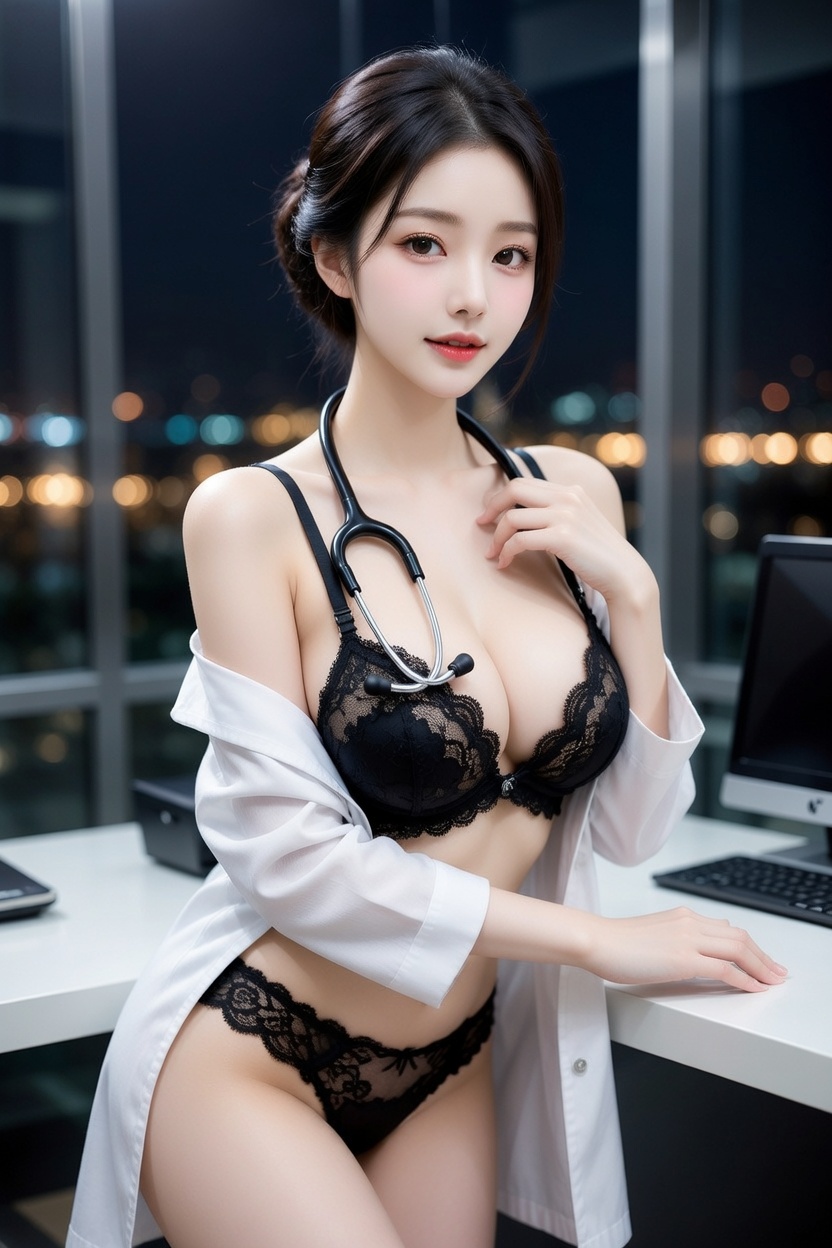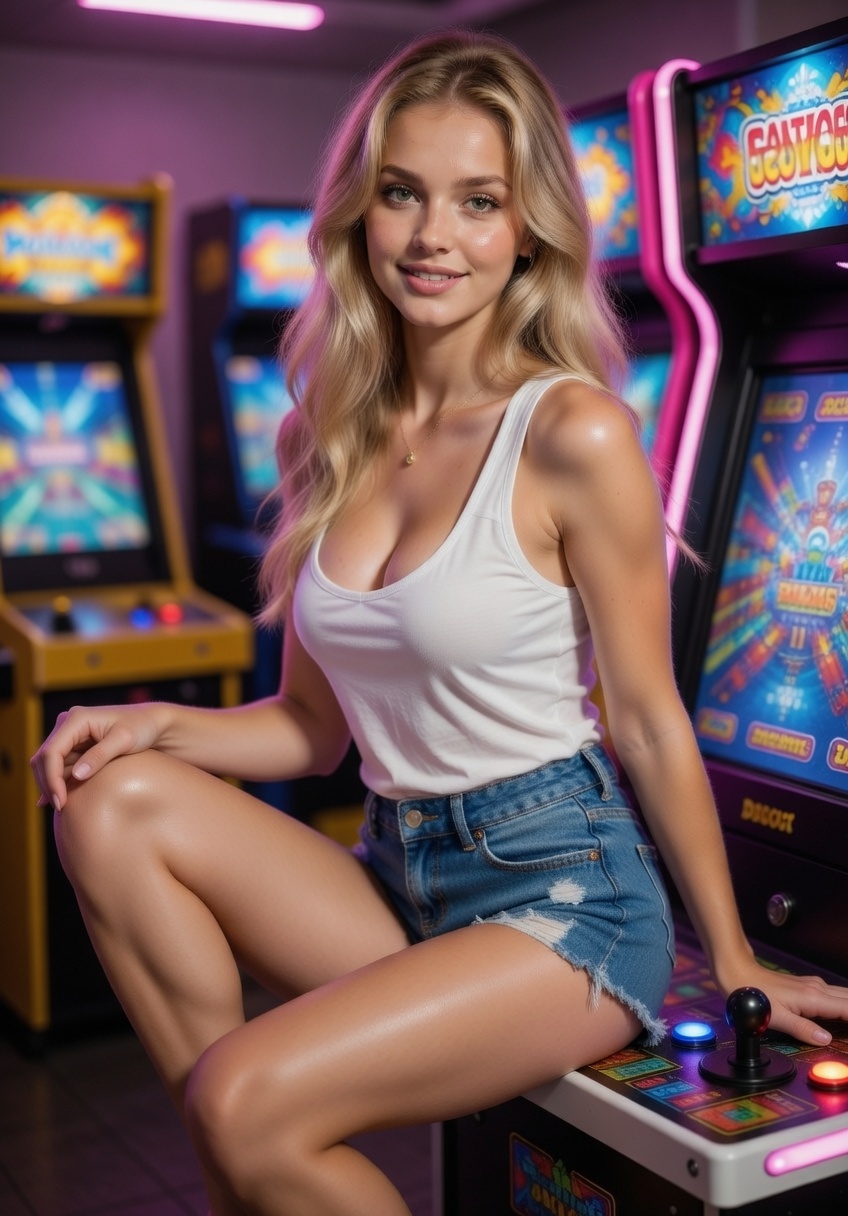
Target scene stays in control
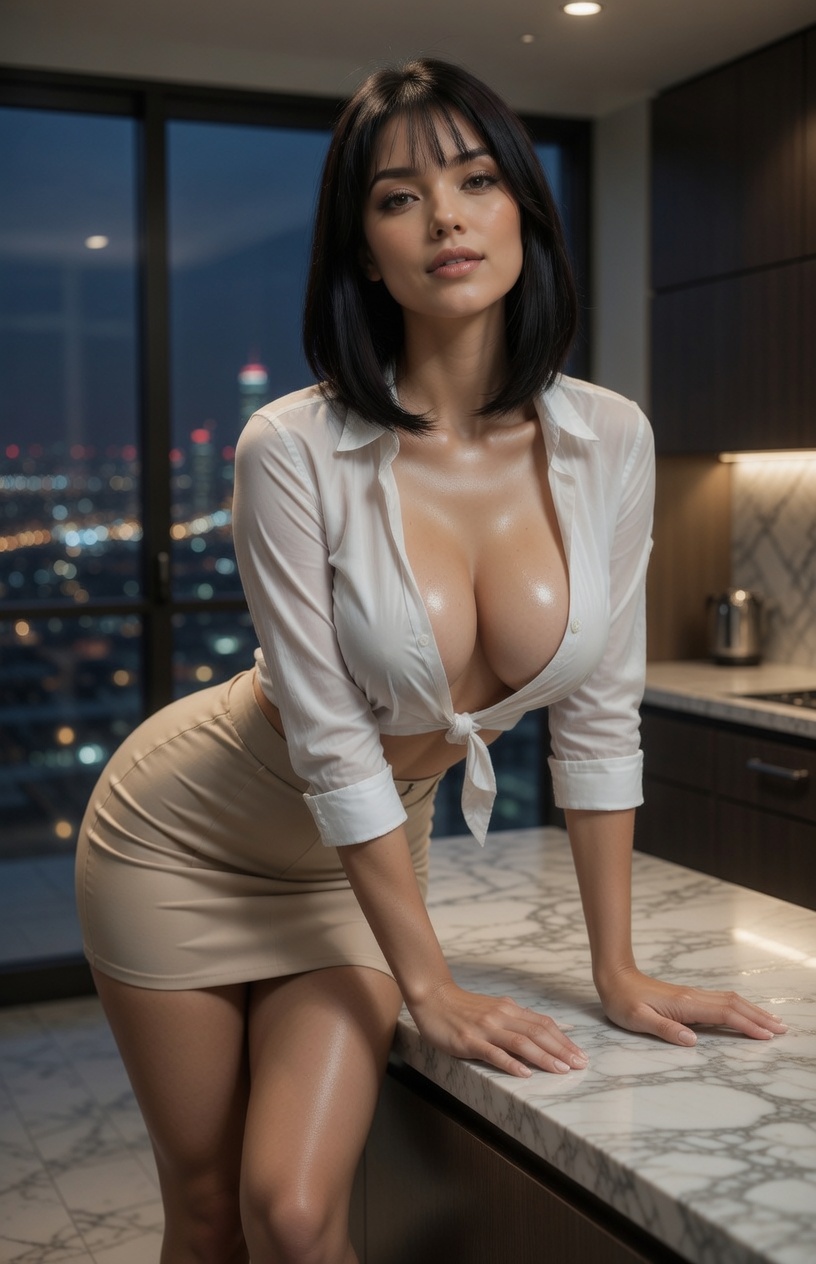
The target photo controls hair, expression, head angle, body, clothing, lighting, framing, and background.
Choose a target photo and a source face, then replace only the face while keeping the target hairstyle, expression, pose, clothes, lighting, and background.
Pick your subjects, choose image or video, and generate.
Target photo
Keeps this photo’s hair, pose, outfit, framing, and background.
Source face
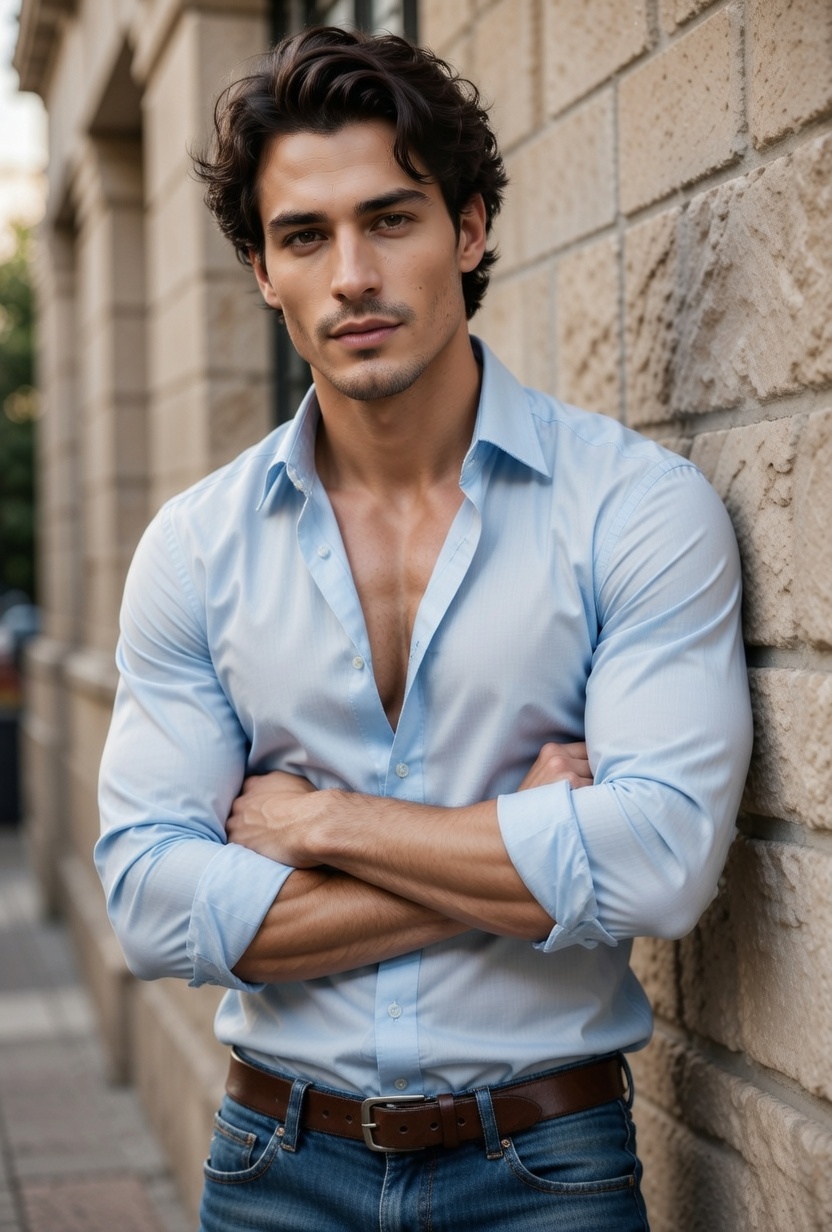
Uses facial identity only; hair, outfit, and scene are ignored.
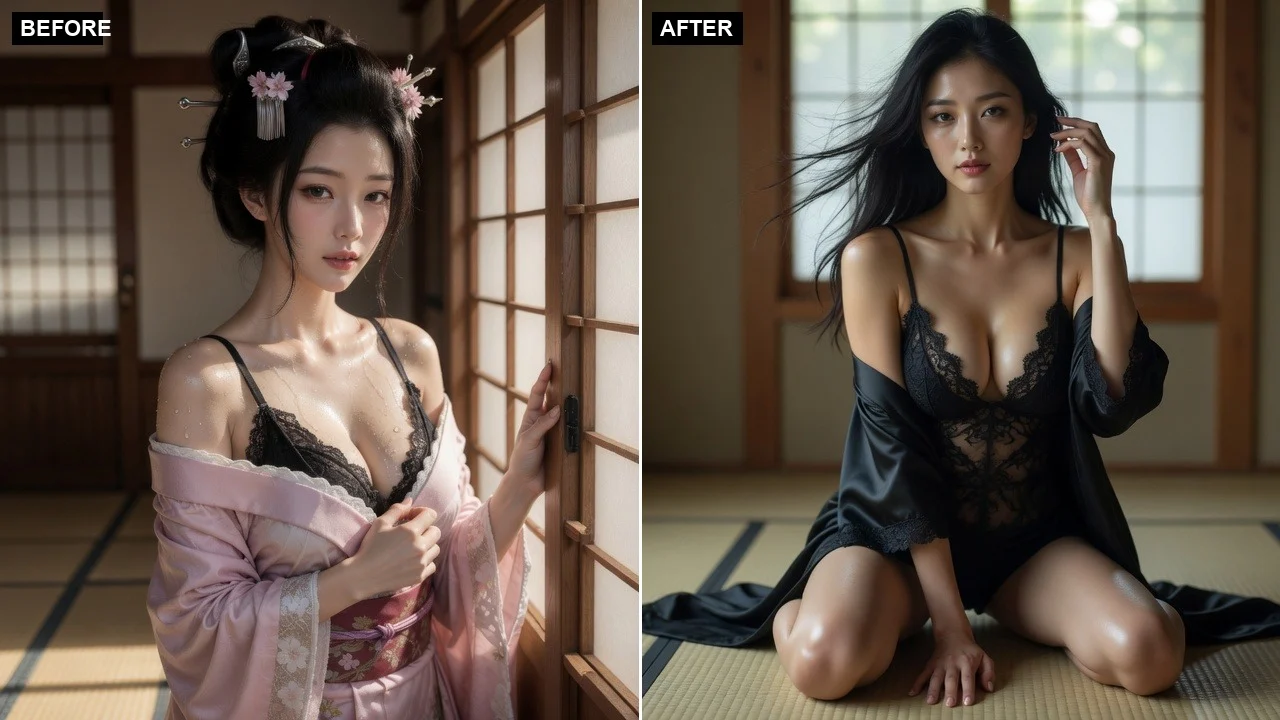
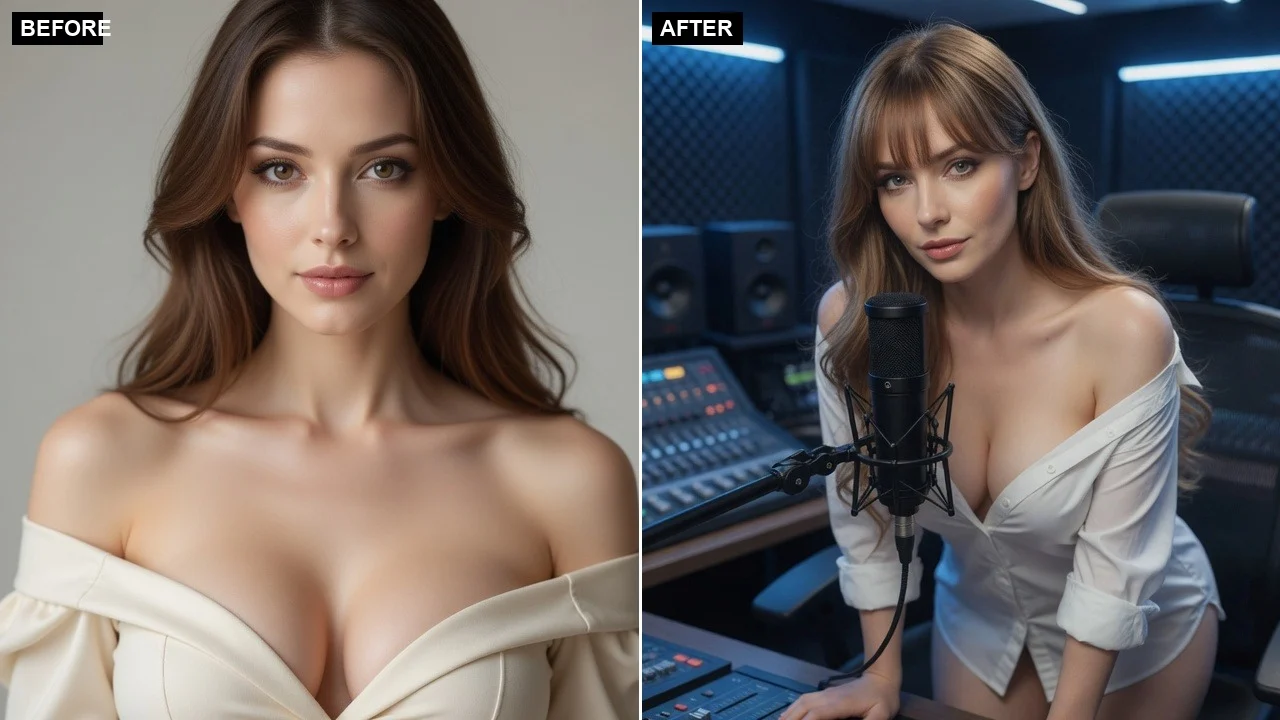
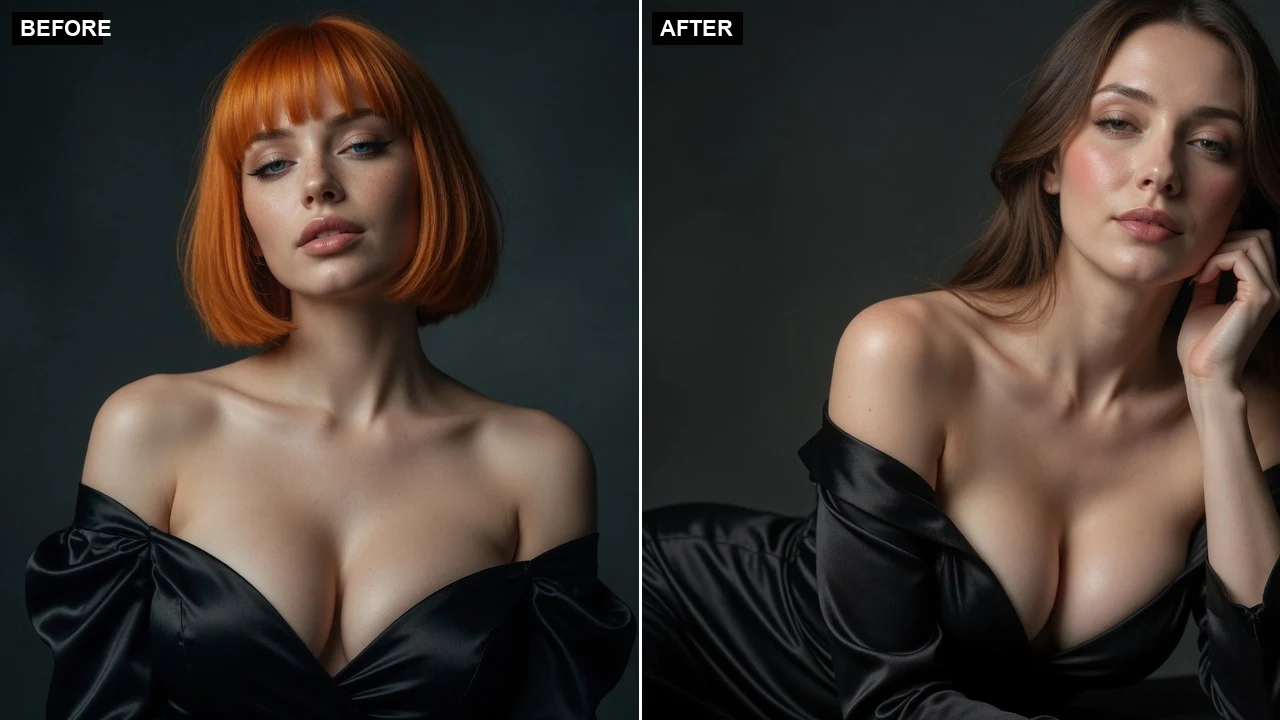
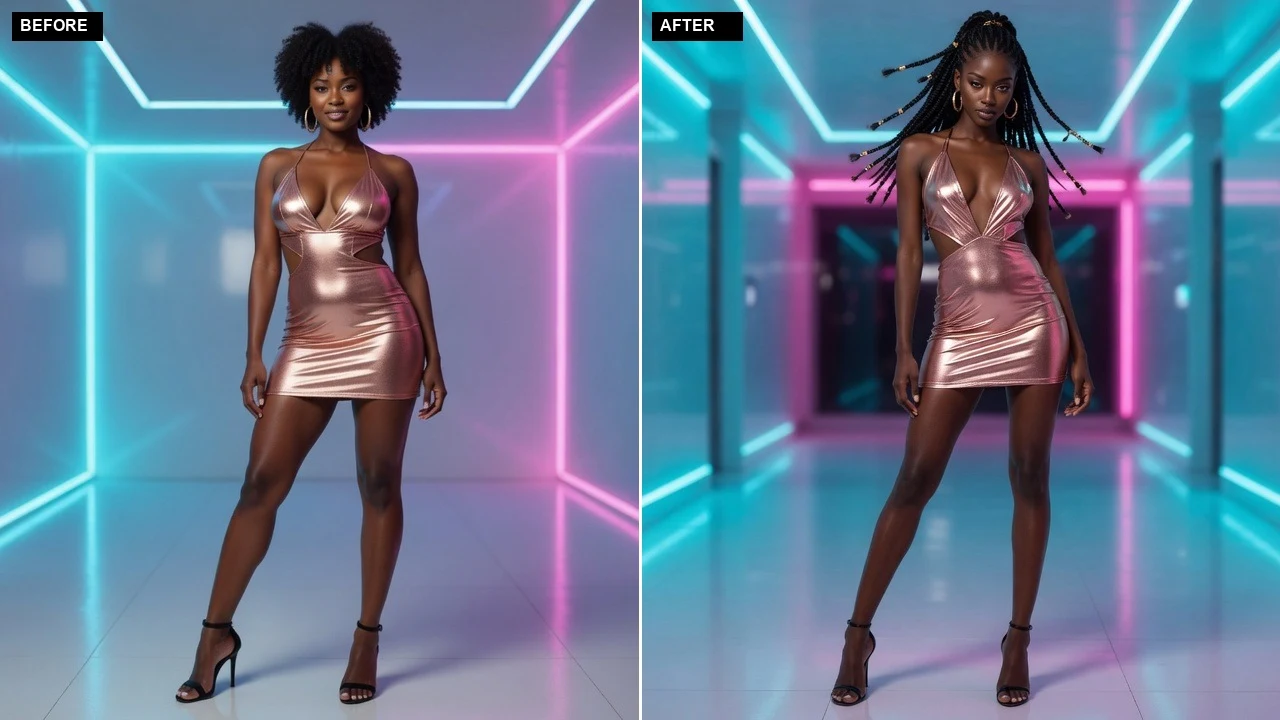
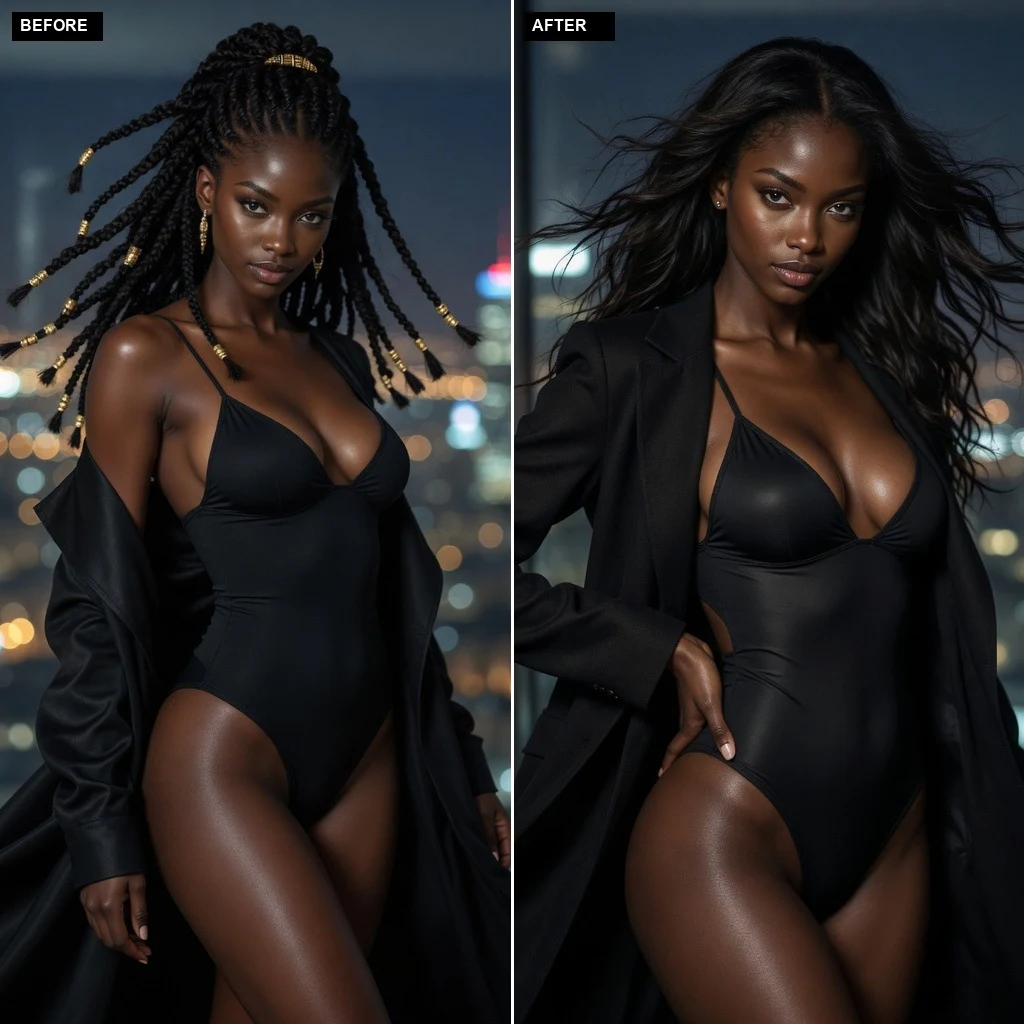
Before / After
Pick your subjects on the left, then generate to see the before and after side by side.
Better photos, better results
Quick answer
AI face swap replaces the facial identity in a target photo with the identity from a second reference while aiming to preserve the target hairstyle, expression, pose, clothing, lighting, framing, and background.
Instead of starting from a new anonymous upload each time, choose a LumiChat-owned fictional character with a profile and generation-ready reference art, then reuse that identity across AI Studio. Generated content is licensed for personal use; commercial use can be separately authorized in writing.
Read IP and usage rights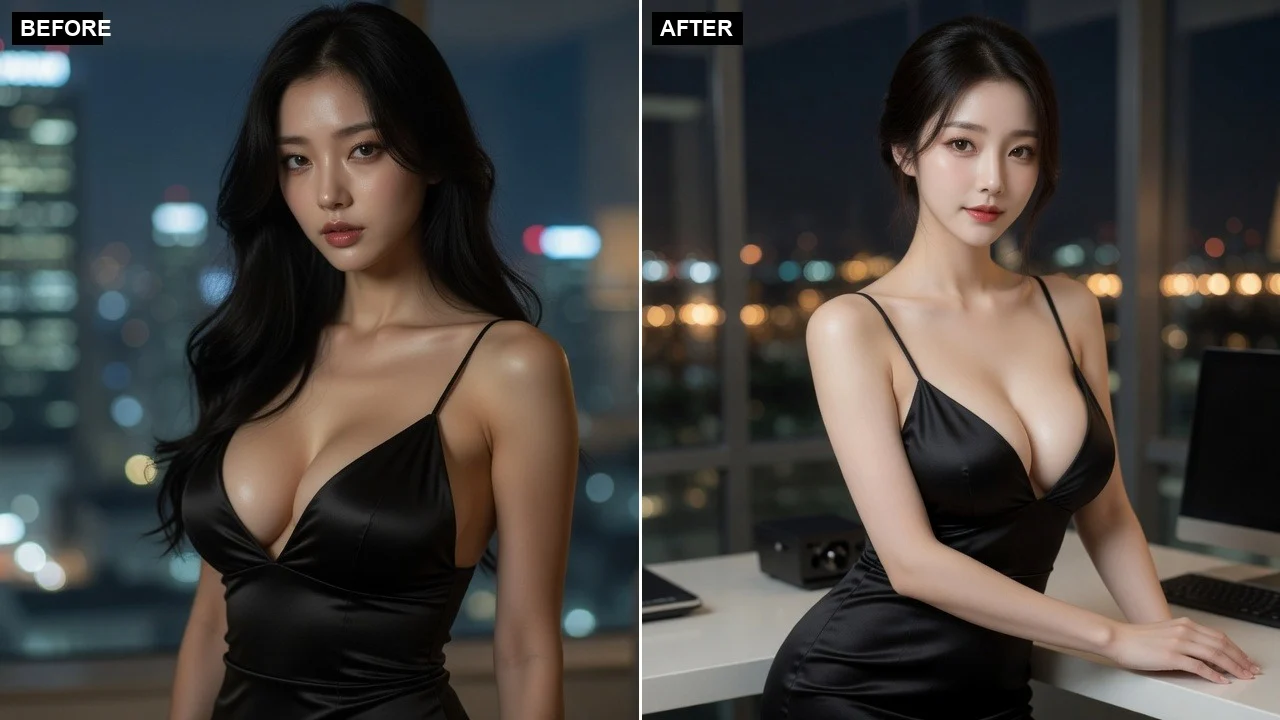
Upload one clear adult portrait or choose a realistic LumiChat character. This image controls hair, expression, body, clothing, framing, and background.
Add one clear adult face. It supplies facial identity only; its hair, pose, clothing, and background are not copied.
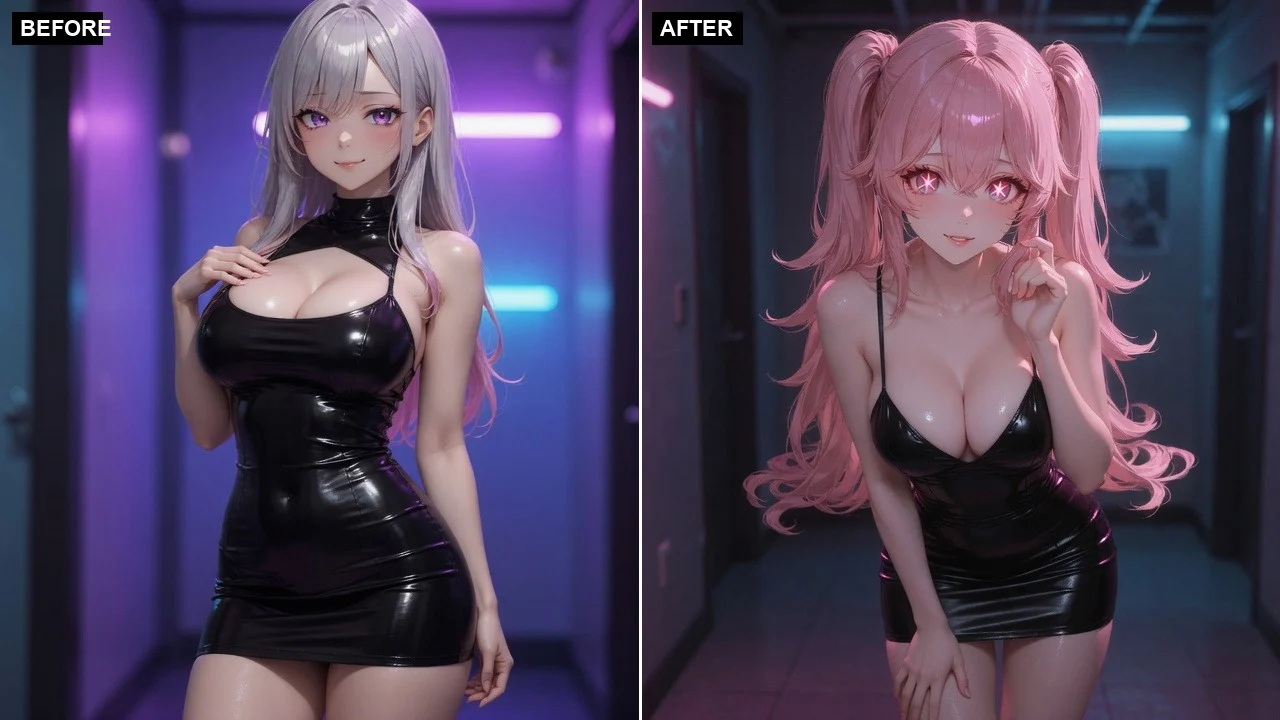
Image creates the face-swapped frame for 15 credits. Video creates that frame and automatically animates it into one 5-second clip for 175 credits.
The source supplies facial identity while hair, expression, pose, clothing, lighting, and background follow the target photo.
The target photo controls hair, expression, head angle, body, clothing, lighting, framing, and background.
The second reference contributes facial identity only, reducing unwanted wardrobe or scene changes.
Video mode composes the face swap first and then animates that approved frame in one task.
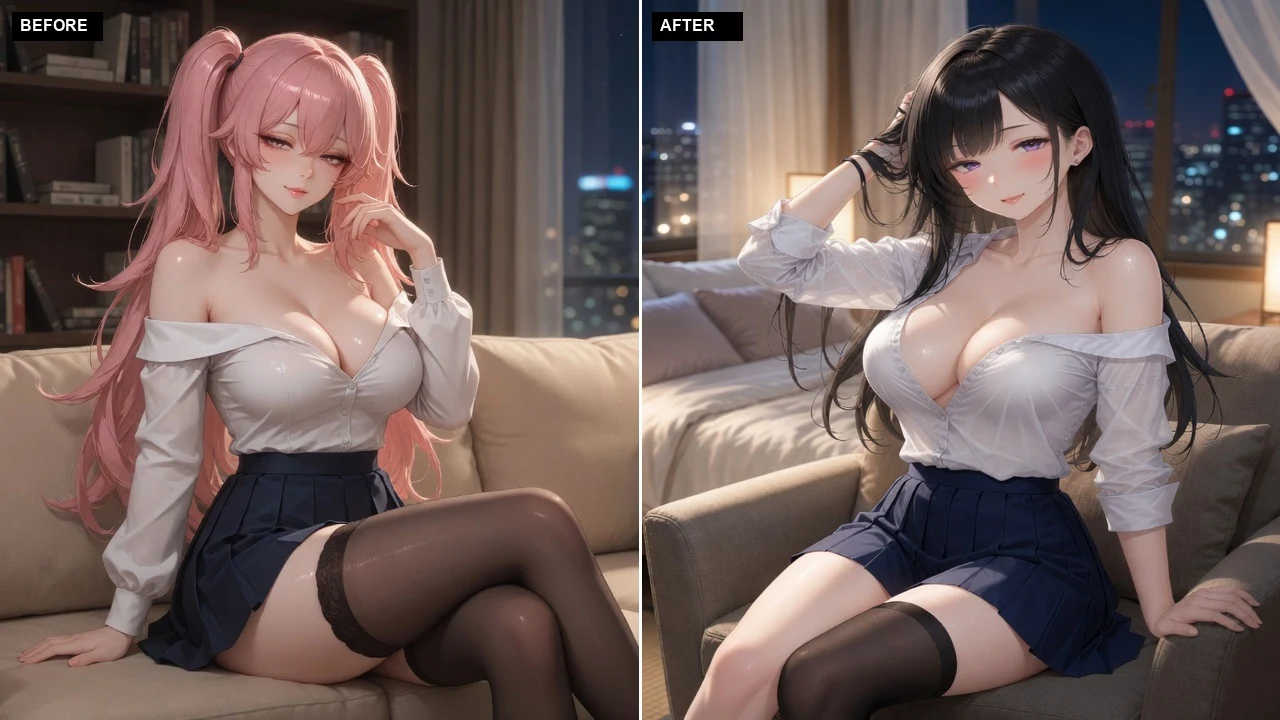
Before delivery, we verify both source-face similarity and preservation of the target hair, pose, outfit, framing, and scene. Failed results are hidden and the full credit reservation is released.
Use authorized adult photos or LumiChat-owned realistic characters for private creative edits, avatar concepts, costume previews, and short social clips.
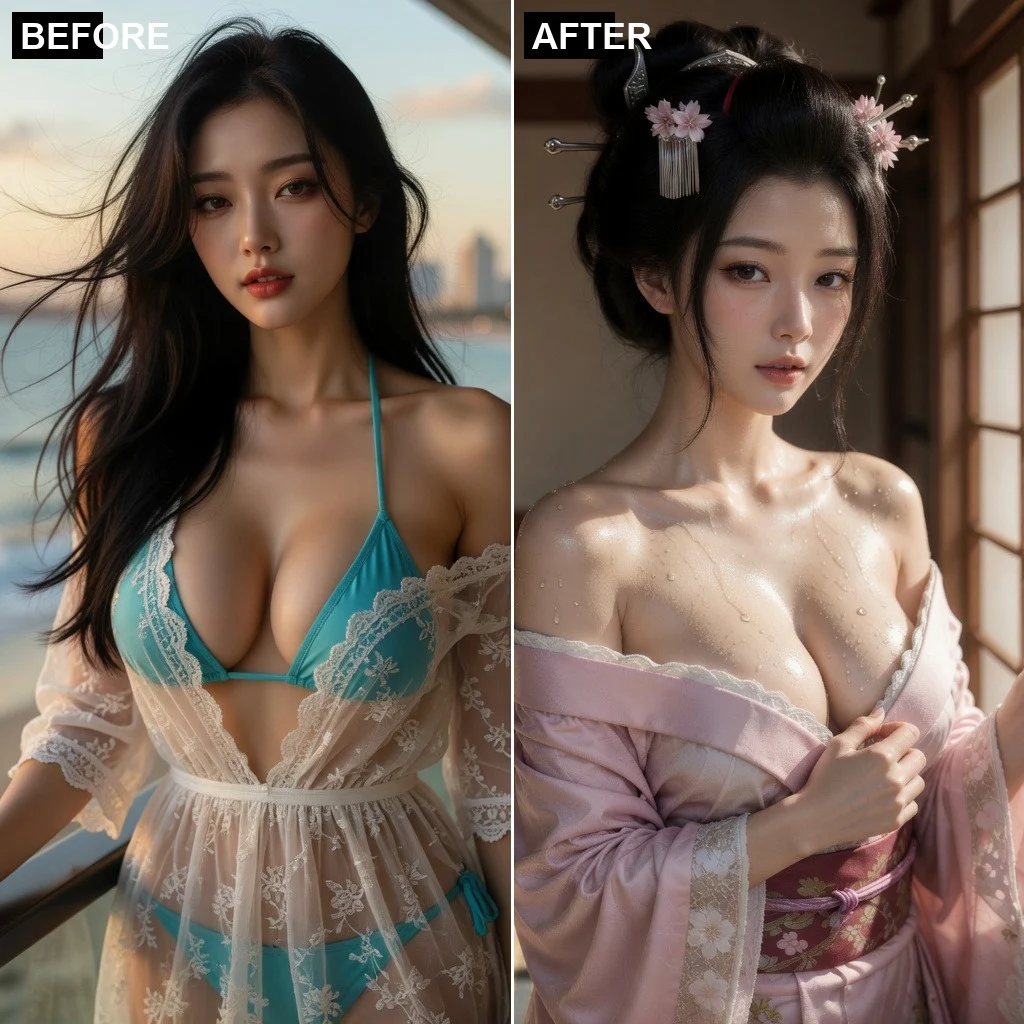
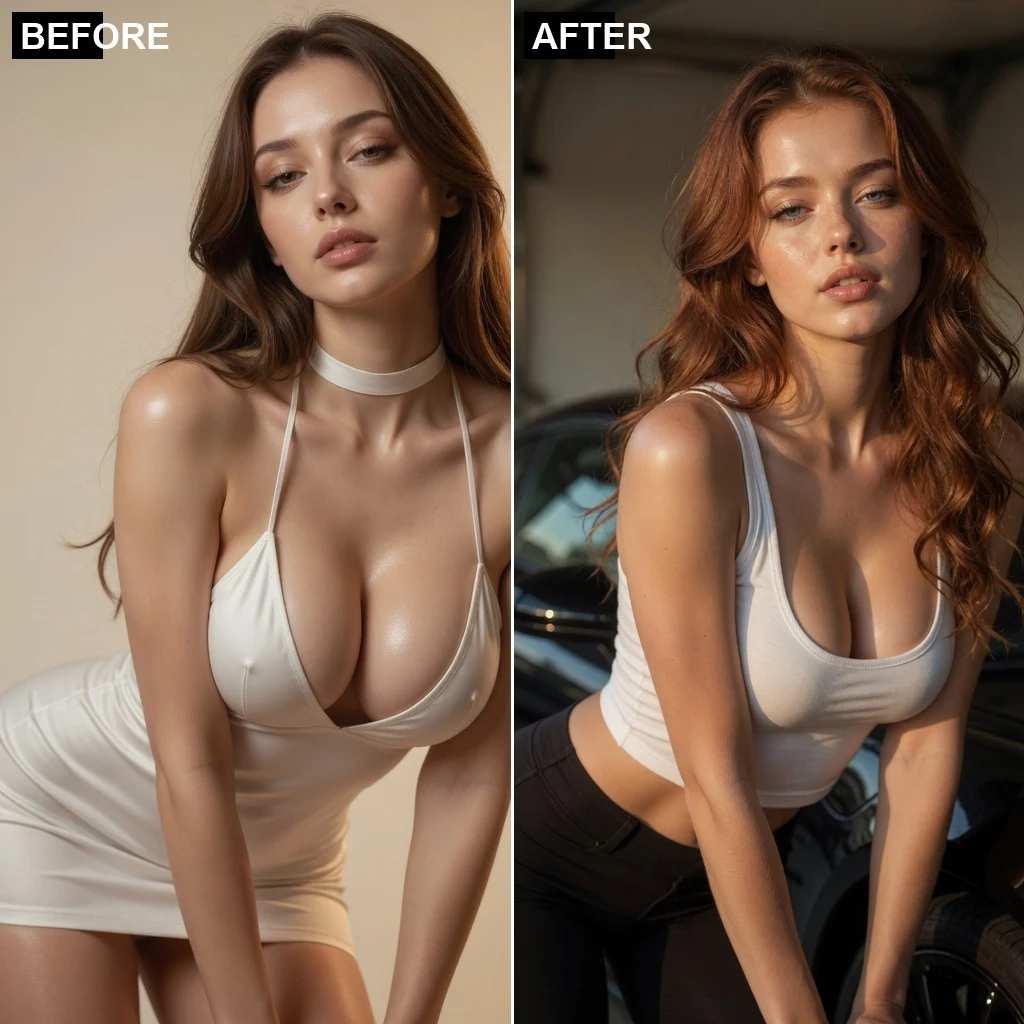
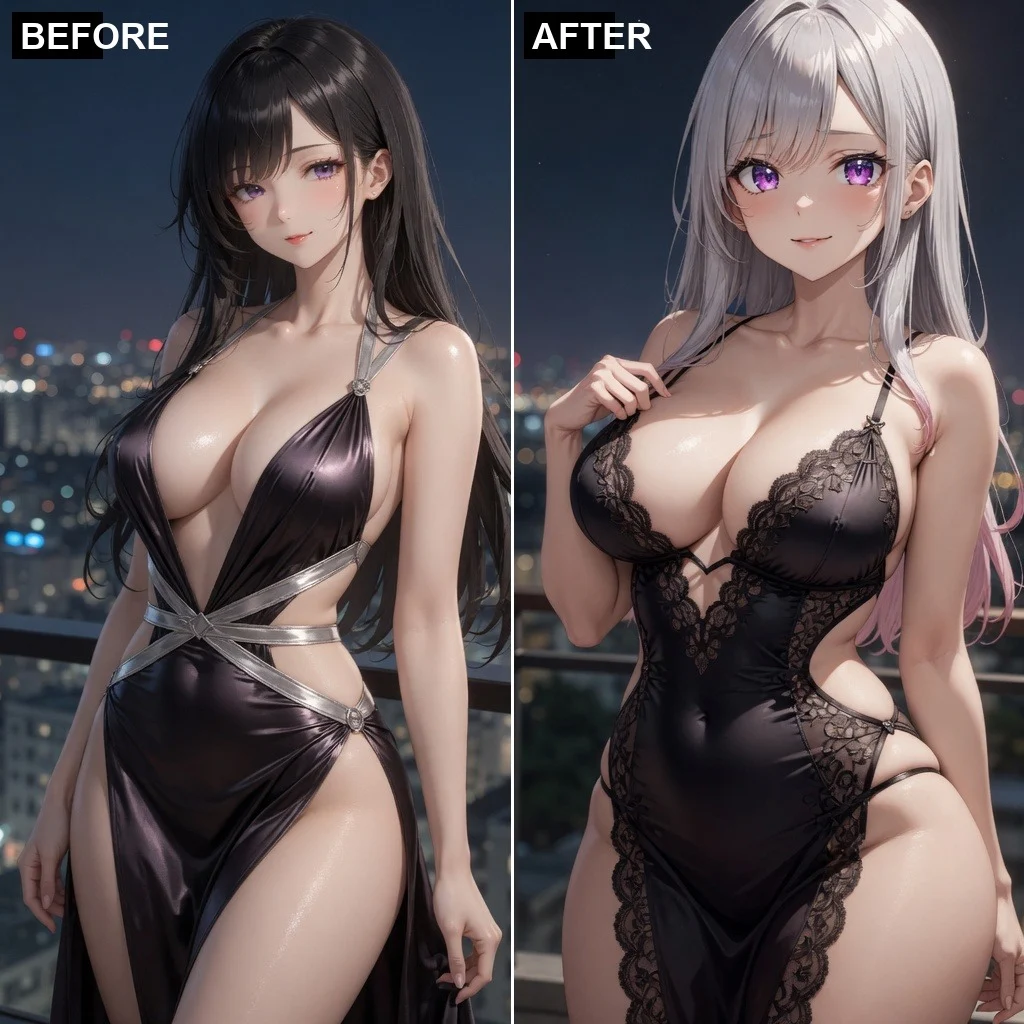
Turn two people into a hug image or short video
Create a couple, wedding, or anniversary kiss scene
Replace facial identity while using the target scene as reference
Design a new look or virtually try on a reference outfit
Adjust clothing on one subject with the selected setting
| AI tool | Best for | Materials needed | Output | Action |
|---|---|---|---|---|
| AI Hug Generator | Turn two people into a hug image or short video | 2 subject photos or characters | Image · Video | Make a hug video |
| AI Kiss Generator | Create a couple, wedding, or anniversary kiss scene | 2 subject photos or characters | Image · Video | Generate a kiss video |
| AI Face Swap | Replace facial identity while using the target scene as reference | Target photo + source face | Image · Video | Start AI face swap |
Each character has an individual profile and prepared reference art. Choose one directly and reuse the same identity across Hug, Kiss, Face Swap, and Clothes without uploading a real person’s photo.
Yes. Video mode first creates the swapped image internally and then animates it into a 5-second clip. Only the final video is shown.
The target photo controls hair, expression, head angle, body, clothing, pose, lighting, framing, and background. The source image supplies facial identity only.
The first release supports exactly one clearly visible adult in each image. Multi-person face selection is planned for a later version.
An image costs 15 credits. A one-click 5-second video costs 175 credits. Failed tasks release the full reservation.
No. Inputs must show one clearly adult, realistic person and may not use a recognizable public figure.
Yes. Use only content you own or are authorized to process, with the depicted adult’s consent, and never for impersonation, fraud, harassment, or illegal activity.
Choose a target photo and a source face, then replace only the face while keeping the target hairstyle, expression, pose, clothes, lighting, and background.
Start generating
| AI Clothes Changer | Design a new look or virtually try on a reference outfit | 1 subject + optional outfit image | Image · Video | Start AI clothes changer |
|---|
| AI Clothes Remover | Adjust clothing on one subject with the selected setting | 1 subject photo or character | Image · Video | Start clothes remover |
|---|