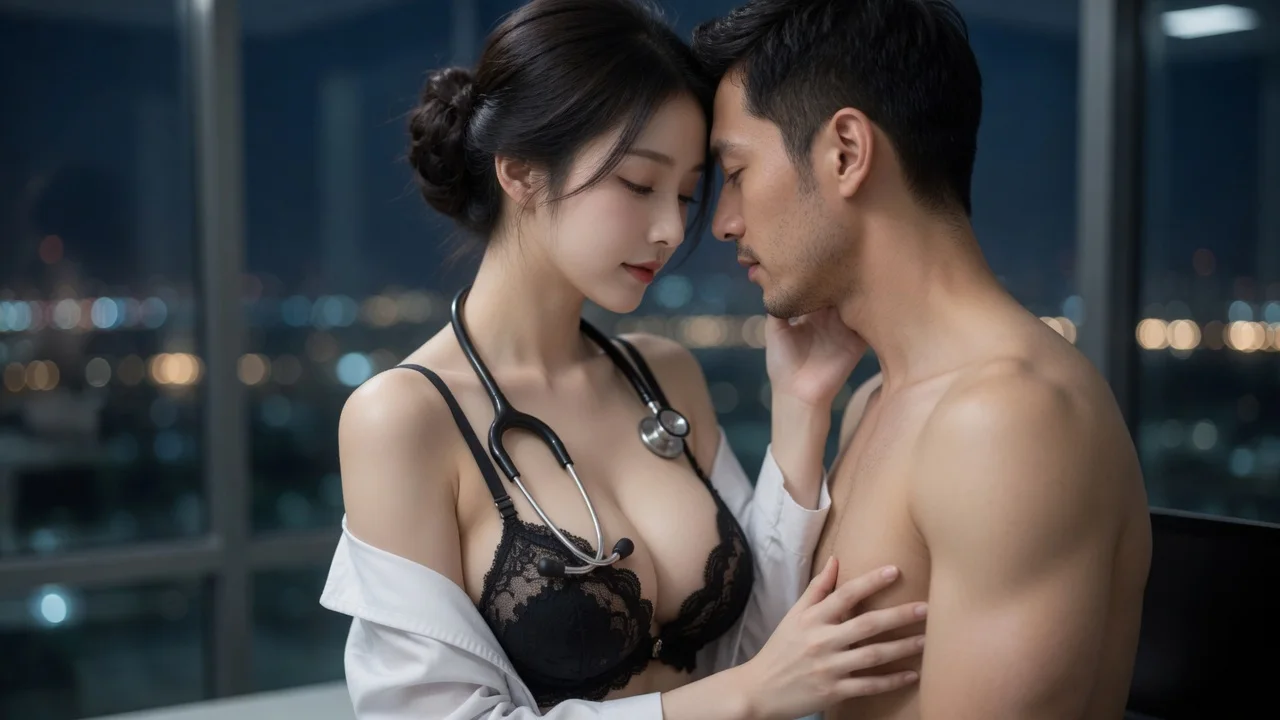
Built as a close-up, not a wide shot
Foreheads nearly touching, a hand at the cheek and another at the waist, 50mm framing with a shallow depth of field. Kisses fail when the camera sits too far back to read the contact.
Create an AI kissing video from two photos or LumiChat-owned original IP characters. The generator composes a kiss close-up, then animates it into a short clip.
Pick your subjects, choose image or video, and generate.
First subject
Second subject
Before / After
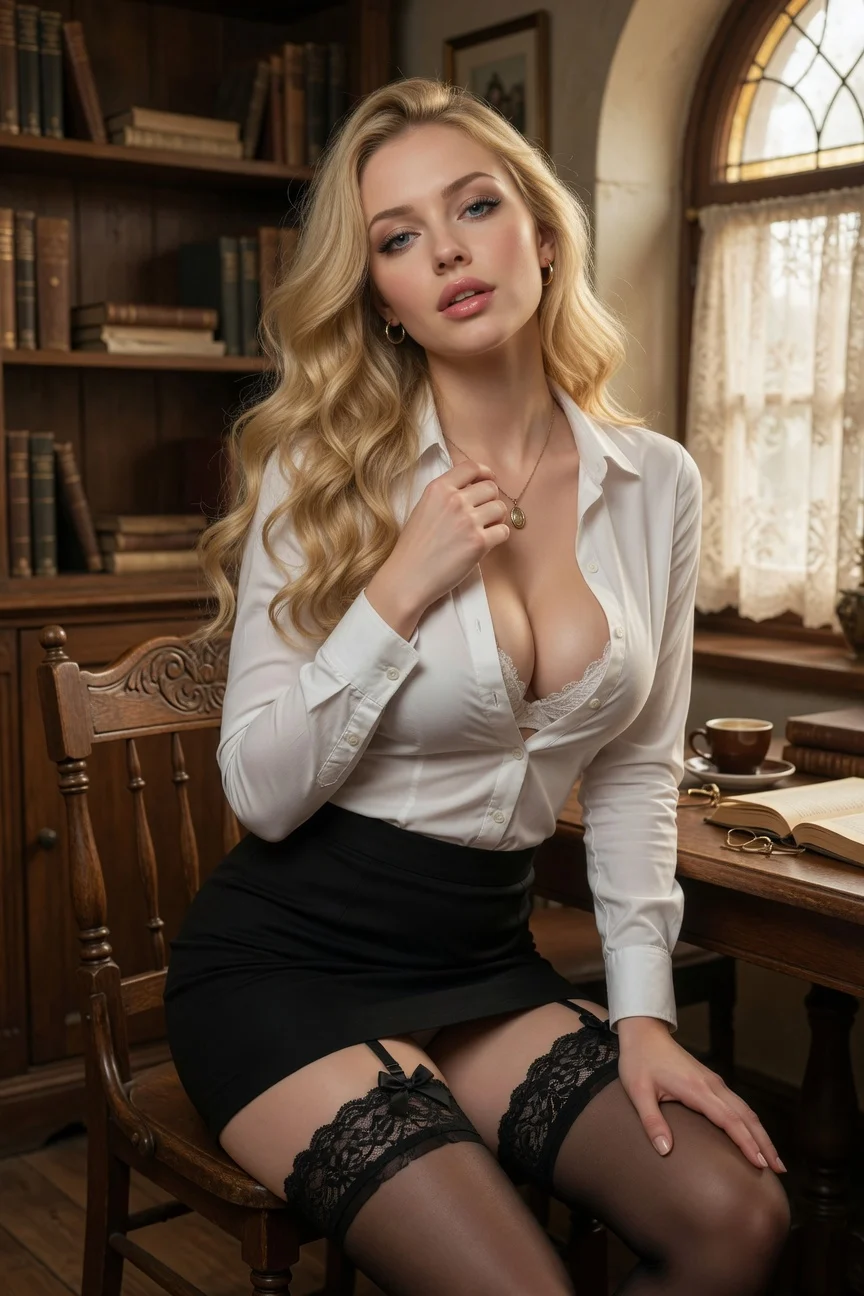
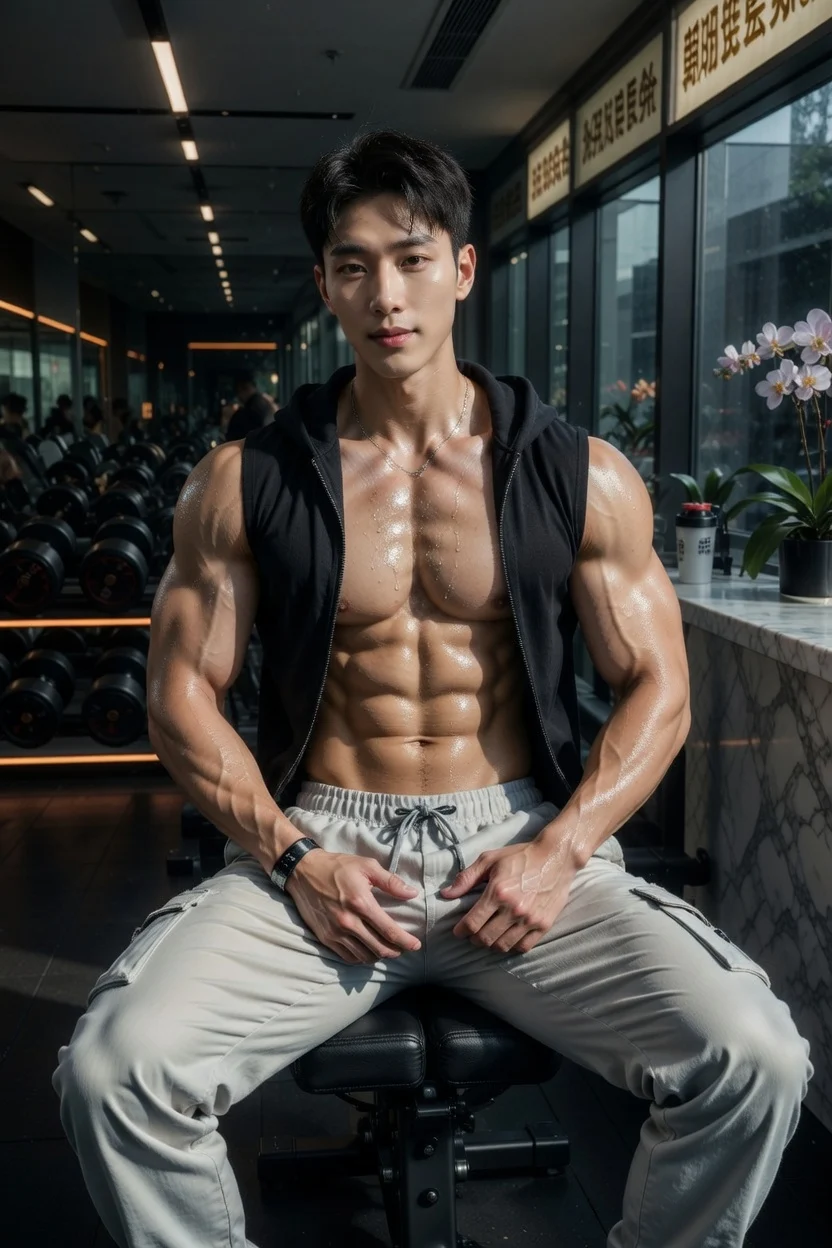
Pick your subjects on the left, then generate to see the before and after side by side.
What it is
An AI kiss generator composes two reference subjects into one close-up kiss frame, then optionally animates it into a short clip. On LumiChat the framing, lighting and camera move are fixed by the template, so you only choose who is in the scene and how intense it should be.
Instead of starting from a new anonymous upload each time, choose a LumiChat-owned fictional character with a profile and generation-ready reference art, then reuse that identity across AI Studio. Generated content is licensed for personal use; commercial use can be separately authorized in writing.
Read IP and usage rights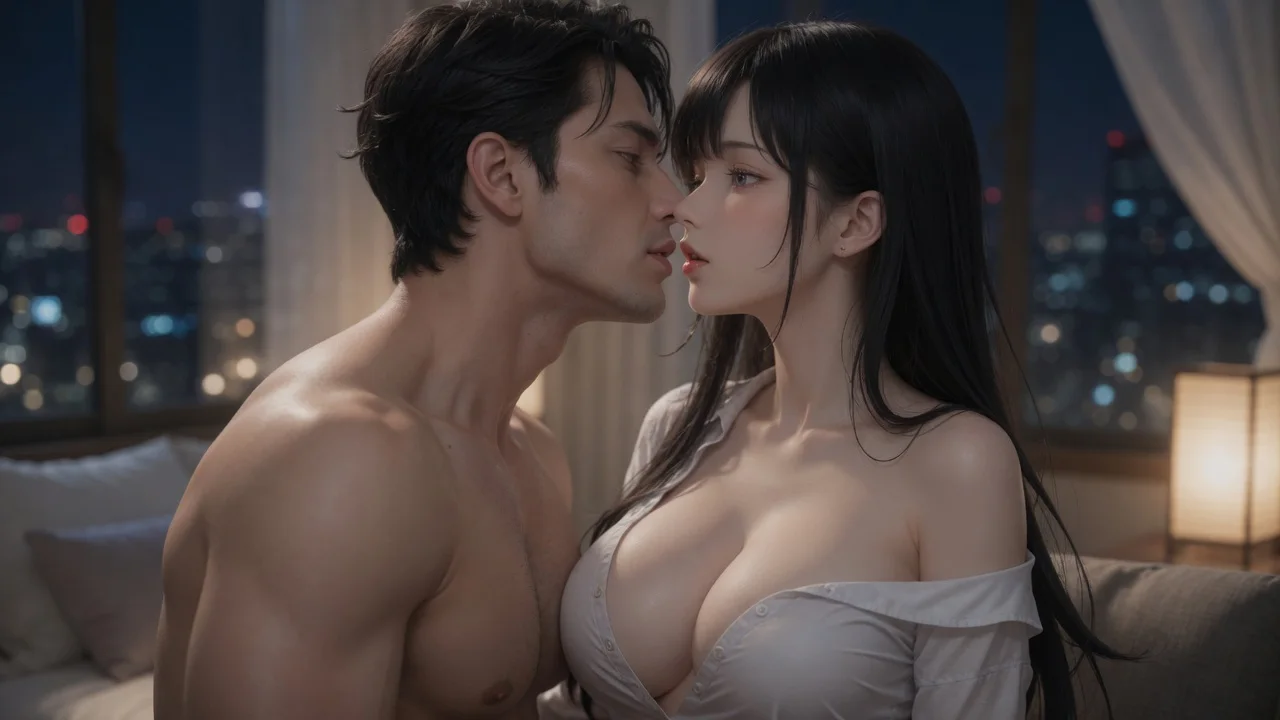
Choose a LumiChat character or upload a photo in either slot. Character pairs and uploaded photos can both use every intensity tier.
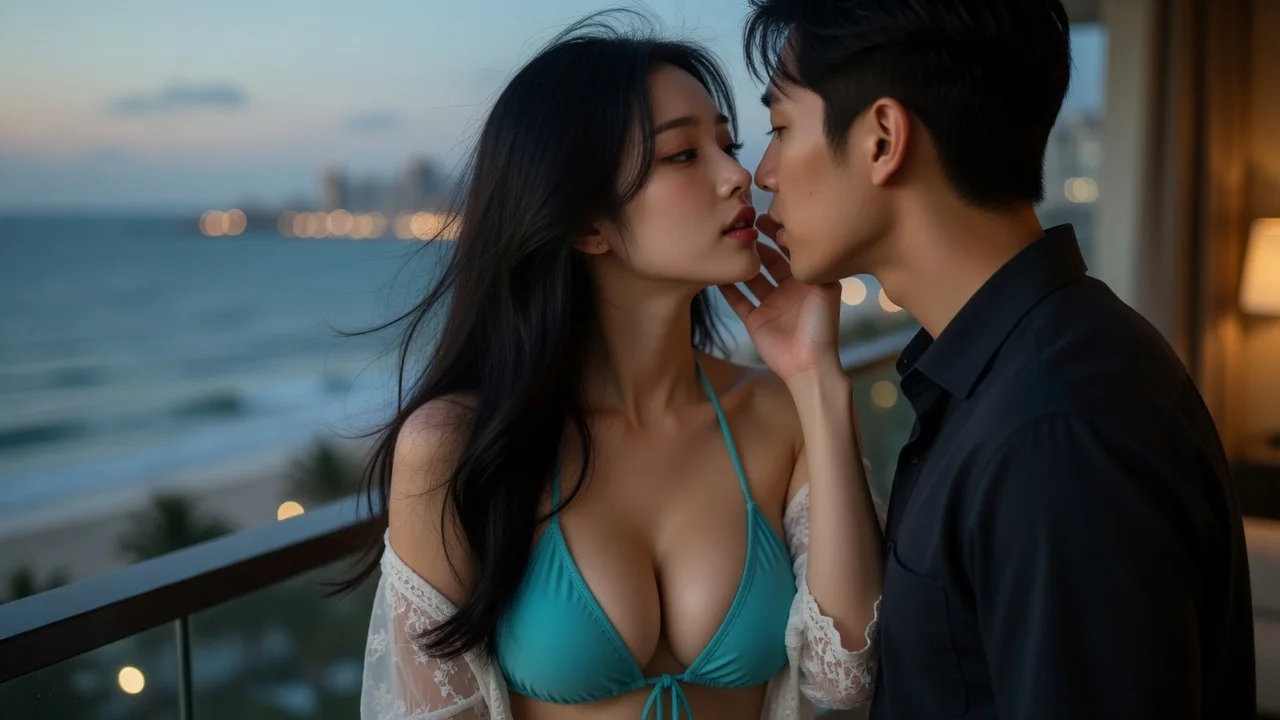
Intensity controls wardrobe state and how close the contact reads. Then pick the still or the animated clip.
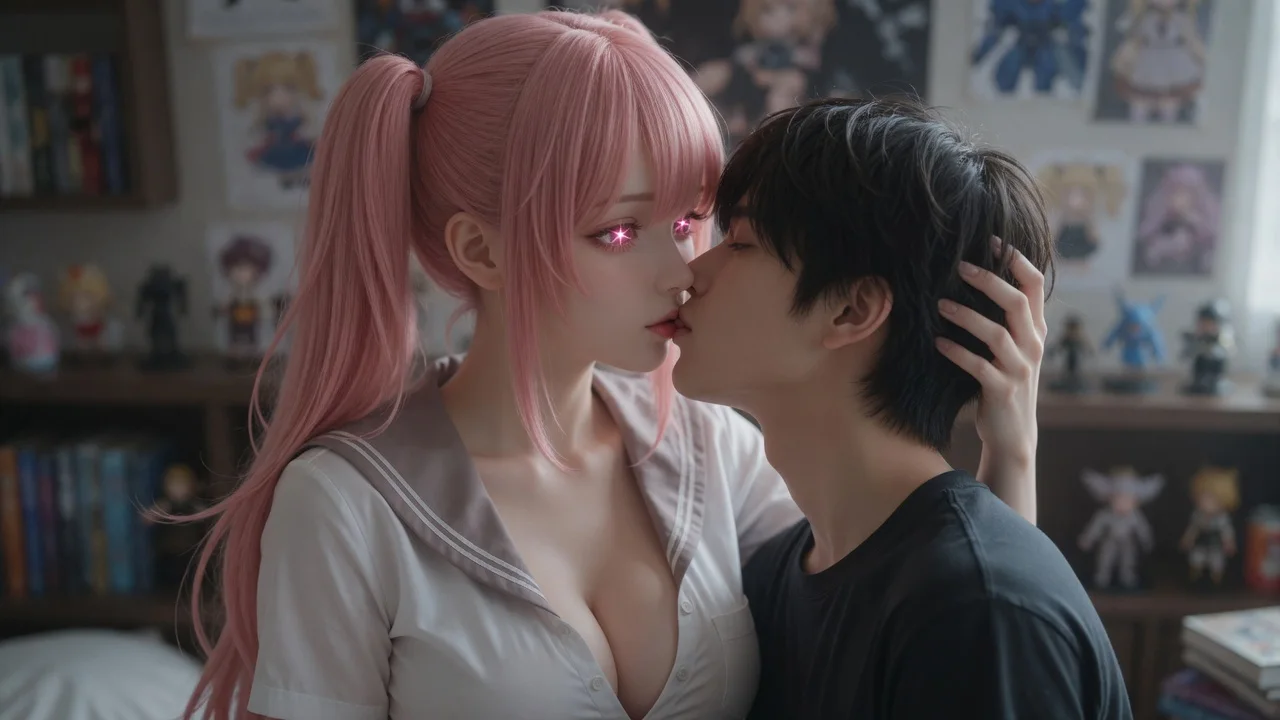
The kiss frame composes first. Choosing video drives that frame forward so the lips meet on camera instead of cutting to it.
The parts that decide whether a generated image or clip is worth keeping.
Foreheads nearly touching, a hand at the cheek and another at the waist, 50mm framing with a shallow depth of field. Kisses fail when the camera sits too far back to read the contact.
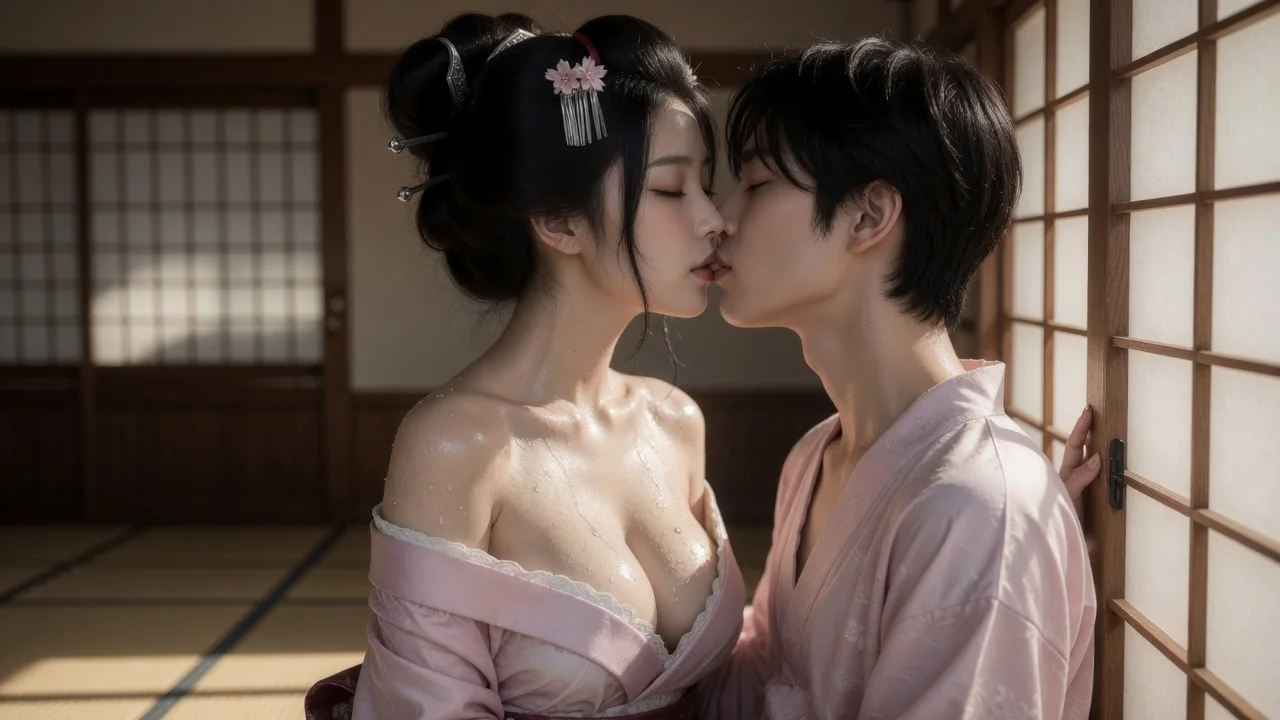
The motion prompt specifies opposite head tilts to reduce nose overlap and keep the close-up readable.
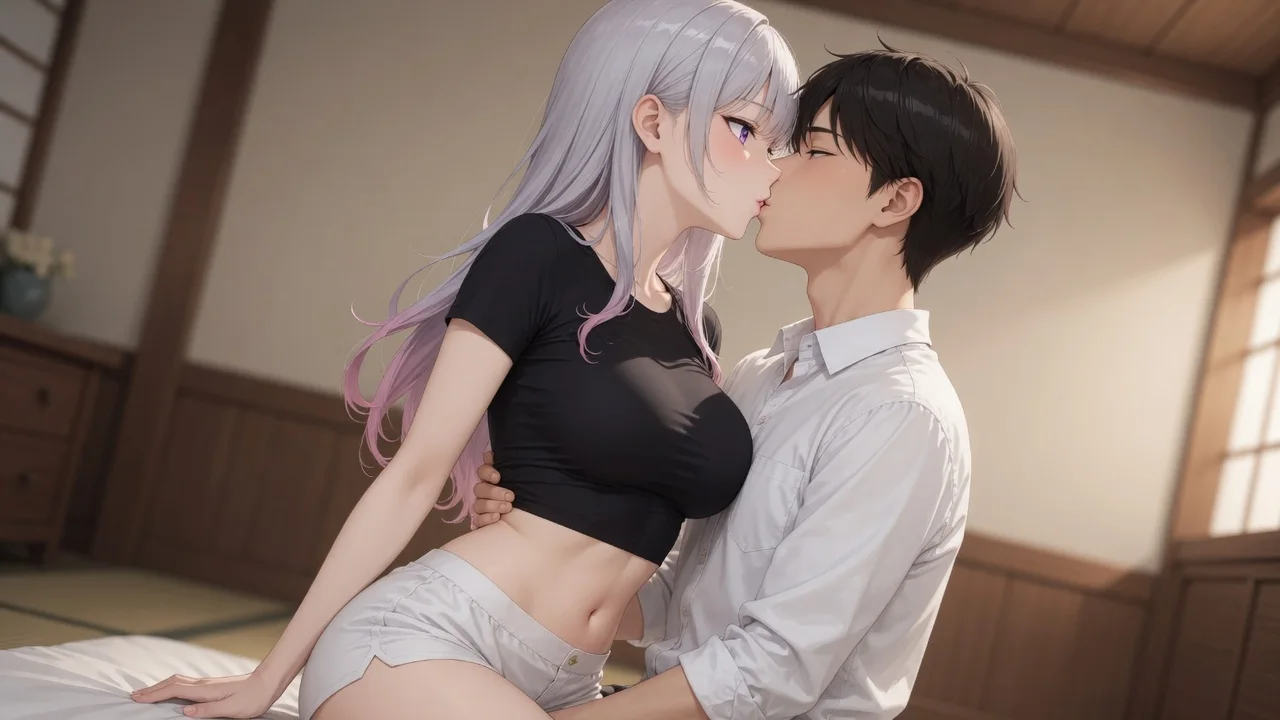
The intensity instruction runs only on the first frame. Repeating it during motion is what makes clothing flicker and change mid-clip.
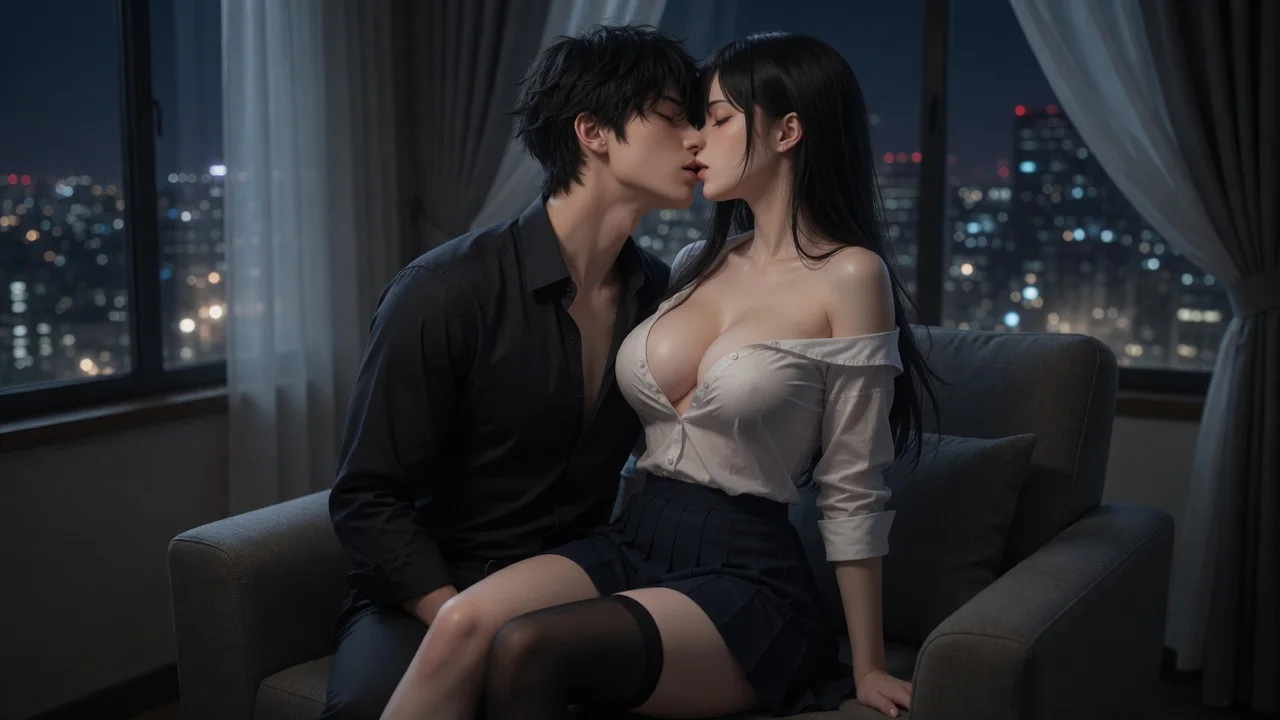
Character pairs and uploaded photos can both use every tier, including explicit. Intensity is your choice for the scene.
Choose two character or uploaded-photo references, then let the template supply the framing and motion prompt for the image or clip.
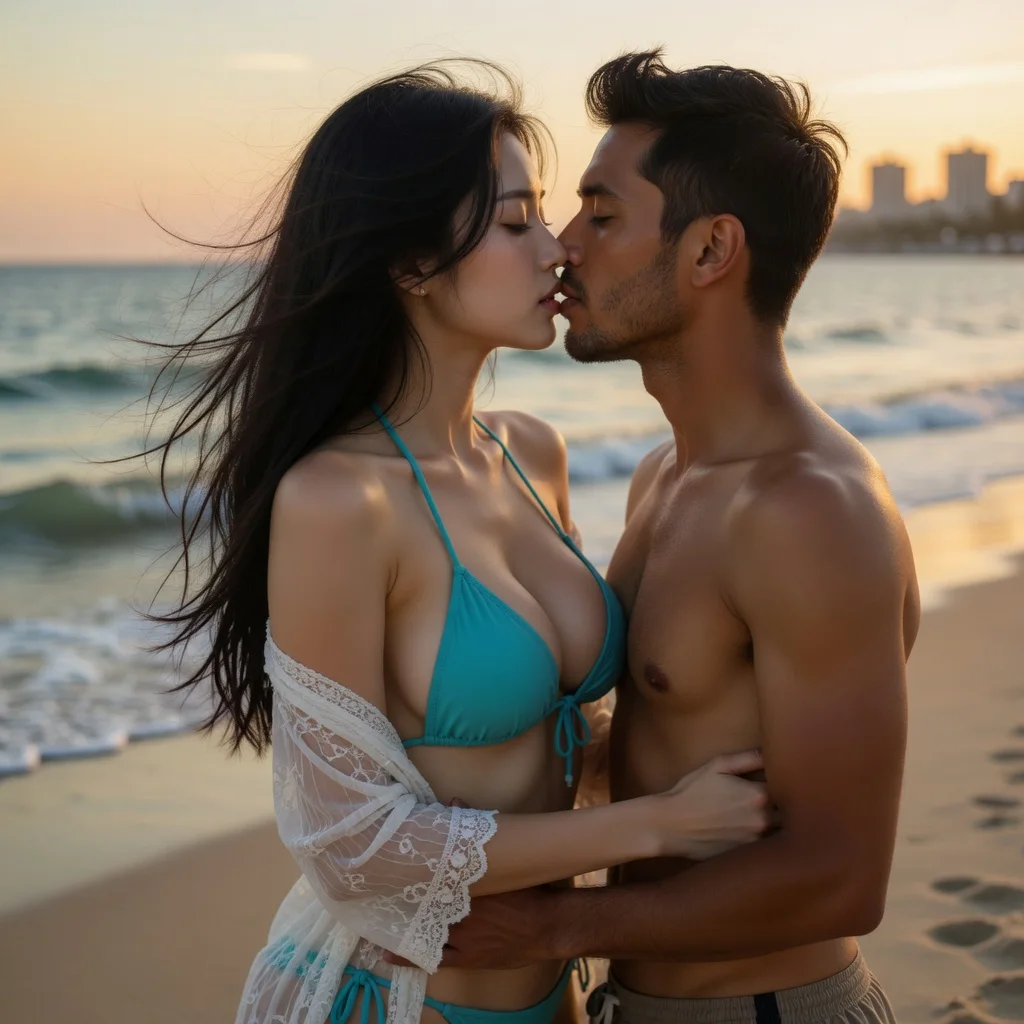
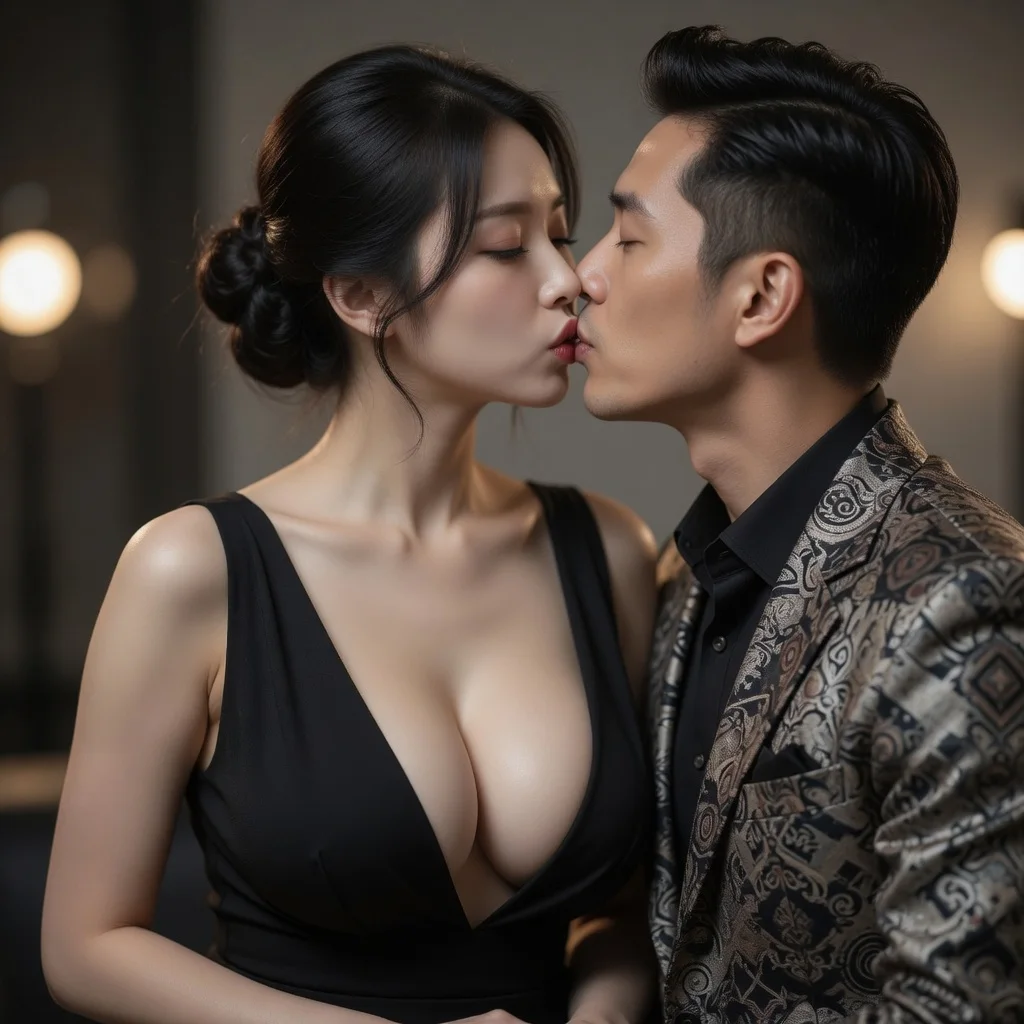
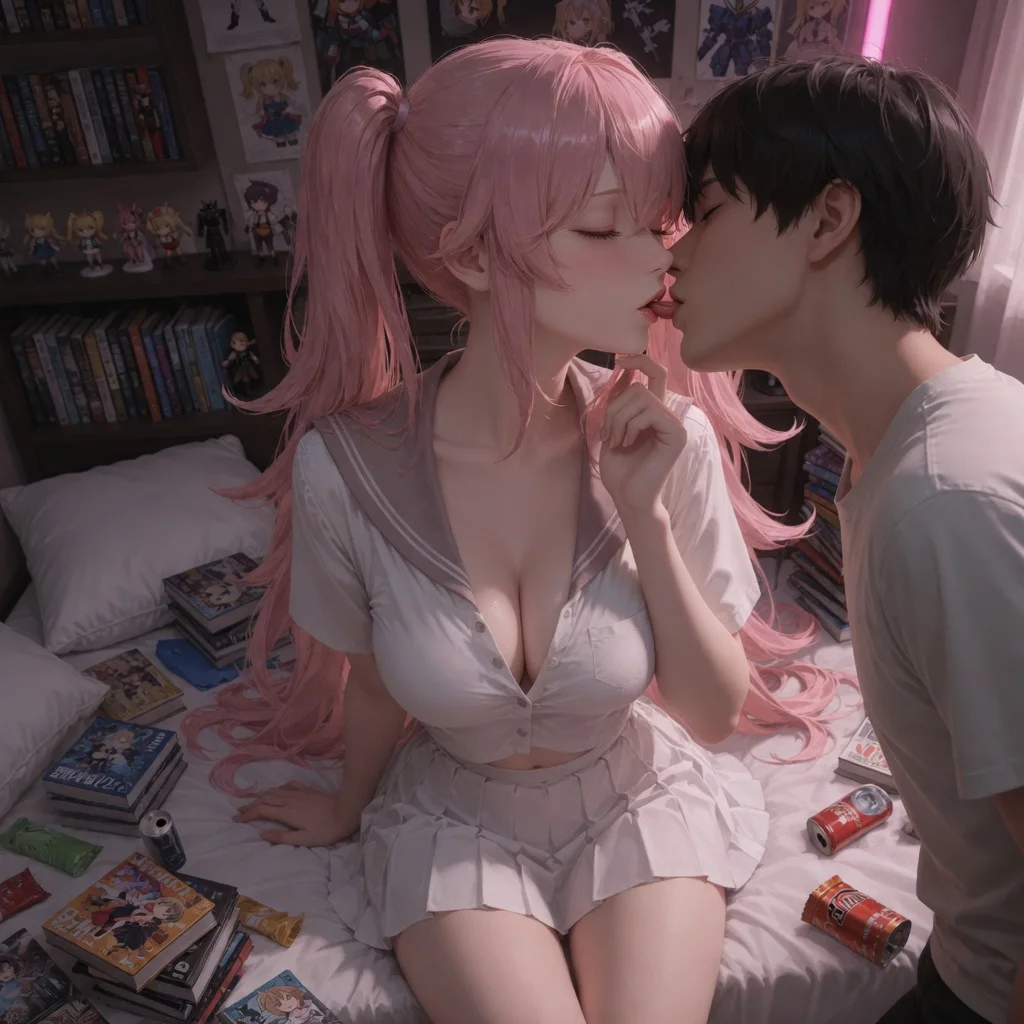
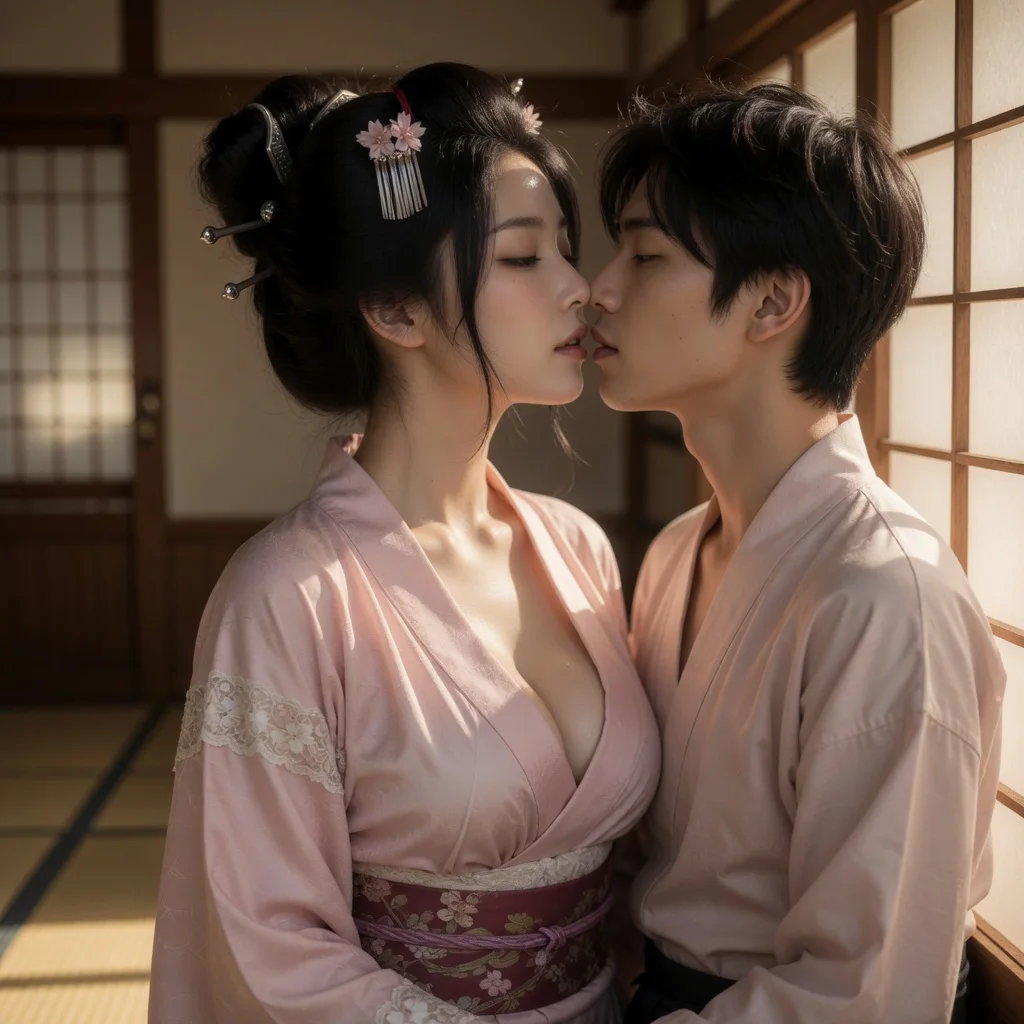
| Template | Subjects needed | Output | Accepts your own photo |
|---|---|---|---|
| AI Hug Generator: Online Turn Photos into Hug Videos | 2 | Image · Video | ✓ |
| AI Kiss Generator: Online Turn Photos into Kiss Videos | 2 | Image · Video | ✓ |
| Online AI Clothes Changer | 1 | Image · Video | ✓ |
Each character has an individual profile and prepared reference art. Choose one directly and reuse the same identity across Hug, Kiss, and Clothes without uploading a real person’s photo.
You can pair an uploaded photo with a character, or use two photos. Uploaded photos can use every intensity tier, including explicit, same as character-only scenes.
Because it starts from the same frame. The template composes the kiss image first and reuses it as the video reference. Generated details can still vary, so review the preview before downloading.
Yes. Choose a character for both subjects to generate a kiss between two characters, which also unlocks every intensity tier.
Yes, generation requires a signed-in account so results can be tied to your credit balance and retrieved later.
The displayed fixed price is reserved when generation starts and charged in full when the result is delivered. Failed generations release the reservation.
You can use the whole tool without signing in — pick characters, upload a photo, choose output and intensity. Sign-in is only asked for at the final step, when the generation actually runs, and new accounts start with credits so the first few results cost you nothing out of pocket.
There is no per-day cap on the number of generations. The only limit is your credit balance, and failed generations release their hold automatically so a failure never costs you credits.
You can use every intensity tier — including explicit — with LumiChat characters, uploaded photos, or a mix of both. Intensity is your choice for the scene, not a lock that depends on whether a slot is a character or a photo.
Create an AI kissing video from two photos or LumiChat-owned original IP characters. The generator composes a kiss close-up, then animates it into a short clip.
Start generating