
Pro esports player
Baoer
A Chengdu AG pro who is focused in matches and softer in private, ideal for users who want a cool, attentive companion with a competitive spark.
EsportsCoolFocused
Start chatCharacter card import guide
Import SillyTavern JSON or metadata PNG character cards into LumiChat, map persona fields, add a world book, fix invalid PNG errors and test safely.
12 min read
Quick answer
Sign in, open My Characters, choose Import Character Card, select a JSON or metadata PNG under 8 MB, review every mapped field, then save a private draft before submitting it for public review.
Featured companions
Preview a few popular companions, watch the promo video, then jump straight into chat.
Pro esports player
A Chengdu AG pro who is focused in matches and softer in private, ideal for users who want a cool, attentive companion with a competitive spark.
Osaka underground DJ
A Techno DJ from Shinsaibashi with direct energy and a strong sense of rhythm, suited to music, nightlife, and lively chat.
Ginza club queen
An elegant Tokyo Ginza club character with warm, ritual-rich replies for users who want refined emotional companionship.

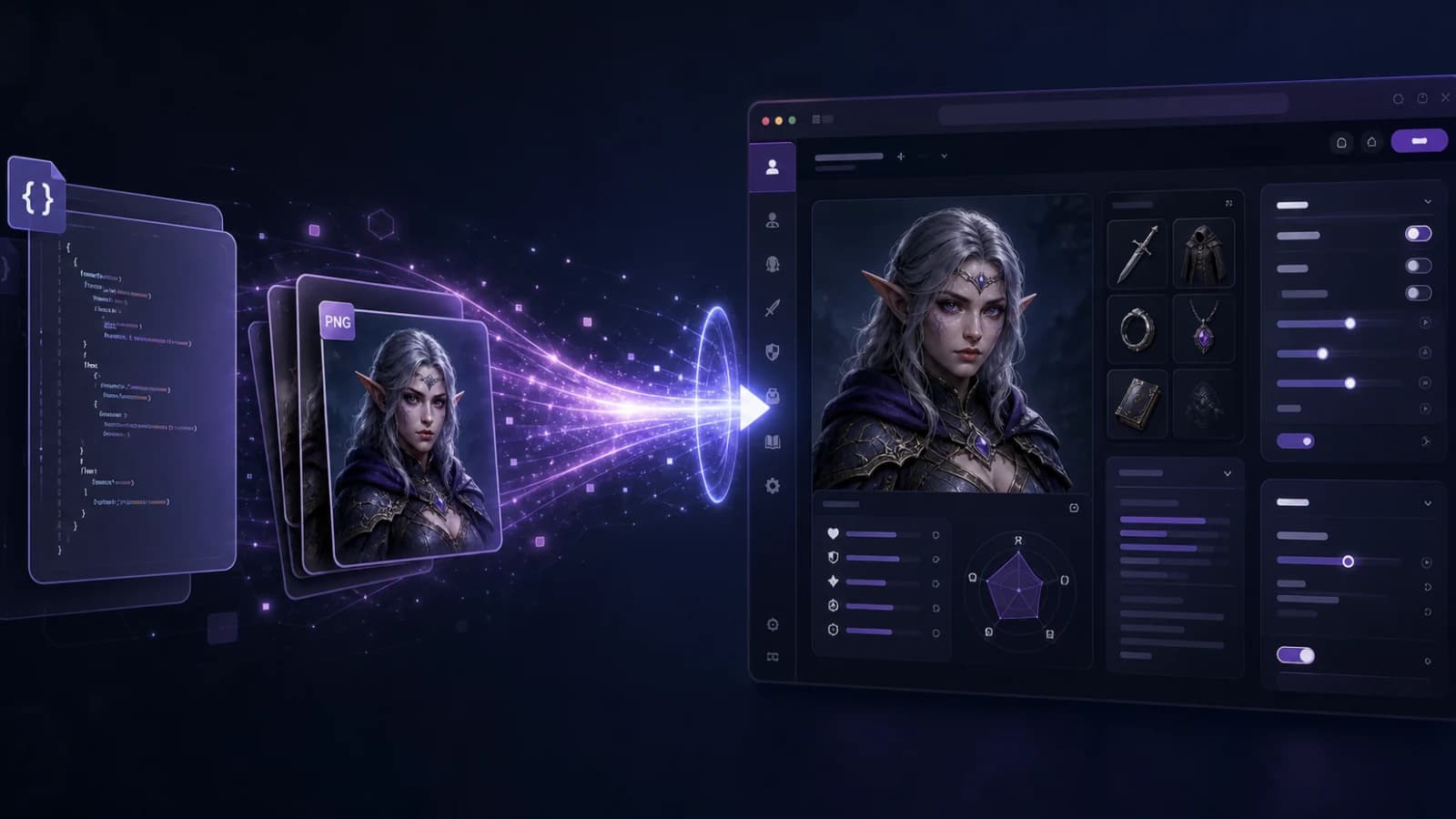
Import steps and troubleshooting
LumiChat accepts SillyTavern JSON cards and real PNG cards that contain chara or ccv3 metadata. A normal portrait renamed to .png is not a character card.
Sign in, open My Characters, choose Import Character Card, select a JSON or metadata PNG under 8 MB, review every mapped field, then save a private draft before submitting it for public review.
The current creator accepts .json and .png character cards. JSON is parsed as card data; PNG must be a genuine PNG carrying base64-encoded ccv3 or chara text metadata. The file limit is 8 MB. If a PNG imports successfully, LumiChat can also upload that image as the draft avatar.
A separate World Book importer accepts JSON up to 4 MB. Importing creates a draft; it does not automatically publish a public character.
Keep the original file unchanged. Only import a card you created or have permission to use, and read any license or creator note attached to it. A downloadable community card is not automatically permission to republish the character publicly.
For JSON, open a copy in a text editor and confirm it is structured JSON rather than HTML from a failed download. For PNG, confirm the file opens as an image and came from a character-card export, not a screenshot or WebP renamed to .png.
Sign in to LumiChat and open My Characters at /app/create. Choose the character-card import action, then select one JSON or PNG. Wait for the draft to appear before clicking again; the imported draft is already saved even if a later list refresh is slow.
Review Name, short description, persona description, personality, scenario, dialogue examples, greeting, tags and avatar. Save the private draft, open it again, and verify that line breaks, placeholders and the opening message still read naturally.
Character name maps to Name; description and personality feed the persona layers; scenario stays the situation; mes_example becomes dialogue examples; first_mes becomes the greeting. Tags are normalized into the draft tag list. Embedded character-book or lore data can be retained when the source and server mapping support it.
The first message is not decoration. SillyTavern documentation notes that it strongly shapes style and length, so rewrite an overlong greeting before testing instead of trying to repair every later reply with more permanent description.
A visible portrait can still contain no character definition. LumiChat reads PNG text chunks named ccv3 or chara; without either, it returns a metadata-missing error. SillyTavern also warns that some “PNG” downloads are actually WebP files renamed with a PNG extension.
Export the card again from the source tool. Do not repair it by changing the filename. If the image itself is useful but metadata is unavailable, import the JSON card and upload the portrait separately as avatar.
Use the separate World Book JSON action rather than pasting every location and item into the permanent persona. World Info is a keyword-triggered source: relevant entries enter context when their keys appear, while unrelated lore stays out.
Before import, remove duplicates, narrow broad keys and shorten entries to facts the model must know. “the”, “city” or a common pronoun will trigger constantly; a place name, alias or distinctive object is much safer.
Start with three prompts: one that should reveal the persona, one that should activate the scenario, and one exact lorebook keyword. Then correct one fact and continue for several turns. Record whether the voice remains stable, the greeting sets the right length and the lore appears only when relevant.
If a reply fails, change one layer at a time. Fix the greeting for style, personality for behavioral rules, scenario for the starting situation, and the world book for conditional facts. Editing everything together hides the cause.
Saving keeps a draft in your account. Submitting for review is a separate action and can make the finished character eligible for publication after moderation. Remove private names, copied creator text and unlicensed art before that step.
Imported cards can contain prompt injection or unexpected instructions. Read every field, keep secrets out of definitions, and use the privacy policy to decide what belongs on a hosted service.
These links are primary documentation or the official product help center. Limits and editor labels can change, so verify the current screen before paying or migrating data.
Use a small, non-sensitive test character first. Compare the imported fields and one controlled conversation before moving a full library.
Open LumiChat Character Creator · Browse LumiChat characters · Read the privacy policy
Yes. JSON must be valid card data; PNG must contain ccv3 or chara metadata. Both are limited to 8 MB.
An image alone is not a card. The PNG needs embedded character metadata.
No. Import creates a draft. Public review is a separate explicit action.
The creator accepts a separate World Book JSON up to 4 MB, but inspect schema and entries because formats can vary.
Name, persona, personality, scenario, examples, greeting, tags, avatar and one lore trigger.
No. Confirm the creator license and permission before public submission.

Continue in LumiChat
Browse active characters, choose a personality that fits, and start chatting in seconds.
Continue the conversation naturally
TavernAI 2.4 download and setup
A current, source-checked path from the real TavernAI 2.4 release to a safe first character chat.
Official app and APK check
The official Pinku AI Android app explained: Play Store identity, real features, APK risks and a safer browser-first decision.
World memory guide
A lorebook is conditional world knowledge, not unlimited long-term memory. Good entries inject one relevant fact when a precise key appears; bad entries fire constantly or never fire.
Tavern AI chat guide
Choose between configurable Tavern-style character cards and a managed browser-based character chat route.