

Pro esports player
Baoer
A Chengdu AG pro who is focused in matches and softer in private, ideal for users who want a cool, attentive companion with a competitive spark.
Start chat→Interactive story guide
A practical Perchance Interactive Story guide covering perchance storygen, choices, scene state, privacy and continuing character chat.
10 min read
Quick answer
Perchance-style generators are useful for a quick story spark. To continue the same interactive story, keep a state card with the characters, location, unresolved question, and next choices.
Quick start
Pro esports player
A Chengdu AG pro who is focused in matches and softer in private, ideal for users who want a cool, attentive companion with a competitive spark.
Start chat→



Perchance Interactive Story Guide: Setup, Characters & Choices
A Perchance interactive story is a generator-led narrative in which you provide an opening situation, make choices or write actions, and let the next scene respond to that input. It sits between a one-shot story generator and a character chat: more participatory than pressing Generate once, but less structured than a full role-playing game with fixed rules.
Different Perchance pages are created by different authors, so their controls, storage and quality are not identical. Read the fields and page notes before assuming that one generator's save behavior or content rules apply everywhere.
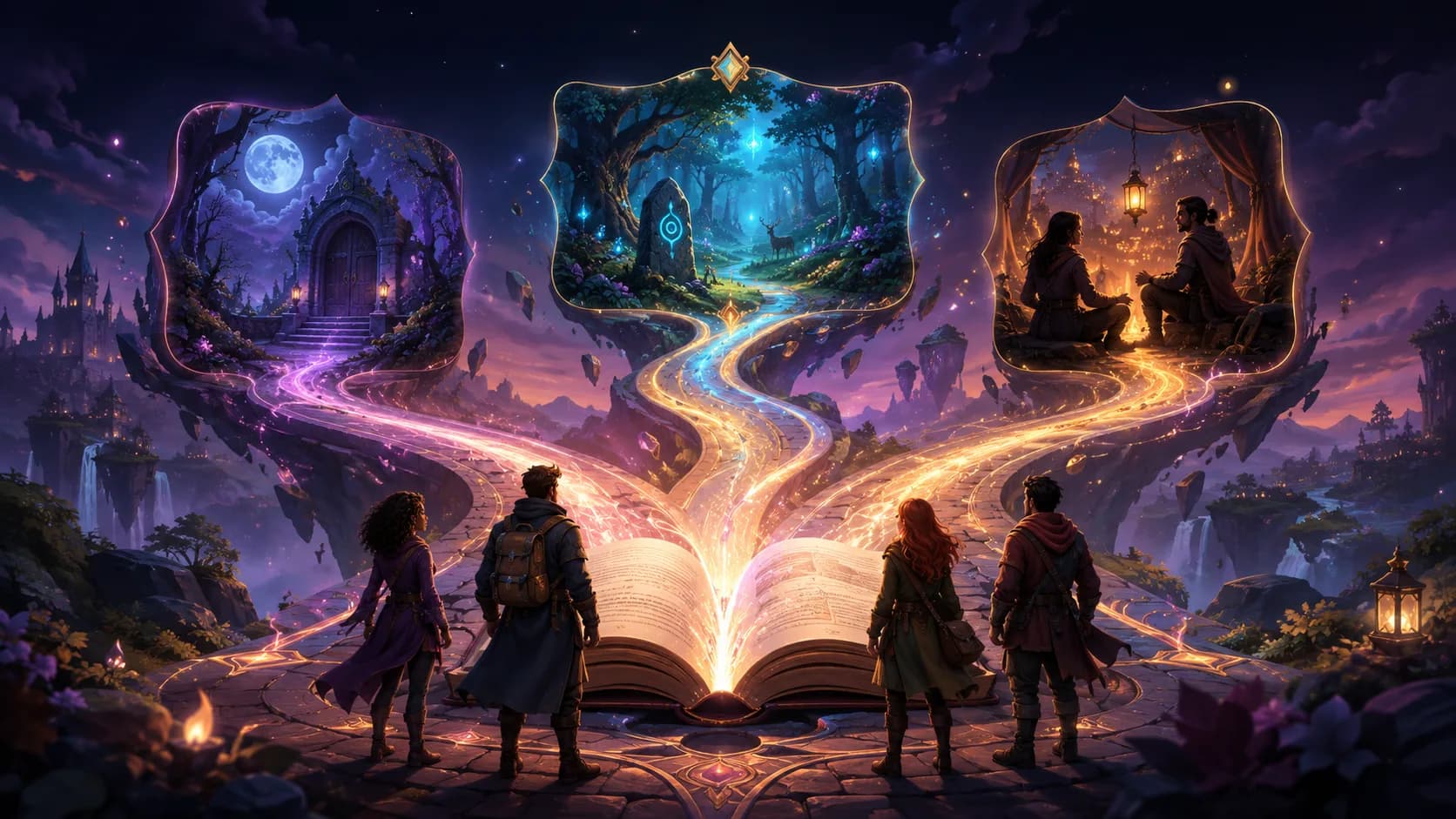
Interactive storytelling turns one generated opening into choices that change the next scene.
Starting small is important. A generator can maintain one location, one conflict and three characters more reliably than a world with twelve factions introduced in the first paragraph.
Copy this template into your notes and update it after each scene:
Genre and tone: Cozy mystery with restrained humor
Player: Mina, an adult archivist who notices inconsistent dates
Present characters: Mina and Rowan, the night librarian
Location: Locked map room during a power outage
Known facts: A map was replaced; Rowan has the only key
Hidden facts: Mina has not revealed the note in her pocket
Unresolved question: Who entered before the outage?
Next choices: Show the note, inspect the window, or question Rowan
This solves the most common continuity problem: the generator no longer has to infer which facts are fixed, which are secret and which decision is still open.
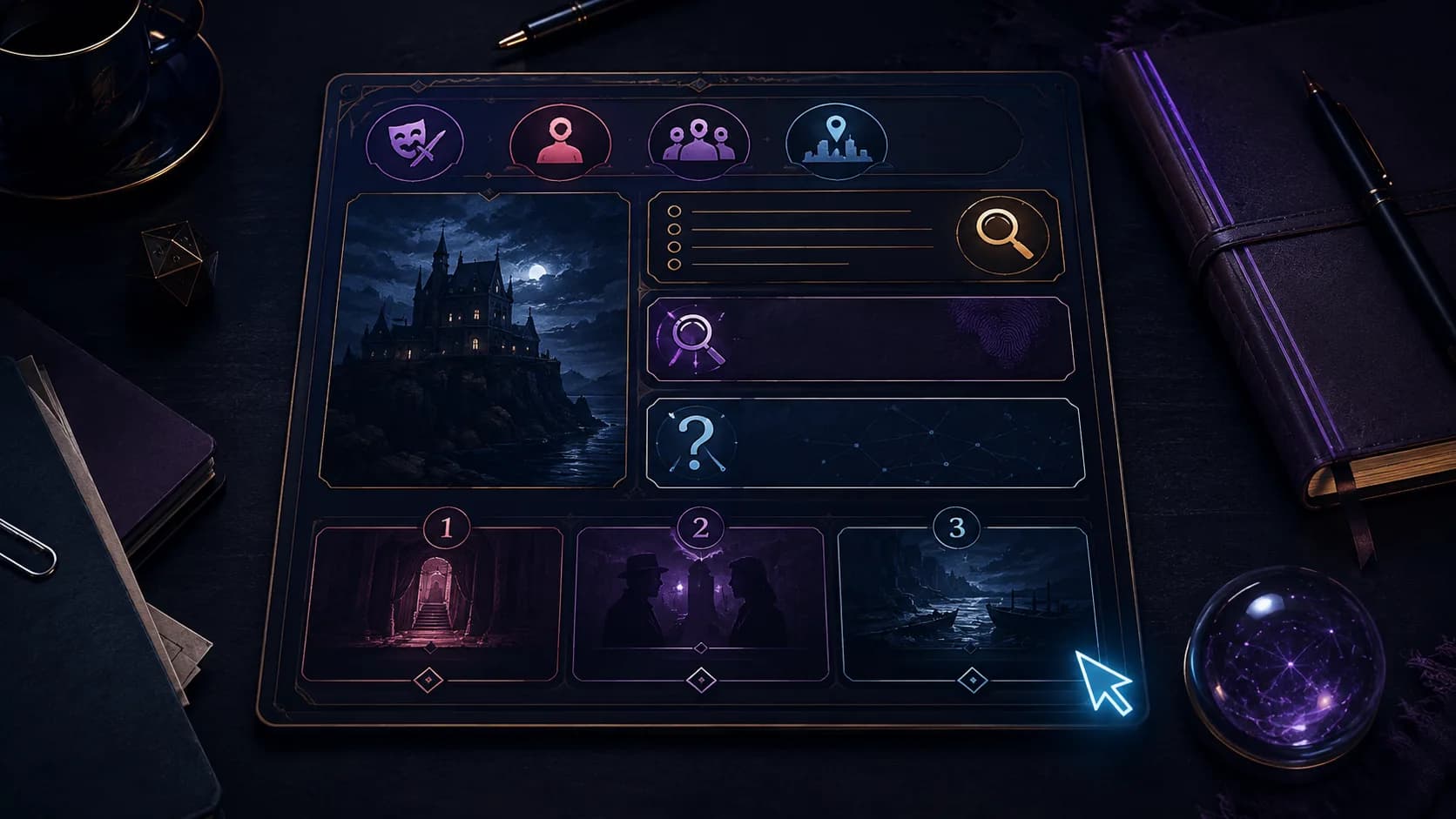
The state card separates permanent facts, hidden information and the next open decision.
A long biography is less useful than a compact behavior model. Give each recurring character five fields:
| Field | Practical purpose | Example |
|---|---|---|
| Role | Explains why they are in the scene | Night librarian |
| Motivation | Produces decisions | Protect the archive's reputation |
| Pressure | Creates believable mistakes | May lose the job if the map is missing |
| Voice | Keeps dialogue distinct | Precise sentences, avoids slang |
| Knowledge boundary | Prevents secret leakage | Does not know Mina found the note |
Knowledge boundaries matter in multi-character stories. If every profile includes every secret, the generator may let characters act on information they have never learned.
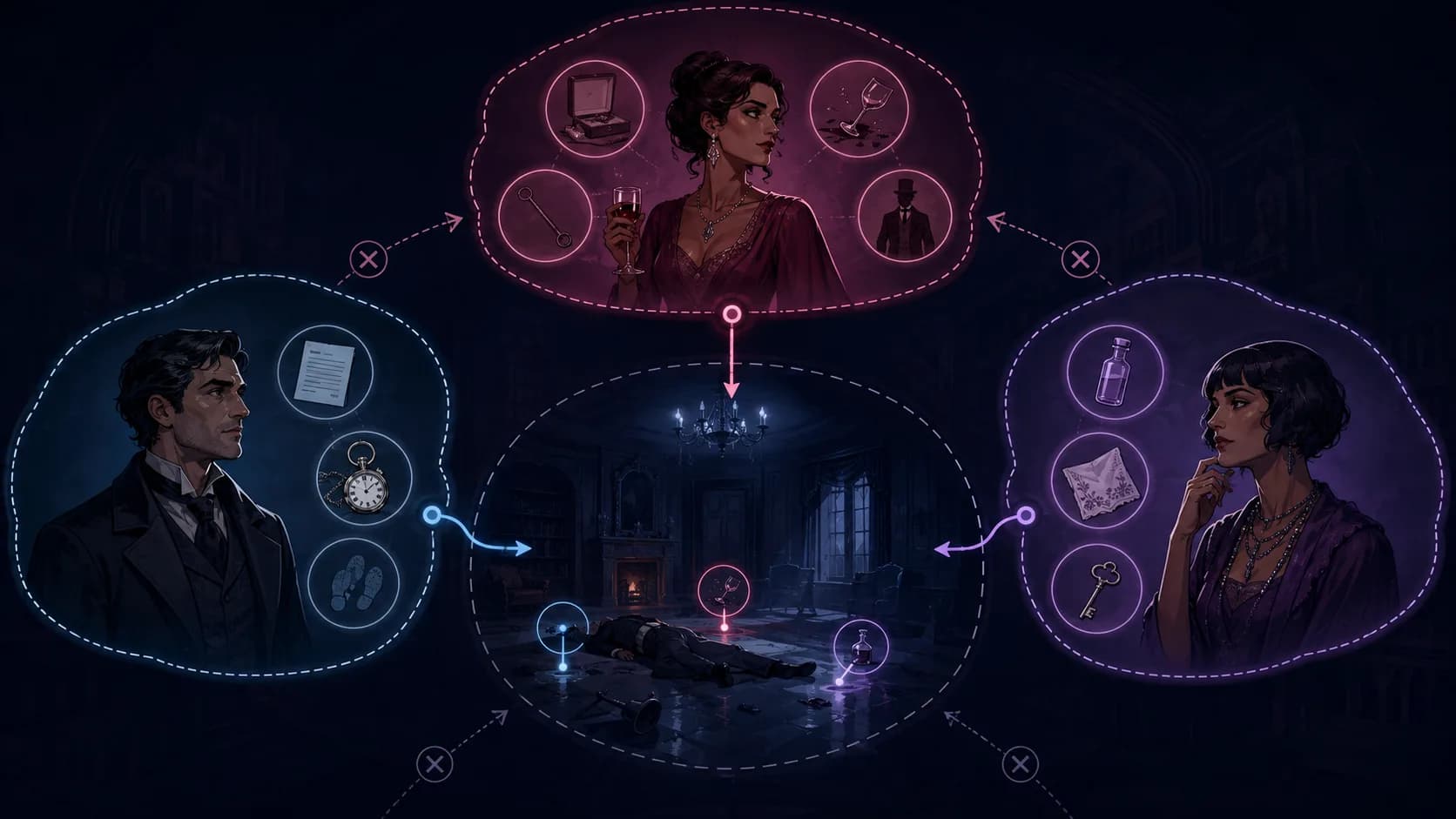
Separate knowledge bubbles prevent one character from using another character's private clue.
A durable scenario has six parts: setting, initial situation, central conflict, active characters, stakes and possible outcomes. Convert those parts into a compact request:
Write a 500-word interactive opening set in a locked map room. Mina and Rowan need to identify who replaced a chart before security arrives. Rowan risks his job; Mina risks exposing why she entered after hours. Keep their knowledge separate. End with three choices that change who trusts whom. Do not resolve the mystery yet.
The word count keeps the scene readable, while the instruction not to resolve the mystery protects room for interaction.
Ask for two or three options with immediate trade-offs. Avoid fake choices that all lead to the same paragraph. A strong choice changes trust, information or location.
Alternate one character action, one line of dialogue and one user decision. This works well for relationship stories because the user remains a participant rather than a spectator.
Place one clue in the scene and let the user decide whether to investigate, conceal or discuss it. Tell the generator which characters know the clue so it does not leak secrets.
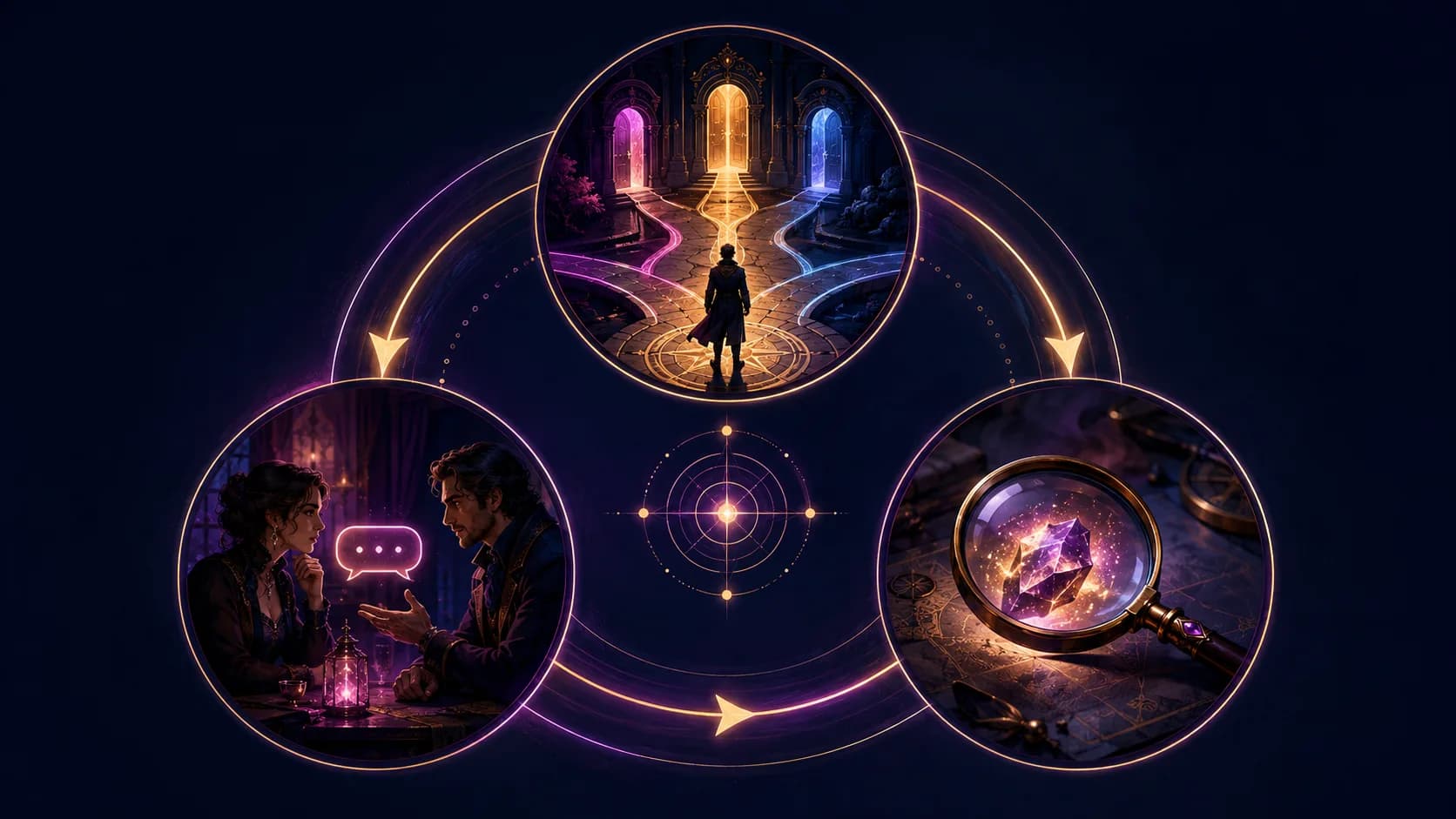
Rotate among choice, dialogue and discovery so the story changes state instead of merely adding prose.
Each premise contains a relationship, a problem and a decision. That is enough to start; add world lore only when the current scene needs it.
| Problem | Likely cause | Useful correction |
|---|---|---|
| Characters know each other's secrets | Profiles contain global information | Add a knowledge boundary for each character |
| The story jumps to an ending | No pacing instruction | Request one scene and prohibit resolution |
| Choices feel identical | Options do not change state | Make each choice alter trust, information or location |
| Tone changes suddenly | Tone is described only once | Repeat two tone words in the state card |
| A fact changes | No compact recap | Paste the state card and correct only that fact |
| One character takes over | Too many characters or no turn rule | Limit the cast and name the next speaker |
Do not regenerate an entire chapter to fix one wrong detail. State the correct fact, ask for a revised paragraph, and preserve everything else.
Save behavior varies by generator. Some pages may keep state locally; a separate save or share action may upload content. A no-sign-up page is not automatically a promise that every generator, extension or share button handles data the same way.
Before publishing, remove real names, precise locations, passwords, private messages and another person's likeness. Keep an offline state card for stories you care about. Read the AI chat privacy guide before moving personal material into an account-based platform.
Choose a Perchance-style generator when you want structured randomness, rapid experiments and a one-off narrative tool. Choose character chat when you want to return to the same persona, preserve a relationship, and continue with a direct next message.
To compare fairly, use the same state card with a LumiChat character. Return after a break and measure how much context you must paste again. The better tool is the one that supports your actual writing loop, not the one with the longest feature list.
Many Perchance generators are free to open, but individual pages and third-party lookalike services can differ. Check the exact page you are using.
It depends on the generator. Keep your own state card and story copy even when a save button exists.
Use enough detail to define the player, location, conflict, knowledge boundaries and next choices. A compact 100–200 word brief is usually easier to control than a huge lore dump.
Give every character a knowledge boundary and never place hidden information inside a profile visible to all characters.
Do not make a blanket assumption. Storage and sharing can vary by generator and action. Avoid sensitive data and inspect the current save or share behavior.
Use LumiChat when a persistent character relationship and an easy return to chat matter more than one-off random generation.

Continue in LumiChat
Browse active characters, choose a personality that fits, and start chatting in seconds.
Platform review
A fact-checked guide to what Perchance promises, what “not stored” actually means, and how to test continuity before trusting a long roleplay.
AI chat guide
Goth AI is about characters with a dark, alternative aesthetic and a distinct personality to match.
AI chat guide
Perchance-style tools are useful for quick story prompts; LumiChat is better for continuing interactive story chat with characters.
AI chat guide
AI fantasy story chat works best when the character, scene, goal, and next step are clear.