
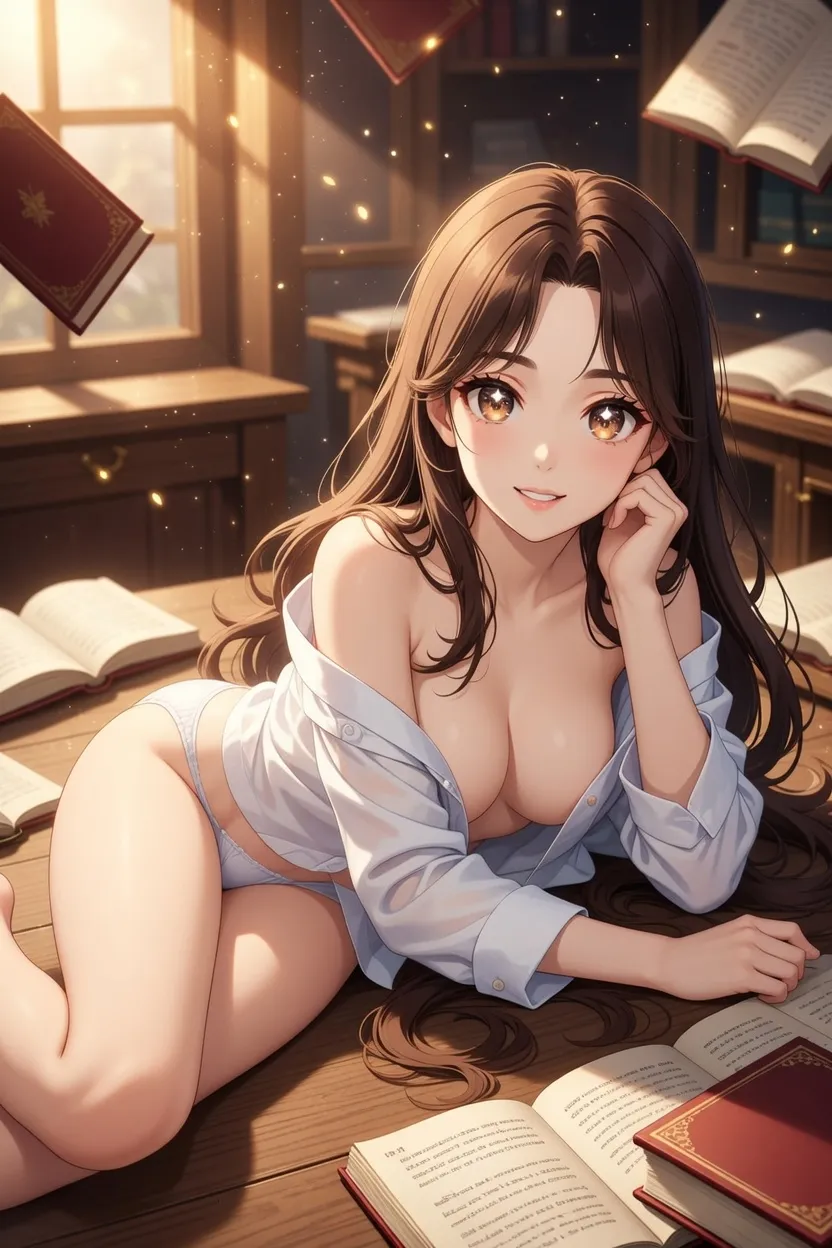
Arcane mentor
Aurora Quinn
A confident magic teacher for playful power dynamics, witty tests, and slow-burn classroom fantasy.
Empezar chat→AI image chat guide
Compare AI chat with image generator products and standalone generators, then test continuity, credits, privacy and character fit before paying.
9 min read
Quick answer
Compare AI chat with image generator products and standalone generators, then test continuity, credits, privacy and character fit before paying.
Inicio rápido
Arcane mentor
A confident magic teacher for playful power dynamics, witty tests, and slow-burn classroom fantasy.
Empezar chat→

Creación con IA
Edita una foto adulta autorizada con la intensidad que elijas.
Abrir herramienta→
Most people who search for an ai chat with image generator want one thing: a conversation that does not stop at words. You are talking to a character, the scene builds, and at the exact moment you want to see the moment, the picture appears in the same thread. That is a very different experience from copying a prompt into a separate image tool and losing the thread of the story. This guide explains how an AI image generator chat actually works, what to look for when you compare platforms, and how LumiChat handles media generation inside an ongoing roleplay.
The phrase covers two loosely related things that often get marketed as one. The first is a chatbot with a bolted-on image button: you type a prompt, it calls a model, you get a standalone image with no memory of who you were talking to. The second, and the one worth caring about, is character chat with images where the picture is generated in context — the model already knows the character's appearance, the current scene, and the tone of the conversation.
In my experience using these tools daily, the second kind is what makes media generation feel magical instead of gimmicky. When you are five messages deep into a story and the image reflects the outfit, the setting, and the mood you just established, continuity does the heavy lifting. A generic generator cannot do that because it has no thread to read from.
Under the hood, an AI roleplay with images flow usually does three things: it reads the recent conversation for visual cues, it builds a prompt automatically (or lets you steer it), and it sends a generation task to an image model. Because rendering takes a few seconds, good platforms run this asynchronously — your chat stays responsive and the image is pushed into the thread when it is ready.
LumiChat follows this push model. You trigger media naturally during the conversation rather than leaving for a separate tool, and the result arrives in the message stream over the live connection. There is no task queue to babysit and no prompt to copy. Browse the character library to see how different characters carry distinct visual identities into their generated images.
Not every product solves the same problem. Here is how the main approaches stack up for someone who wants story and visuals together.
| Approach | Continuity with chat | Effort per image | Best for |
|---|---|---|---|
| Standalone image generator | None | High (copy prompts) | One-off art, no story |
| Chatbot with image button | Weak | Medium | Casual experiments |
| Character chat with in-context media | Strong | Low (in-thread) | Ongoing roleplay |
| LumiChat media generation | Strong | Low (push to stream) | Companion + visual story |
The pattern is clear: the more the image generation is wired into the conversation, the less work you do and the more coherent the result feels.
A few things separate a tool you keep using from one you abandon after a week. Check whether images respect the character's established look across sessions, not just within one chat. Check whether generation is in-thread or kicks you to a separate screen. Check the pricing model — image generation costs real compute, so transparent credits beat surprise paywalls. And check the privacy posture, because visual chats are personal.
LumiChat keeps media generation inside the chat, uses a clear credit and membership system you can read about on the pricing page, and documents how your data is handled in the privacy policy. For a broader view of how characters and continuity work together, the AI roleplay guide is a good companion read.
The biggest mistake is treating the chat like a prompt box. Instead, let the scene develop in words first — describe the setting, the lighting, the mood — and the in-context generator will pick those details up. Be specific about what changed since the last image so the model knows what to update. And remember that style consistency comes from continuity, so staying within one character's thread produces a more coherent visual series than jumping between characters.
Mature themes deserve a note: keep visual roleplay age-appropriate, platforms gate adult-adjacent content behind 18+ checks, and the safest experiences keep things suggestive-and-tasteful rather than explicit. If companionship is your main goal, the AI companion chat guide covers how emotional continuity and visuals reinforce each other.
No. A normal generator produces standalone images from a prompt. An AI image generator chat creates pictures inside a conversation, using the character and scene as context.
You trigger media naturally in the conversation, and the result is pushed back into the message thread when rendering finishes — no separate tool and no prompt copying.
Yes, that is the point of character chat with images. Because generation reads the ongoing thread, the character's look and the current scene carry into the result.
Image generation uses compute, so it is tied to the credit and membership system described on the pricing page rather than being unlimited and free.
Mature content is gated behind 18+ verification and kept tasteful rather than explicit. Keep visual roleplay age-appropriate and within platform rules.
Usually because the scene was under-described or you switched characters. Let the conversation build visual detail and stay in one thread for a coherent series.
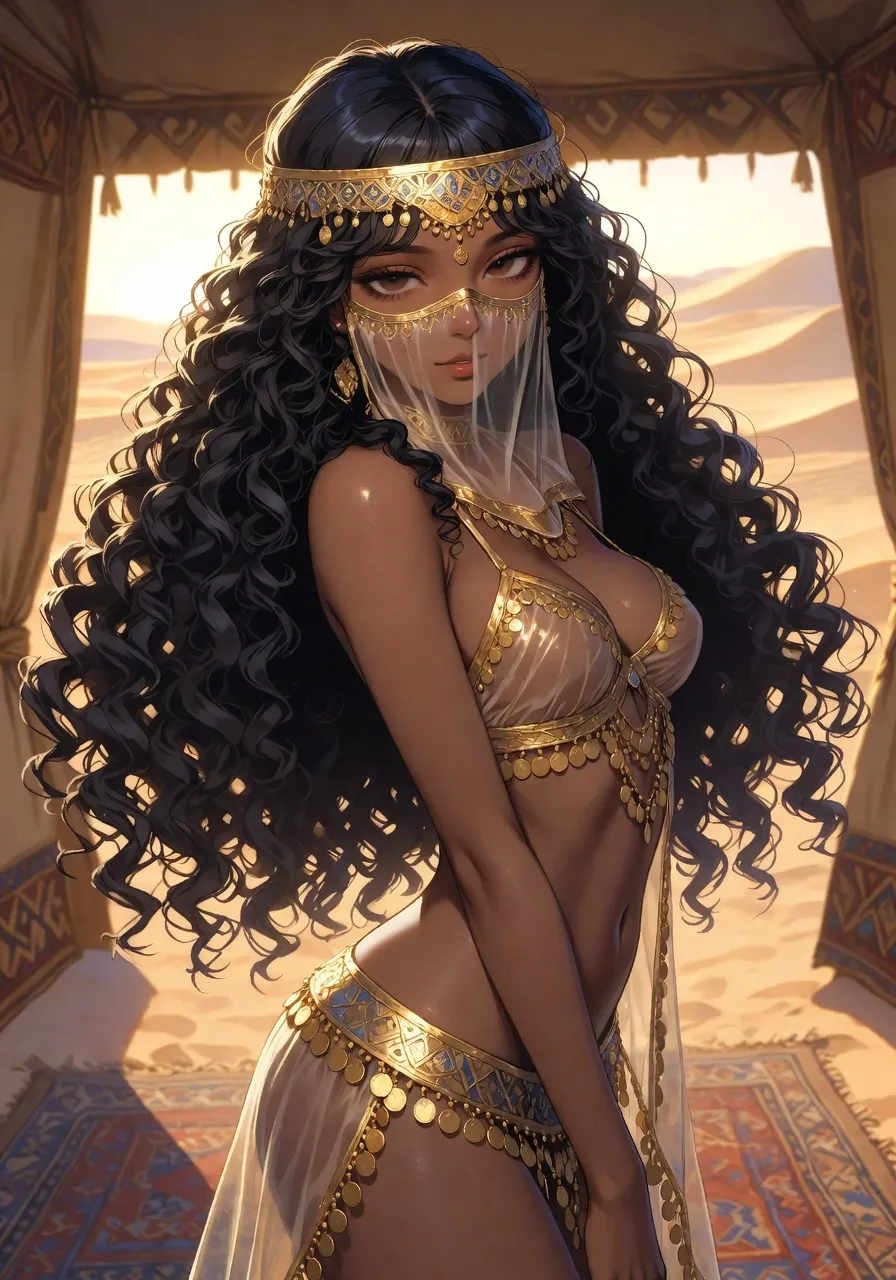
Continúa en LumiChat
Explora los personajes activos, elige una personalidad que encaje y empieza a chatear en segundos.
AI character chat with images
A practical guide to keeping a character, scene and relationship coherent when images are generated inside an AI chat.
AI character chatbot guide
An AI chatbot with a defined character responds differently than a general assistant. It has a voice, a perspective, and a way of engaging that stays consistent across the conversation.
AI voice guide
AI voice character adds a new layer to character chat — hearing the AI speak in a consistent tone changes the feel of roleplay and companion sessions. This guide explains how it works.
AI talking avatar guide
An AI talking avatar adds a visual and audio layer to character chat. This guide explains how these systems work and what to look for when choosing a platform.