
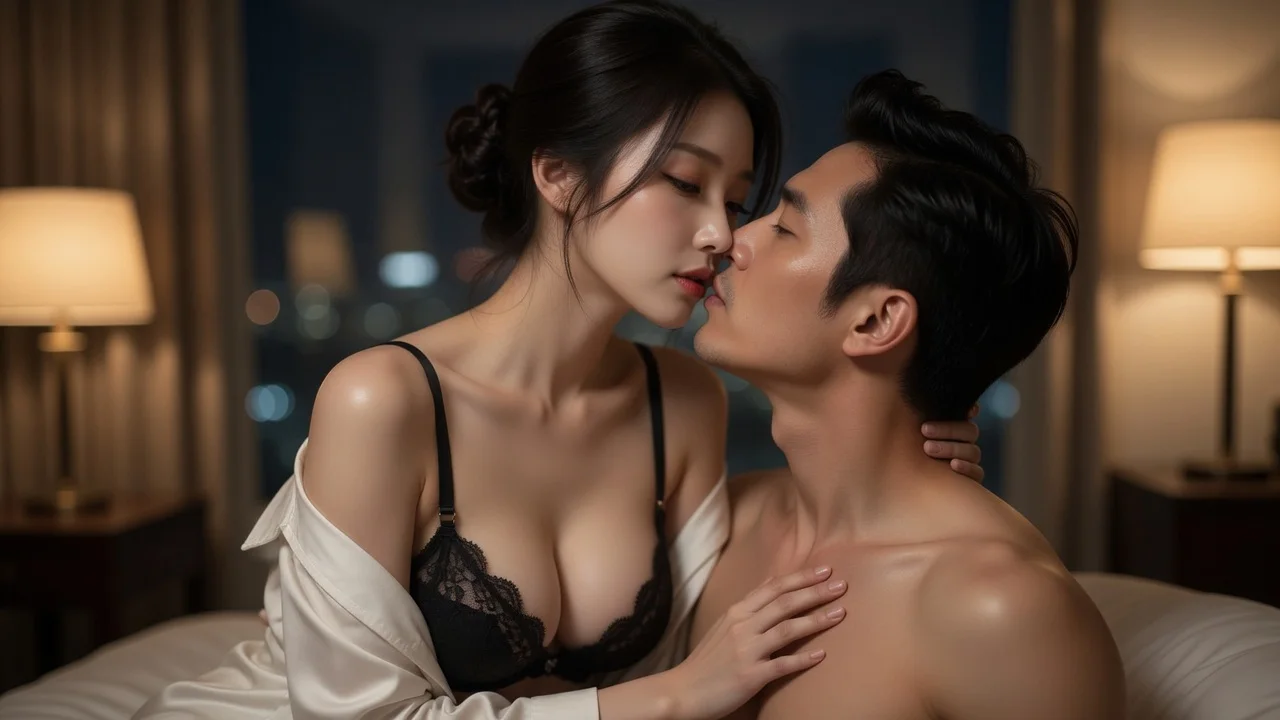
Built as a romantic close-up
Foreheads nearly touching, a gentle cheek touch and a shared look, with 50mm framing and a shallow depth of field. The camera stays close enough to read the emotion without turning the scene into a wide-shot collage.
Create a gentle romantic AI kiss image or short video from two photos or LumiChat original characters—ideal for couples, wedding memories, anniversaries, and wholesome anime pairings.
Pick your subjects, choose image or video, and generate.
First subject
Second subject
Before / After
Pick your subjects on the left, then generate to see the before and after side by side.
Better photos, better results
What it is
An AI kiss generator composes two reference subjects into one gentle romantic kiss frame, then optionally animates it into a short clip. On LumiChat the framing, lighting and camera move are fixed by the template, so you choose the couple, the occasion and the scene mood.
Instead of starting from a new anonymous upload each time, choose a LumiChat-owned fictional character with a profile and generation-ready reference art, then reuse that identity across AI Studio. Generated content is licensed for personal use; commercial use can be separately authorized in writing.
Read IP and usage rights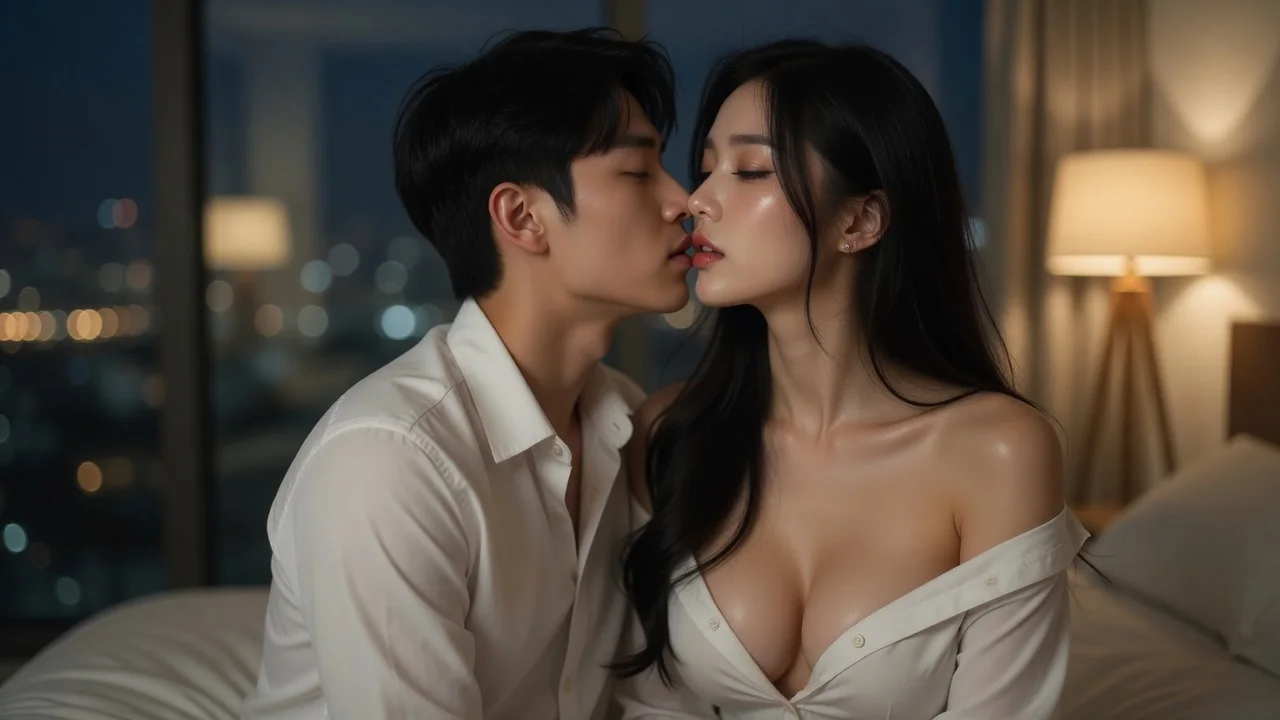
Pick two LumiChat original characters or upload photos you own or have permission to use. Build a couple, wedding, anniversary, or wholesome anime scene.
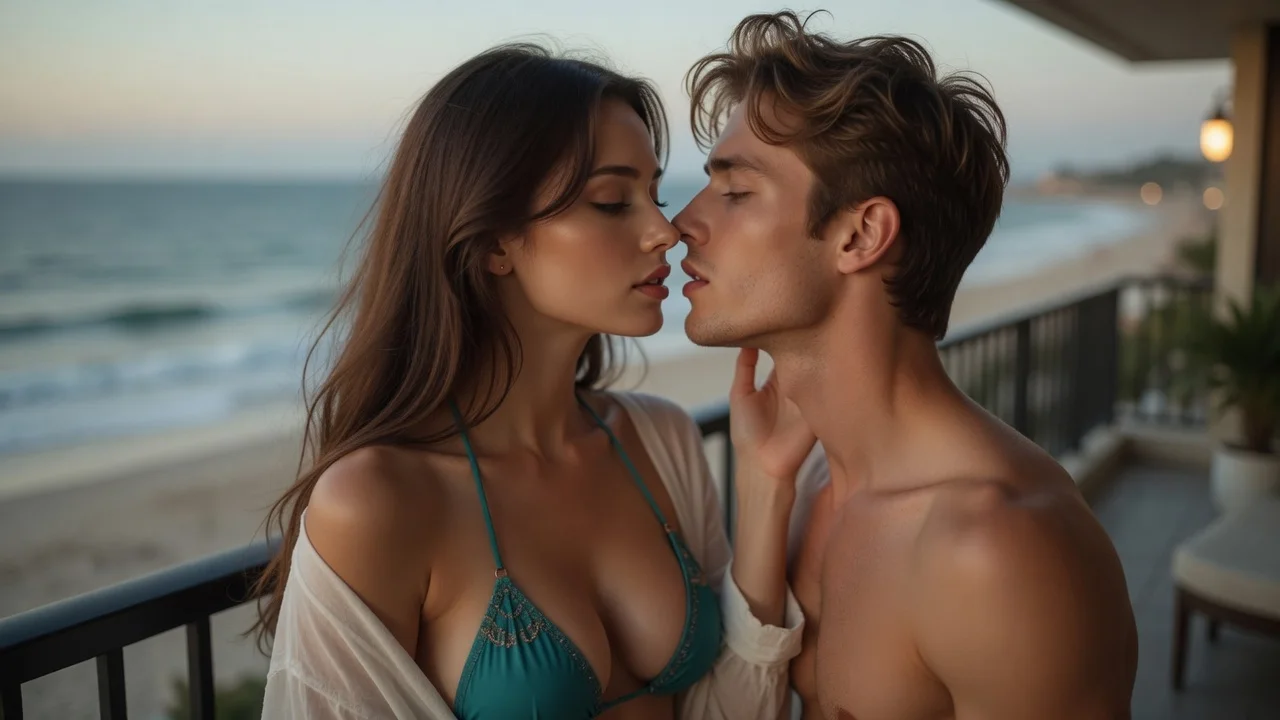
Choose a gentle romantic mood, then select a still image or a short video. Public examples stay focused on story, celebration, and connection.
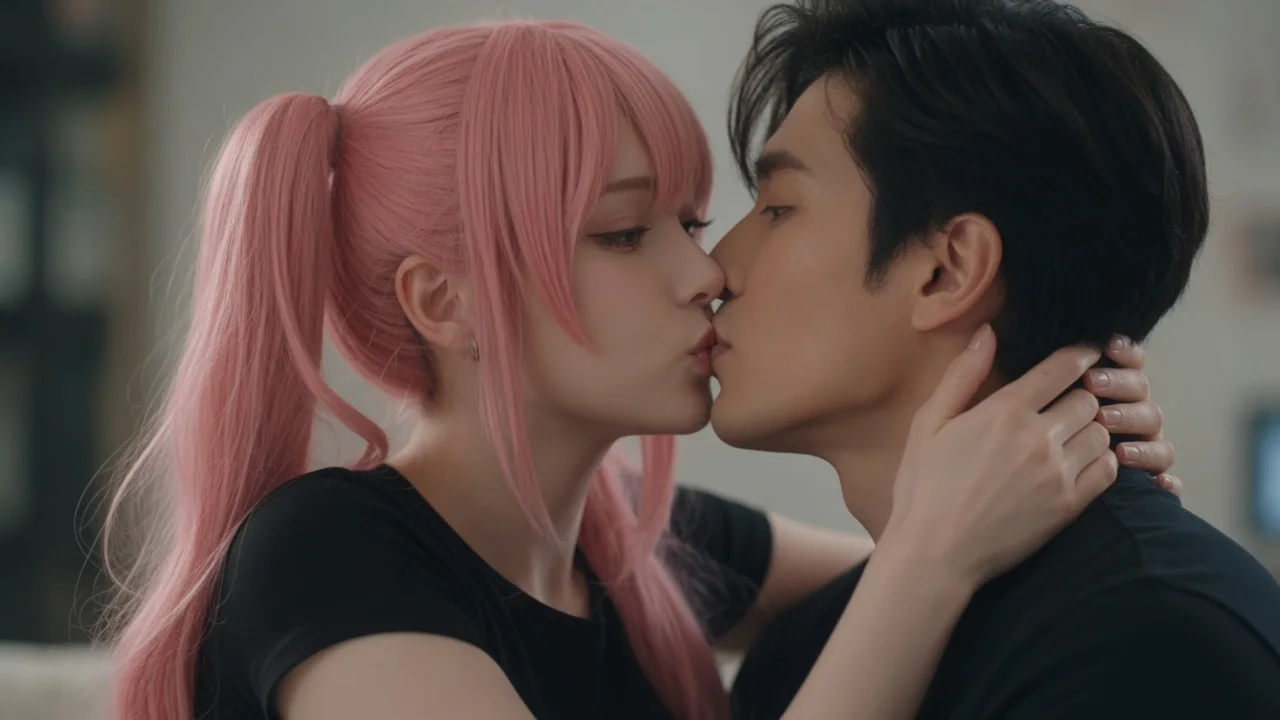
The kiss frame is composed first, then the video carries that approved composition into a natural short moment instead of cutting between unrelated frames.
It builds the kiss composition from two subjects, then carries the approved frame into a short video.
Foreheads nearly touching, a gentle cheek touch and a shared look, with 50mm framing and a shallow depth of field. The camera stays close enough to read the emotion without turning the scene into a wide-shot collage.
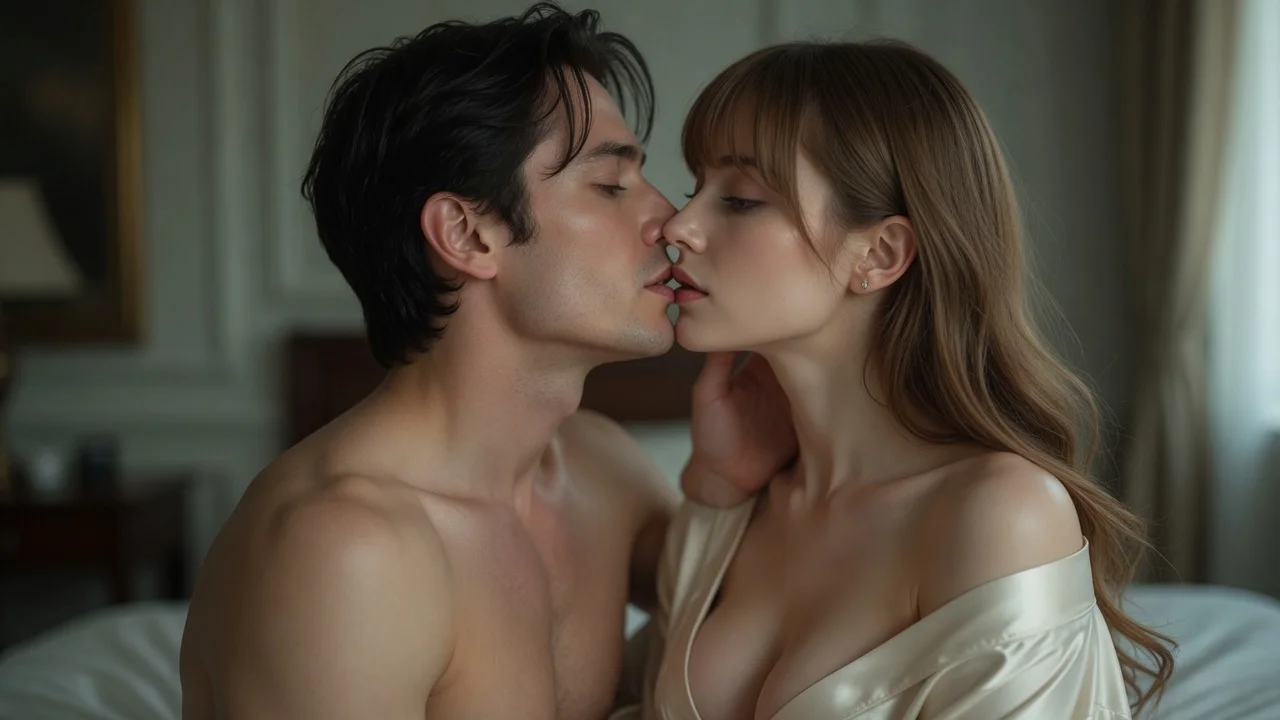
The motion prompt specifies opposite head tilts to reduce nose overlap and keep the close-up readable.
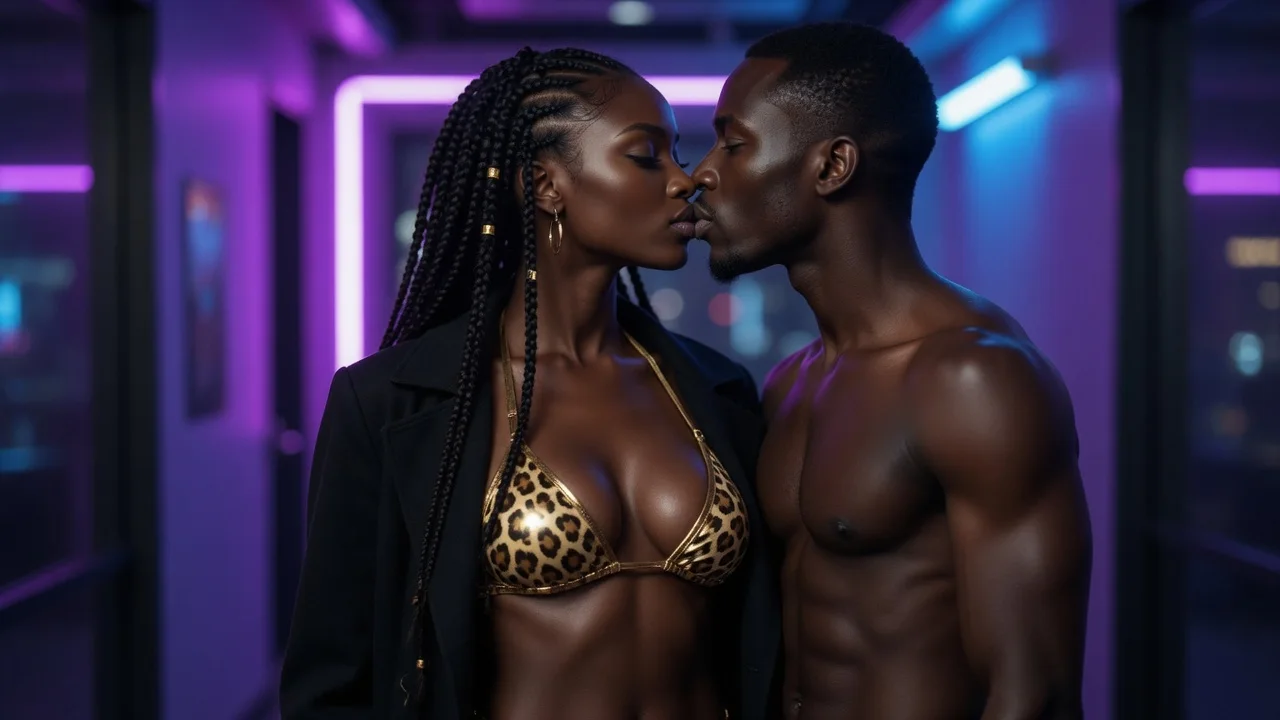
Wedding looks, anniversary outfits and anime styling stay anchored between frames so the memory does not flicker while it moves.
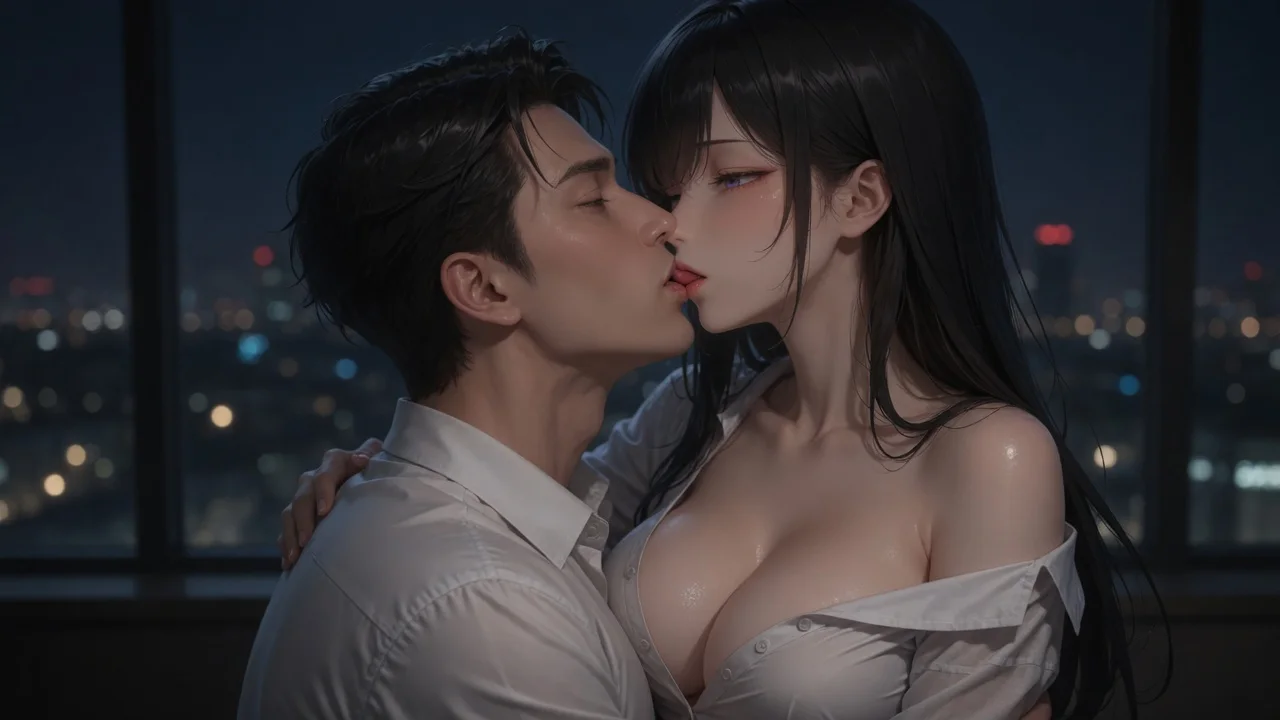
Choose a gentle romantic mood for consenting adults and original characters. The public page is designed around couples, celebrations and wholesome character storytelling.
Choose two character or uploaded-photo references, then let the template supply the framing and motion prompt for a gentle romantic image or short clip.
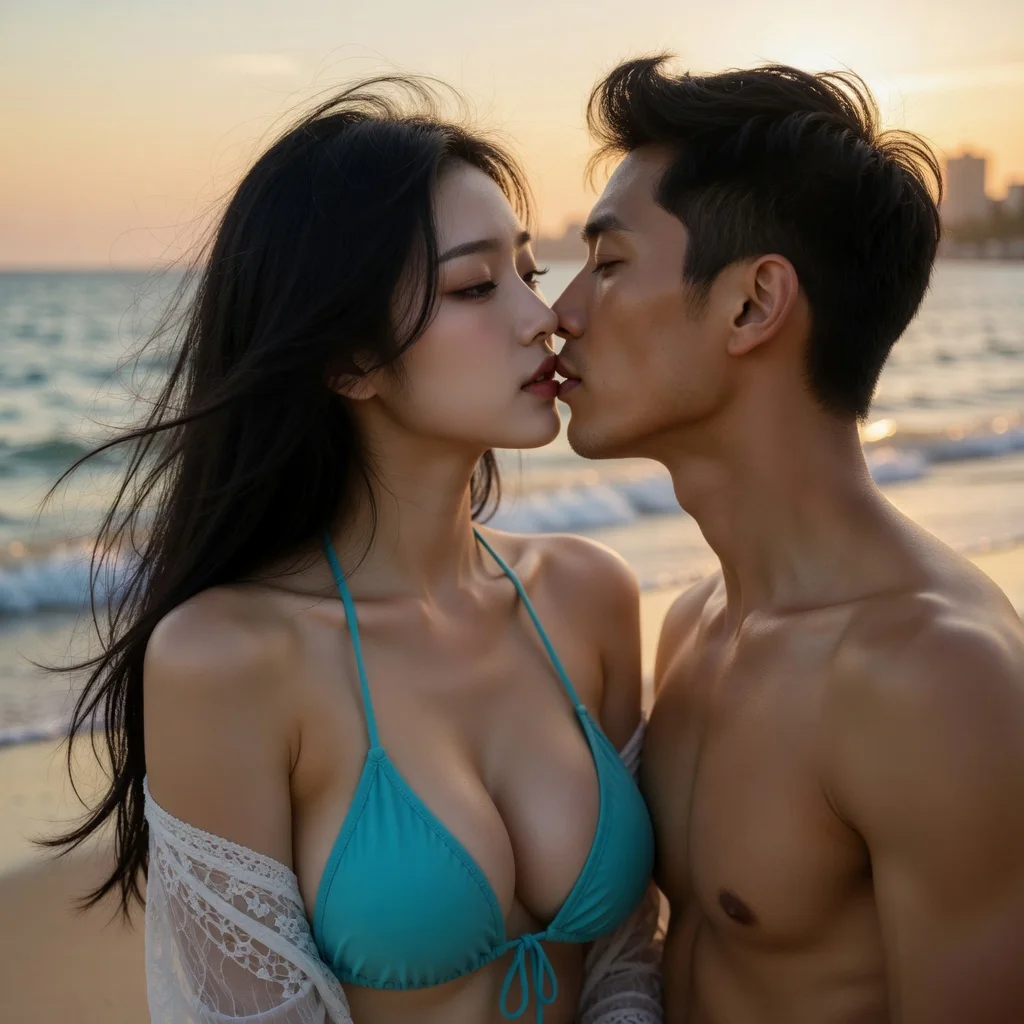
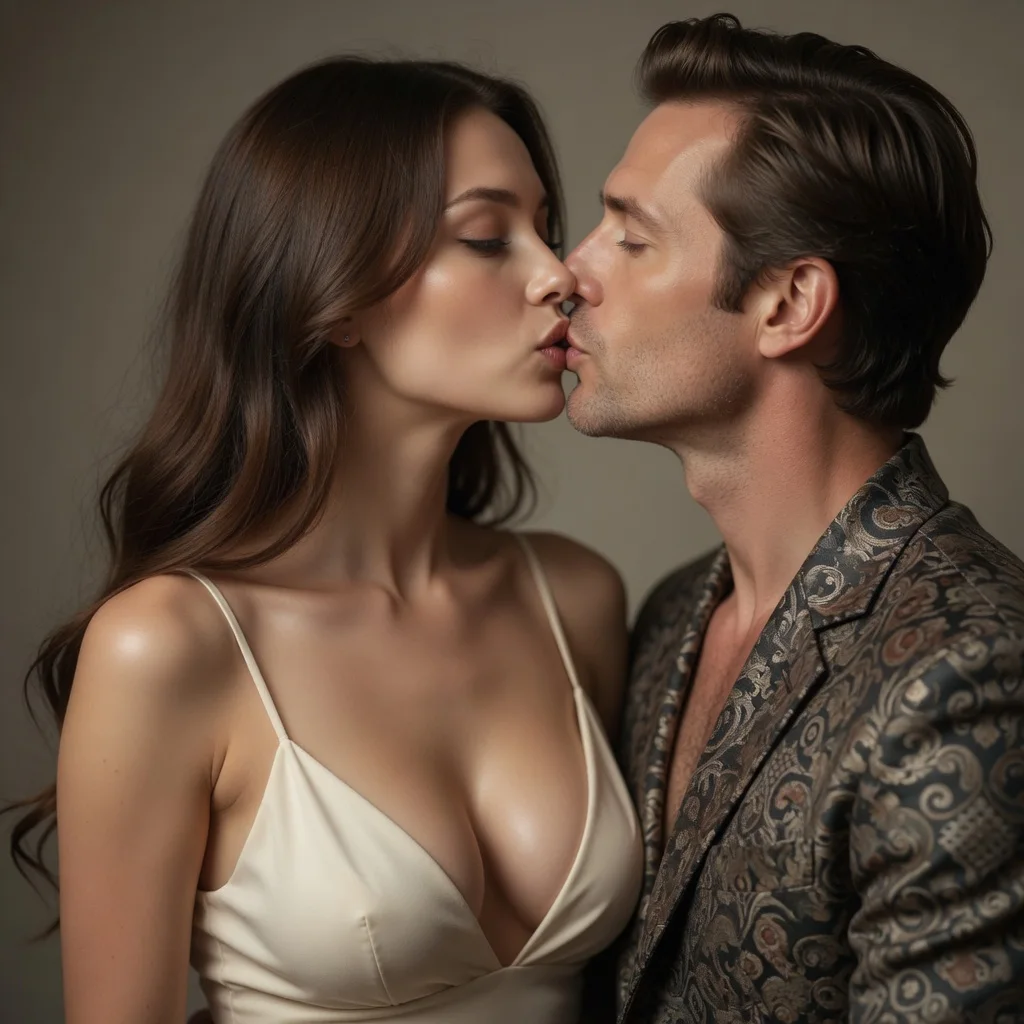
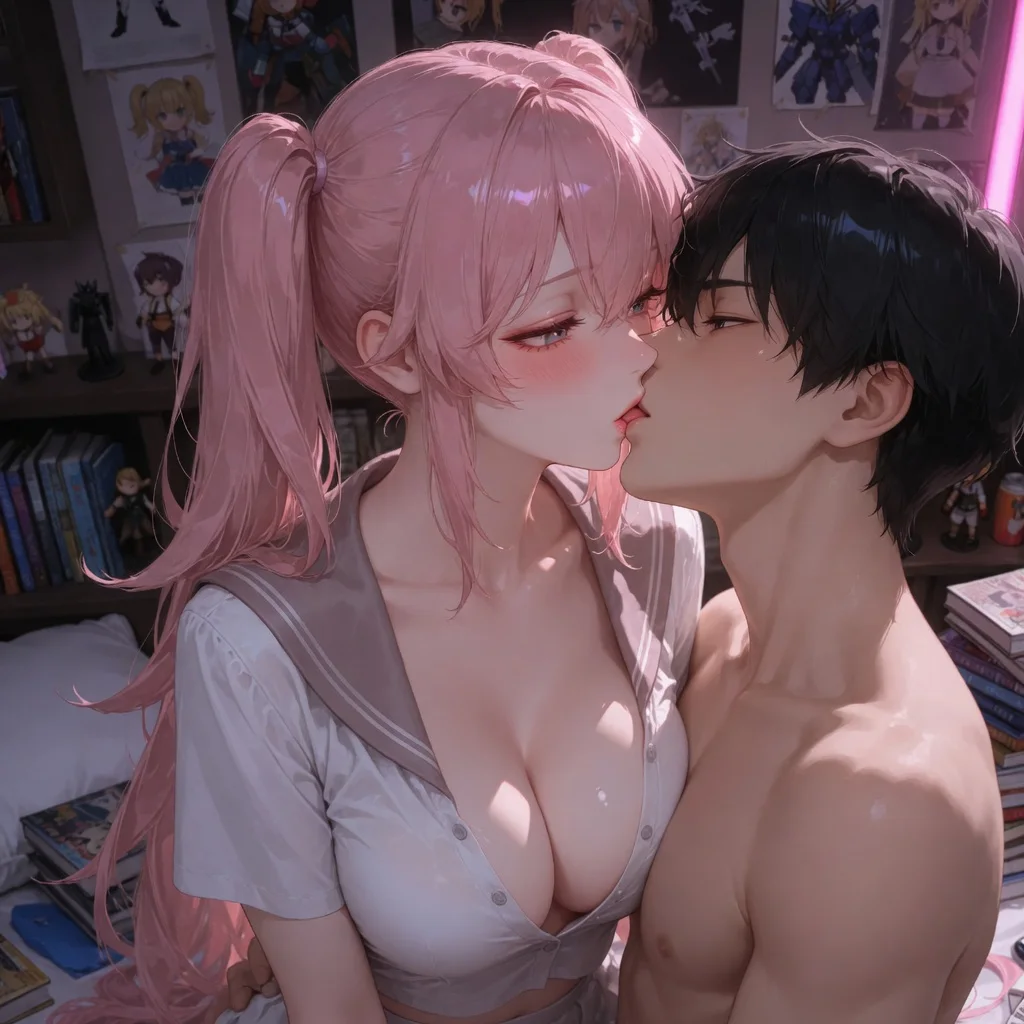
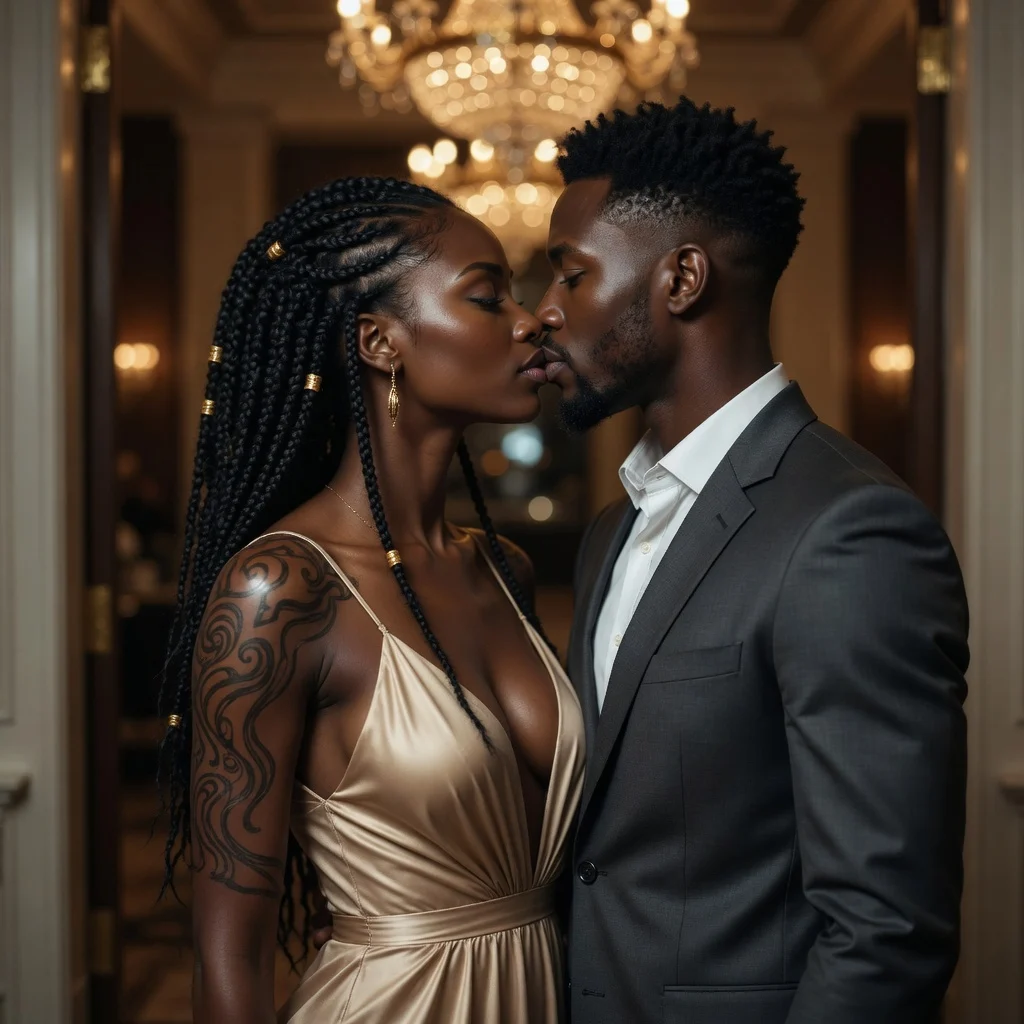
Turn two people into a hug image or short video
Create a couple, wedding, or anniversary kiss scene
Replace facial identity while using the target scene as reference
Design a new look or virtually try on a reference outfit
Adjust clothing on one subject with the selected setting
| AI tool | Best for | Materials needed | Output | Action |
|---|---|---|---|---|
| AI Hug Generator | Turn two people into a hug image or short video | 2 subject photos or characters | Image · Video | Make a hug video |
| AI Kiss Generator | Create a couple, wedding, or anniversary kiss scene | 2 subject photos or characters | Image · Video | Generate a kiss video |
| AI Face Swap | Replace facial identity while using the target scene as reference | Target photo + source face | Image · Video | Start AI face swap |
| AI Clothes Changer | Design a new look or virtually try on a reference outfit | 1 subject + optional outfit image | Image · Video | Start AI clothes changer |
| AI Clothes Remover | Adjust clothing on one subject with the selected setting | 1 subject photo or character | Image · Video | Start clothes remover |
You can pair an uploaded photo with a character, or use two photos. Use photos you own or have permission to use, and make sure everyone shown is an adult who has consented to the creation.
Because it starts from the same frame. The template composes the kiss image first and reuses it as the video reference. Generated details can still vary, so review the preview before downloading.
Yes. Choose an original LumiChat character for each subject to create a couple, wedding, anniversary or wholesome anime scene without uploading a photo.
Yes, generation requires a signed-in account so results can be tied to your credit balance and retrieved later.
The displayed fixed price is reserved when generation starts and charged in full when the result is delivered. Failed generations release the reservation.
You can use the whole tool without signing in — pick characters, upload a photo, choose output and intensity. Sign-in is only asked for at the final step, when the generation actually runs, and new accounts start with credits so the first few results cost you nothing out of pocket.
There is no per-day cap on the number of generations. The only limit is your credit balance, and failed generations release their hold automatically so a failure never costs you credits.
The public examples focus on couples, wedding memories, anniversaries, and wholesome anime pairings. Use original characters or photos of consenting adults that you own or have permission to use.
Create a gentle romantic AI kiss image or short video from two photos or LumiChat original characters—ideal for couples, wedding memories, anniversaries, and wholesome anime pairings.
Start generating