
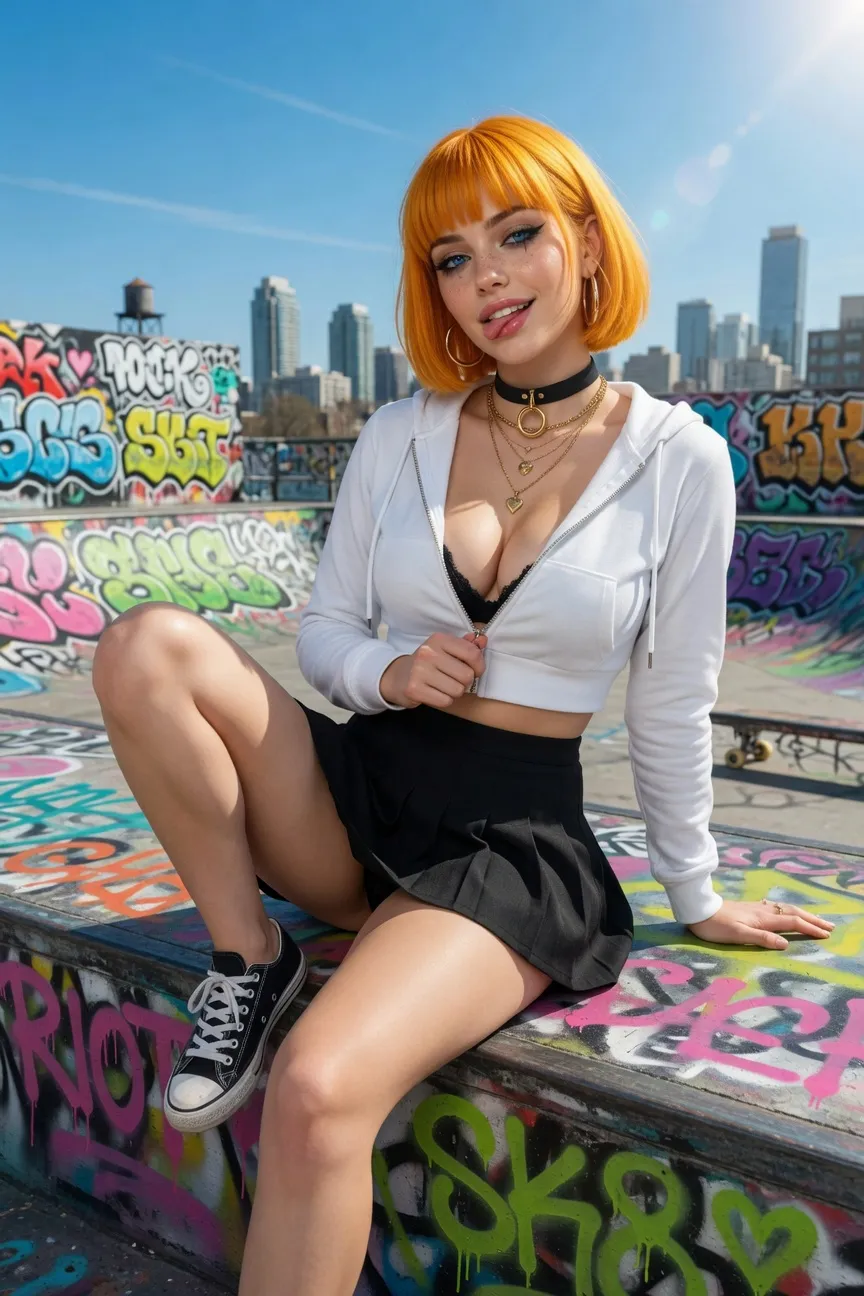
Vampire countess
Lilith Moreau
Gothic castle atmosphere, elegant temptation, and patient slow-burn romance with supernatural stakes.
GothicVampireElegant
Start chatAI character chat with images
Compare AI character chat with images and standalone generators, then test visual continuity, privacy, credits and character fit before paying.
10 min read
Quick answer
AI character chat with images uses a character and conversation as context, while a standalone image generator usually works prompt by prompt. Run a five-scene continuity test, check credits and privacy, then decide whether the media workflow is worth paying for.
Featured companions
Three characters refresh on each visit. Cards play a promo video when available and otherwise show the character image. On mobile, AI Clothes Remover is also shown so chat readers can try that tool.
Vampire countess
Gothic castle atmosphere, elegant temptation, and patient slow-burn romance with supernatural stakes.
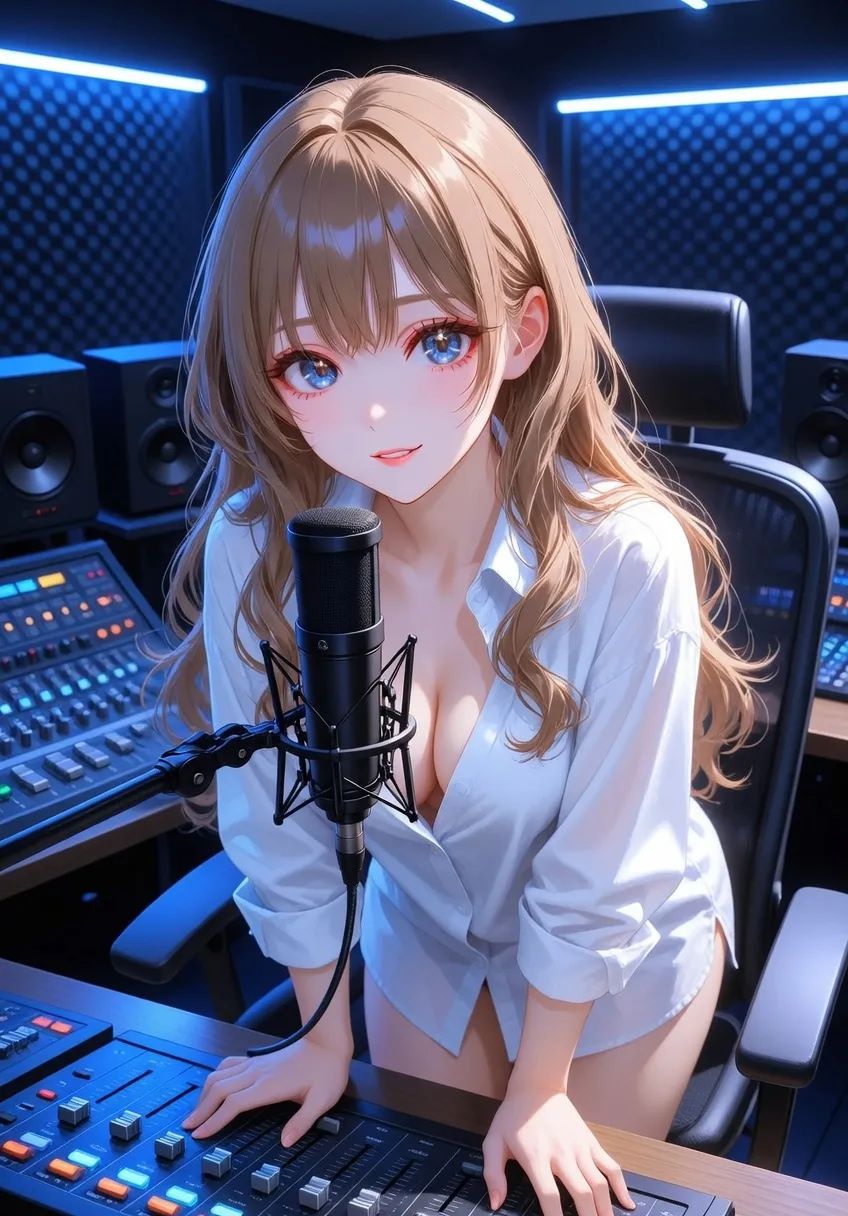
Frost elf princess
Reserved at first, emotionally rewarding later; ideal for court intrigue and thaw-the-ice story arcs.
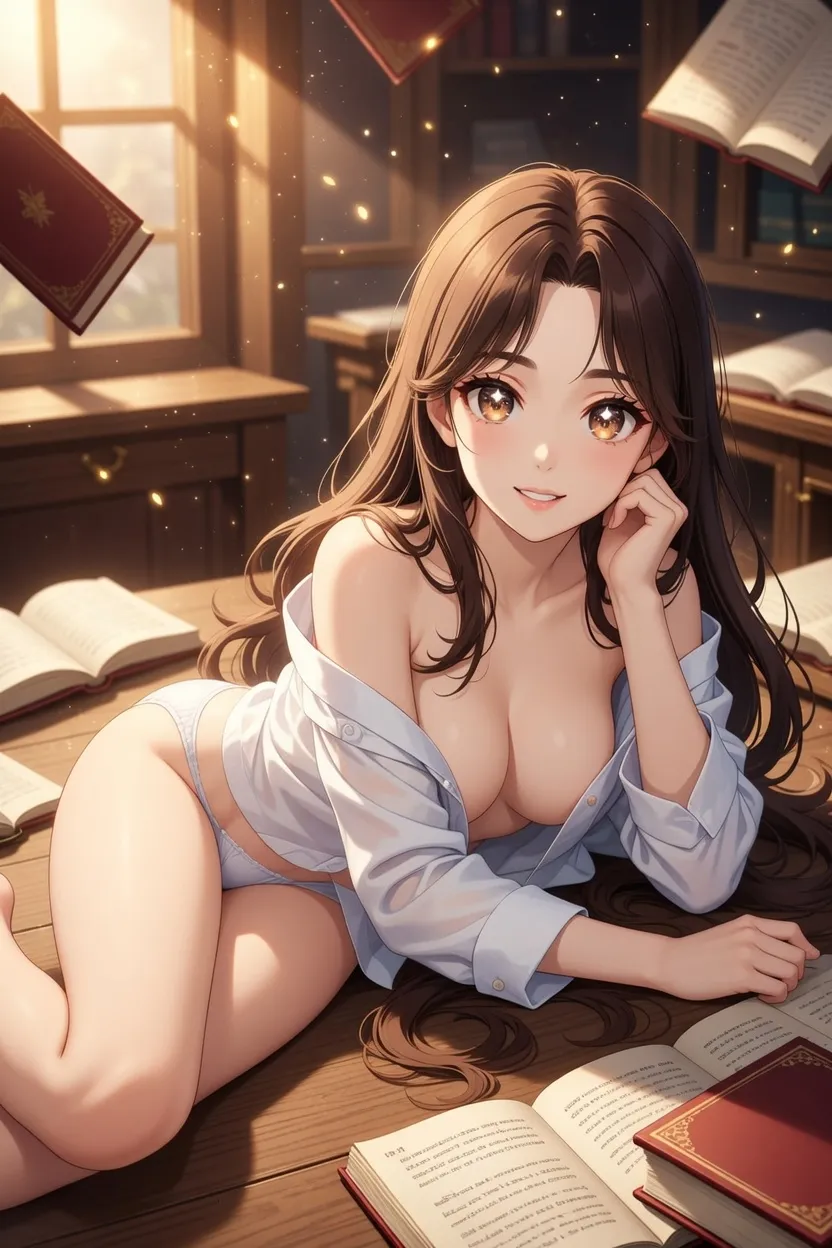
Arcane mentor
A confident magic teacher for playful power dynamics, witty tests, and slow-burn classroom fantasy.


AI character chat with images guide
People searching for AI character chat with images usually want more than a picture generator. They want a character who can keep a scene in context, answer in a recognisable voice, and create a visual moment without making them copy a prompt into another tool. That is a different job from entering one description into a stateless image app.
This guide separates the chat layer from the image layer, then gives you a repeatable test. The goal is not to promise that every platform creates the same kind of media. It is to help you check whether an image belongs to the current character, scene and relationship.
In a character chat with images, text establishes the relationship and the visual output is generated from that ongoing context. The character may describe a location, react to a choice, or create a scene image after you ask. The important word is context: the image should reflect the current character and not just repeat a generic face.
An image generator can make a beautiful result from one prompt and still forget everything on the next prompt. A character chat can maintain identity and plot but offer no visual output. Hybrid products try to connect both, so compare the connection rather than judging a single attractive image.
| Question | Character chat with images | Standalone image generator |
|---|---|---|
| Starting point | A character and conversation | A prompt or reference image |
| Memory | Scene and relationship context may carry forward | Usually prompt-by-prompt |
| Best test | Does the same person and setting survive? | Is the individual image attractive? |
| User effort | Describe the next beat naturally | Rewrite prompts and settings |
| Main cost | Messages plus media credits or limits | Generation credits or a plan |
The distinction matters when your intent is roleplay, companionship or an illustrated story. If you only need a poster, use a dedicated image workflow. If you want a continuing character, start with the character card and test the visual hand-off inside the same chat.
Use one fictional adult character and harmless story facts. Start in a café, give the character a blue notebook and ask for a short image of the scene. Then change the location to a rainy station, correct one detail, return to the café and ask for a second image. Score five things: face and outfit consistency, location change, corrected detail, emotional tone and how much setup you had to repeat.
Do not use a real person’s face, private photograph or identifying details. A good test is small enough to repeat and safe enough to delete. Save only images you are allowed to keep, and note whether the product labels a result as generated, edited or uploaded.
Begin with the story beat, not a wall of visual tags: “We leave the station after the rain; show the blue notebook in your hand and keep your calm expression.” Mention only what changed. If the character should choose the camera angle, ask for a choice rather than dictating every pixel. This leaves room for the persona to speak before or after the image.
When a result drifts, correct one variable at a time. Say “keep the same jacket, change only the location” instead of rewriting the entire character. A short correction is easier to evaluate and less likely to conflict with the character’s own description.
Check whether media is inside the conversation or opens a separate generator. Read how images consume credits, whether failed generations are charged, and whether a free tier includes a meaningful test. Also check deletion, public visibility, uploaded reference handling and age rules. “Unlimited chat” rarely means unlimited images, voice or video.
On LumiChat, start from the character library, open a real character page and keep the visual test in one chat. The AI voice character guide explains how to test another media layer, while pricing and the privacy policy clarify current account and data controls. Use a free start to judge the character before buying media credits.
Choose a chat-first platform when you want a continuing relationship, a roleplay scene or an illustrated story. Choose an image-first tool when you need precise composition and do not need the character to remember. Choose a configurable card or local workflow when you want to manage prompts and model routes yourself. The best fit is the one that makes the next scene easier, not the one with the most dramatic demo.
LumiChat is a practical starting point for users who want curated characters, multilingual pages and optional in-chat media without wiring an external model. It is still worth testing a character’s voice, correction and visual consistency before deciding whether a paid plan fits.
Treat chat images as personal data even when the character is fictional. Do not upload another person’s face or voice without permission, and do not place addresses, school details, health information or workplace secrets in a scene. Use private visibility while testing and review how deletion and public sharing work.
For mature themes, use clearly adult fictional characters and follow the platform’s current rules. A visual feature does not change consent, copyright or age requirements. Keep the scene fictional and stop if the output crosses a boundary.
No. Character chat uses a conversation and persona as context; a standalone generator normally responds to each prompt independently.
No. Some support text only, some attach image generation to selected plans, and some offer uploaded or edited images instead. Check the exact account screen.
Use two locations, one harmless correction and one repeated outfit detail. Compare the second image with the first instead of judging only one result.
Often there is a free preview or daily allowance, while full-resolution, faster or repeated generations use credits. Verify failed-generation rules before paying.
Only with clear permission and within the product’s rules. A public image is not automatically permission to copy a person’s likeness.
No. LumiChat is character-first chat with optional media inside the experience. Start with a character and test continuity before relying on images.
The model may have weak identity conditioning, too little context or conflicting descriptions. Keep one chat, change one variable and use a stable character card.
No. Run a small five-scene test first, check the current pricing and privacy controls, then pay only if the character and media workflow solve your actual use case.
Continue in LumiChat
Browse active characters, choose a personality that fits, and start chatting in seconds.
AI media tools ranking
2026 AI clothes remover ranking: free-to-start and paid adult photo tools scored on consent, identity lock, intensity and cost clarity.
Character card field guide
A format-first reference for knowing what is inside a character card before you import, edit or share it.
AI roleplay idea library
Fifty usable AI roleplay scenarios organized by mood, each designed to create a relationship, a problem and a reply-worthy opening.
Character AI voice guide
Character AI Voice and Character Calls are related but not identical: one reads a character reply aloud, while the other supports a two-way spoken conversation.