

Gothic maid
Seraphina Blake
Formal devotion and haunted-house elegance make her a fit for ritual-rich, controlled roleplay.
GothicDevotedRitual
Start chatCharacter card field guide
Understand AI character cards, PNG and JSON containers, V1/V2 fields, safe inspection, compatibility checks and migration workflow.
13 min read
Quick answer
An AI character card is a portable bundle of character instructions. JSON stores the fields as readable text; a card PNG can combine an avatar with embedded character data. Compatibility depends on the card specification and importer, so inspect the fields, remove private content, keep a backup and test one copy before migrating a library.
Featured companions
Three characters refresh on each visit. Cards play a promo video when available and otherwise show the character image. On mobile, AI Clothes Remover is also shown so chat readers can try that tool.
Gothic maid
Formal devotion and haunted-house elegance make her a fit for ritual-rich, controlled roleplay.

Vampire countess
Gothic castle atmosphere, elegant temptation, and patient slow-burn romance with supernatural stakes.

Arcane mentor
A confident magic teacher for playful power dynamics, witty tests, and slow-burn classroom fantasy.

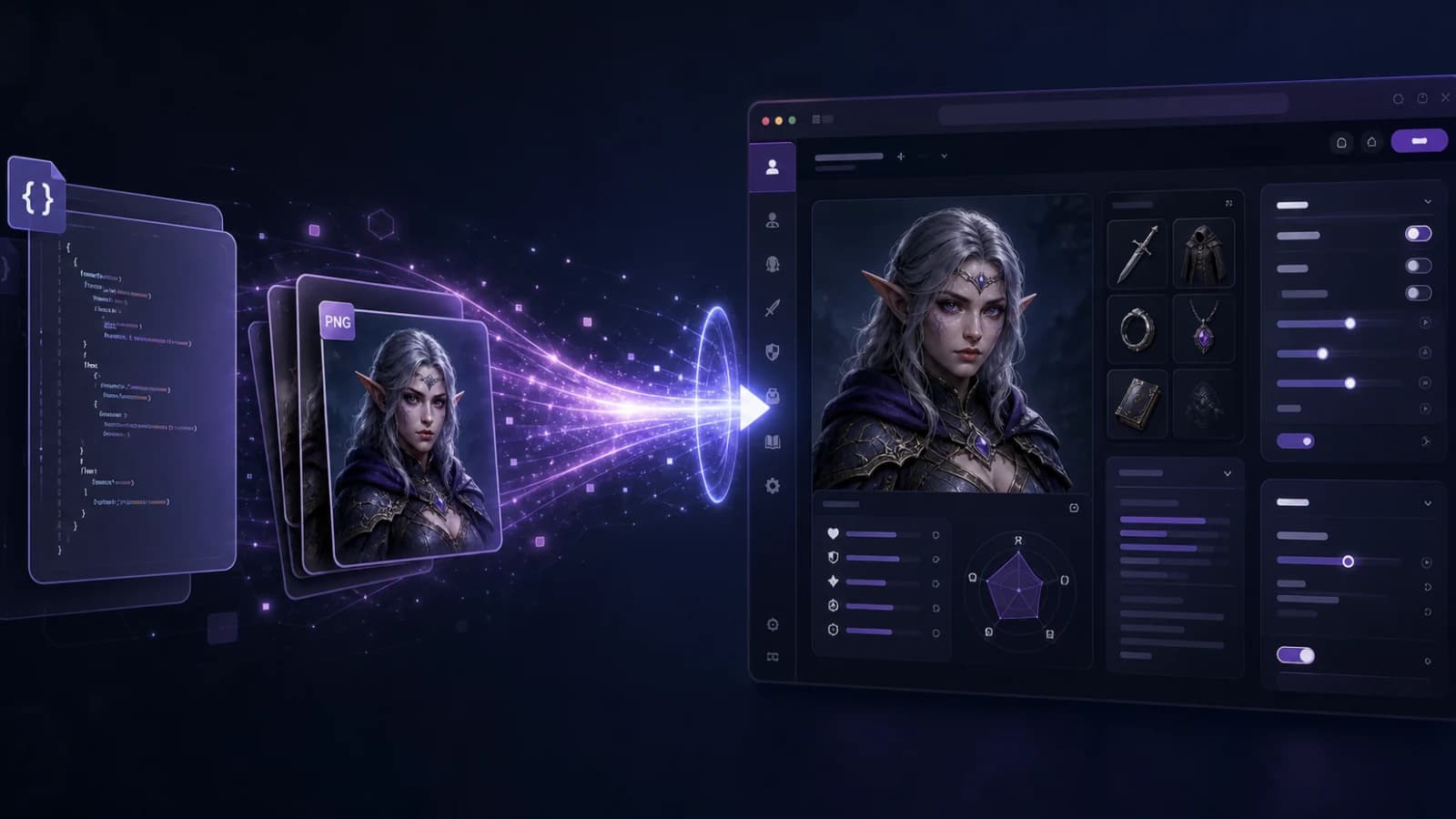
A character card is not merely a portrait. It is a structured package that can contain the character’s name, description, scenario, greeting, dialogue examples and other instructions. The image may be visible while the data remains embedded inside it, which is why renaming a card PNG to JPG can destroy more than image quality.
This reference separates the specification, the container and the platform importer. Those three layers explain why a valid card can still fail on a particular service.
| Field | Purpose | Editing question |
|---|---|---|
| name | Character identity and placeholder value | Is it consistent across greetings? |
| description | Stable background and traits | Does it describe behavior, not only appearance? |
| personality | Compact behavioral cues in some formats | Does it duplicate the description? |
| scenario | Starting world and relationship context | Can the scene continue after the opening? |
| first_mes | The first message shown to the user | Does it offer an action or question? |
| mes_example | Sample dialogue that demonstrates voice | Are examples concise and correctly attributed? |
The widely used V2 specification wraps data in a versioned object and adds creator notes, system prompt, post-history instructions, alternate greetings, tags, creator metadata, extensions and an optional character book. Creator notes are for humans and should not silently become prompt instructions.
| Term | What it means | Main advantage | Common failure |
|---|---|---|---|
| JSON card | Plain structured data | Easy to inspect and diff | Accidentally exposing private notes |
| PNG card | Image that may carry embedded card data | Avatar and data travel together | Re-saving strips metadata |
| Tavern card | A community label for compatible card formats | Broad roleplay tooling ecosystem | Different apps support different versions |
| Character book | Triggered world or lore entries | Adds context only when relevant | Keys are too broad or unsupported |
A normal PNG is not automatically a character card. A screenshot of a character is also not exportable profile data.
Do not upload a private card to a public converter merely to see its contents. A local inspection path is safer when the card contains personal writing.
An importer must map source fields into destination fields. If the destination has no alternate-greeting field, those greetings may be dropped. If it has no character-book support, lore entries may need manual reconstruction. If it applies its own system prompt, the card’s prompt can be ignored or merged differently.
Run a small acceptance test: name recognition, opening message, voice consistency, scenario facts, one example-dialogue behavior and one lore trigger. The SillyTavern character card import guide covers a concrete import workflow.
Record filename, card version, creator, license or sharing permission, avatar source and whether the card contains private edits. A folder full of unnamed PNG files is not a backup strategy.
Keep one untouched original, one readable JSON copy when possible and one destination-specific working copy. Fix encoding and malformed fields without rewriting the character’s voice.
Import one card, start a fresh conversation and run the six checks above. Only then repeat the mapping for the rest of the library. Use the character creation guide when a destination requires manual field entry.
Write down which fields were preserved, transformed or dropped. This short migration note prevents future edits from being mistaken for original creator data.
To study how a compact identity becomes a playable role, use the roleplay character ideas guide. To experience finished profiles without handling files, browse LumiChat Discover.
No. Cards can be distributed as readable JSON or as PNG files with embedded data, among other platform-specific forms.
Not automatically. A card needs structured character data, not just pixels.
The destination may read JSON fields but not the image container, or the link to the image may be missing.
V2 adds a versioned envelope and more fields, including alternate greetings, creator metadata, extensions and character-book support.
Only after checking hidden data, private notes, personal identifiers and content rights.
Models, prompt templates, supported fields and context handling differ even when both apps accept the file.

Continue in LumiChat
Browse active characters, choose a personality that fits, and start chatting in seconds.
Continue the conversation naturally
Independent platform review
A decision-first review of Pinku AI: what it does well, what to verify before paying and when a broader character platform fits better.
Character AI persona workshop
A practical workshop for writing a user persona that changes the chat without turning into a second character biography.
Character card import guide
LumiChat accepts SillyTavern JSON cards and real PNG cards that contain chara or ccv3 metadata. A normal portrait renamed to .png is not a character card.
World memory guide
A lorebook is conditional world knowledge, not unlimited long-term memory. Good entries inject one relevant fact when a precise key appears; bad entries fire constantly or never fire.