
Two-photo AI video guide
How to Make AI Kissing Videos from Two Photos
Learn how to make an AI kissing video from two photos, choose compatible portraits, reduce face drift and review a five-second result safely.
Author: LumiChat AI TeamPublished:
10 min read
Quick answer
What this guide explains
To make an AI kissing video, choose two clear adult photos with compatible head angles, place one person in each subject slot, select the output and generate. LumiChat uses both references to compose the close-up and creates a continuous five-second video when video output is selected. Check both identities, nose and lip alignment, hands, clothing and background before saving. Use only photos you own or have permission to process.
- What an AI kissing video from two photos actually does
- Choose two photos that can meet naturally
- How to make an AI kissing video step by step
AI creation quick access
Explore AI creation tools
Three tools are selected at random from AI Hug, AI Kiss, Face Swap, Clothes Changer and Clothes Remover on every visit. On mobile, open More features for the full studio.
AI Creation
AI Clothes Changer
Restyle a photo or guide the result with an outfit reference.
Open tool→ HOT
HOTAI Creation
More features
Browse the full LumiArts studio beyond the tools on this page.
Open more features→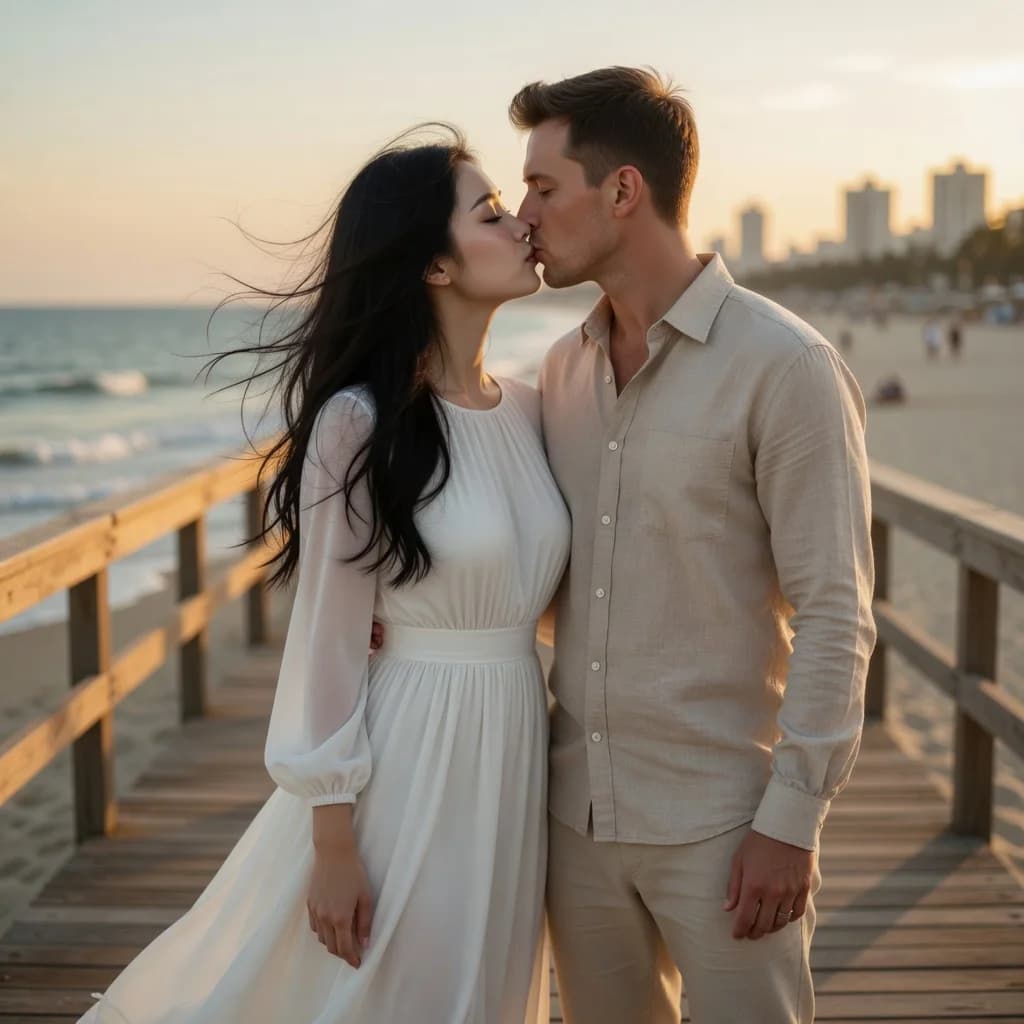
AI kissing video workflow
An AI kissing video is a difficult two-person generation: two identities must remain recognizable while the faces move close enough for contact. The useful question is not only “did the lips touch?” but “did both people, their clothing and the scene remain stable before, during and after the contact?” This guide gives you a repeatable way to prepare two photos and review the result instead of relying on a dramatic demo alone.
What an AI kissing video from two photos actually does
A two-photo workflow starts with one reference for each person. The generator reads visible identity cues, creates one shared close-up and, for video output, moves the pair through a short continuous moment. It does not take an existing source video, preserve its original motion or keep its sound. The result is newly generated media guided by the two images.
On LumiChat, both subject slots are required. Each slot can use an authorized upload or an eligible original character from the LumiChat character library. You can create a still image or a five-second clip. The live AI Kiss Generator shows the current output, intensity and credit estimate before generation.
Choose two photos that can meet naturally
Start with clearly adult subjects, one visible person per image and no face-covering sunglasses, hands or heavy hair. Similar head scale matters more than matching backgrounds. A sharp shoulder-up or half-body portrait is usually easier to combine than a tiny face cropped from a group photo.
| Photo check | Better input | Why it helps |
|---|---|---|
| Head angle | Front or gentle three-quarter view | Leaves room for opposite head tilts |
| Face size | Similar size in both images | Reduces one face growing or shrinking |
| Light | Soft, even light from a similar direction | Makes skin and shadows easier to blend |
| Expression | Relaxed mouth and visible jawline | Gives the contact frame a clean starting point |
| Framing | Head and shoulders fully visible | Preserves hair, neck and clothing context |
Avoid mixing an extreme profile with a straight-on portrait, a low-resolution screenshot with a studio photo, or a close selfie with a distant full-body image. Those pairs ask the model to solve identity, scale, camera and contact at the same time.
How to make an AI kissing video step by step
- Open the AI Kiss Generator and place the first adult in Subject A.
- Add the second authorized adult or original character in Subject B.
- Check that each preview shows one clear face and that the two head sizes are reasonably close.
- Choose the available intensity and select Image when you want to inspect one frame, or Video for a five-second clip.
- Review the displayed credit estimate, sign in when generation starts and wait for the result.
- Inspect both identities and the contact geometry before downloading or sharing.
Our practical rule is composition before motion. If you are uncertain about a difficult pair, generate and inspect a still first. A weak contact frame rarely becomes more convincing after movement; motion can add new face, hand or wardrobe variation.
Review identity, contact and continuity separately
Do three passes instead of deciding from the first second. First, cover one side of the result and compare each face with its own reference: eyes, jaw, hairline and face shape. Second, inspect the contact area: opposite head tilts, readable noses, aligned lips and no merged cheeks. Third, watch the whole clip for clothing flicker, extra hands, background movement or a sudden camera cut.
This separation makes regeneration decisions clearer. If identity is weak, use sharper references. If the contact is awkward, choose more compatible angles. If only the motion drifts, the still may still be usable even when the clip is not.
Common AI kissing video problems and fixes
| Problem | Likely cause | Better next attempt |
|---|---|---|
| Faces blend together | Similar features or heavy overlap | Use clearer references and less extreme close-ups |
| Noses collide | Both heads face the same direction | Pair front or three-quarter views with room to tilt |
| One identity disappears | One photo is softer, smaller or obstructed | Match face size and use a sharper second image |
| Clothing changes between frames | Garment edges are cropped or hidden | Keep shoulders and neckline visible in both inputs |
| Extra hands or fingers | Hands cover faces in the references | Choose portraits with hands outside the face area |
| Background pulses | Busy patterns or mixed lighting | Prefer simple backgrounds and similar illumination |
Regenerate only after changing one variable. Replacing both photos, framing and output mode at once makes it impossible to learn which choice improved the result.
Image versus five-second video
Choose Image when you want a greeting card, private concept, anniversary still or a faster identity check. Choose Video when the contact frame is already plausible and the value comes from the lean-in, blink, breathing or small head movement. A five-second clip is intentionally short: longer motion creates more opportunities for identity and anatomy to drift.
Generation pricing and available options can change, so use the estimate displayed by the tool rather than a number copied from an old article. The pricing page explains the wider account options, while the generator remains the source of truth for the selected task.
Couples, characters and consent
Useful scenes include anniversary messages, wedding-memory concepts, long-distance couple edits and fictional character pairings. Use a tasteful public image and keep private material private. A technically successful result is not automatically appropriate to publish.
Use only content you own or are authorized to process, and obtain both depicted adults’ consent for this specific edit and any planned sharing. Do not use minors, age-ambiguous people, recognizable public figures or unsuspecting private people. Never use generated intimacy for impersonation, harassment, fraud or to claim a real event occurred. Review the current Privacy Policy before uploading personal media.
FAQ
Can I make an AI kissing video from two separate photos?
Yes. Use one clear adult reference for each subject. Similar face scale, angle and lighting usually make the shared scene easier to compose.
Do the two photos need the same background?
No. Head angle, face size, clarity and lighting matter more. Simple backgrounds reduce extra scene changes.
Should I use front-facing or side-profile photos?
Front or gentle three-quarter views are the most flexible. Two extreme profiles can make identity and contact harder to preserve.
Can I use one photo and one LumiChat character?
Yes, when the character is eligible for the tool. You may also use two authorized uploads or two eligible original characters.
Is the result an edited version of an uploaded video?
No. The tool creates new media from two image references. It does not preserve the motion or sound of a source video.
How long is the LumiChat AI kissing video?
Video output is one continuous five-second clip under the current template. Check the live tool because output settings can change.
Why do the faces change during the kiss?
Close facial contact is difficult. Use sharper references with visible jawlines, similar face size and compatible angles, then review identity before motion.
Do I need permission from both people?
Yes. Use only authorized adult photos and obtain consent for both generation and any sharing of the result.
Create your own scene
Make an AI kissing video from two photos
Choose two authorized adult photos or original LumiChat characters, review the current output and credit estimate, then generate an image or short video.
Continue reading
AI media tools ranking
7 Best AI Kiss Generators (2026): Two-Photo Ranking
2026 AI kiss generator ranking: two-photo romantic tools scored on dual identity lock, contact quality, free limits and honest video claims.
AI character chat with images
AI Character Chat With Images (2026): Visual Roleplay Guide
A practical guide to keeping a character, scene and relationship coherent when images are generated inside an AI chat.
romantic roleplay ideas
30 Romantic Roleplay Ideas for AI Chat: Slow Burn, Rivals & Reunions
Thirty SFW romance roleplay scenarios built around gradual trust, useful tension and second chances.
AI companion guide
AI Girlfriend Generator: Create Your Own AI Girlfriend
A practical AI girlfriend generator guide covering tool types, custom character fields, free limits, privacy, and testing.